Participant
April 16, 2020
Question

Only partially printing document

  • April 16, 2020
  • 2 replies
  • 604 views

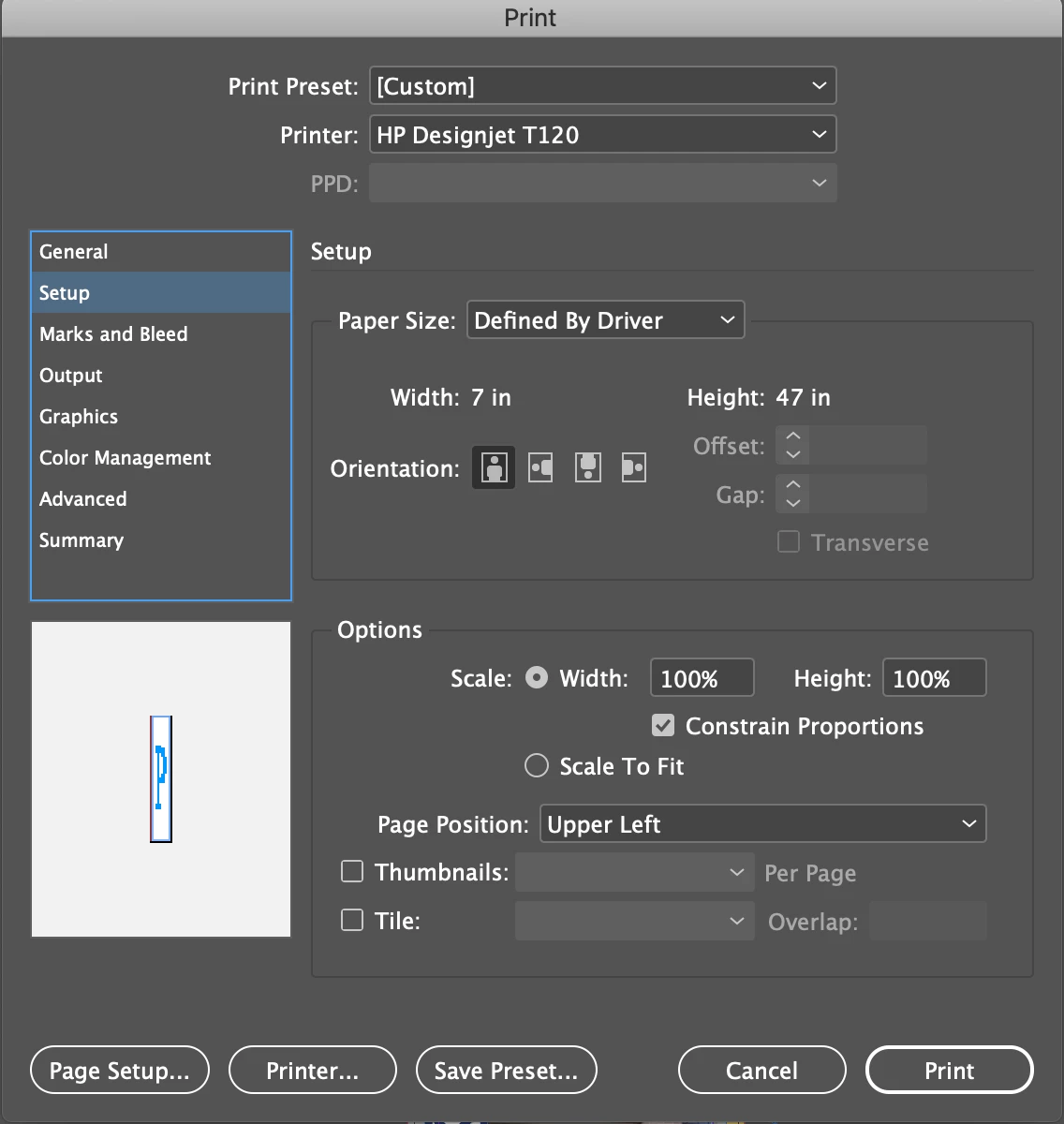
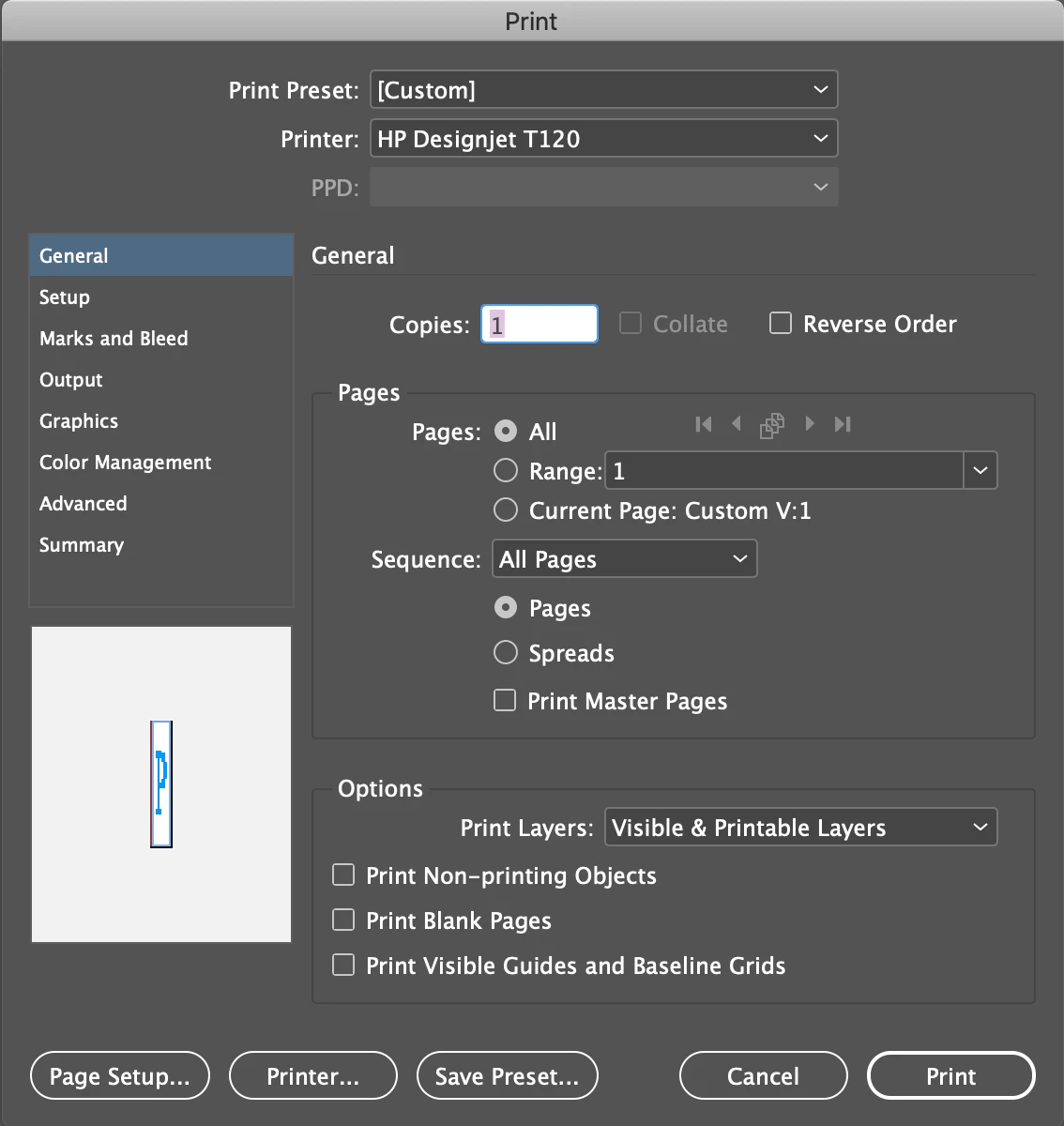
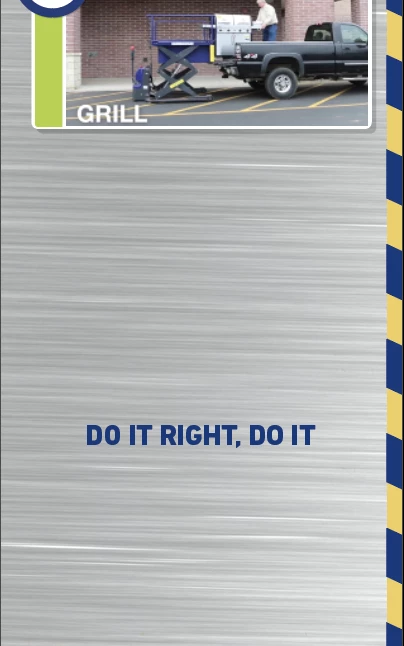
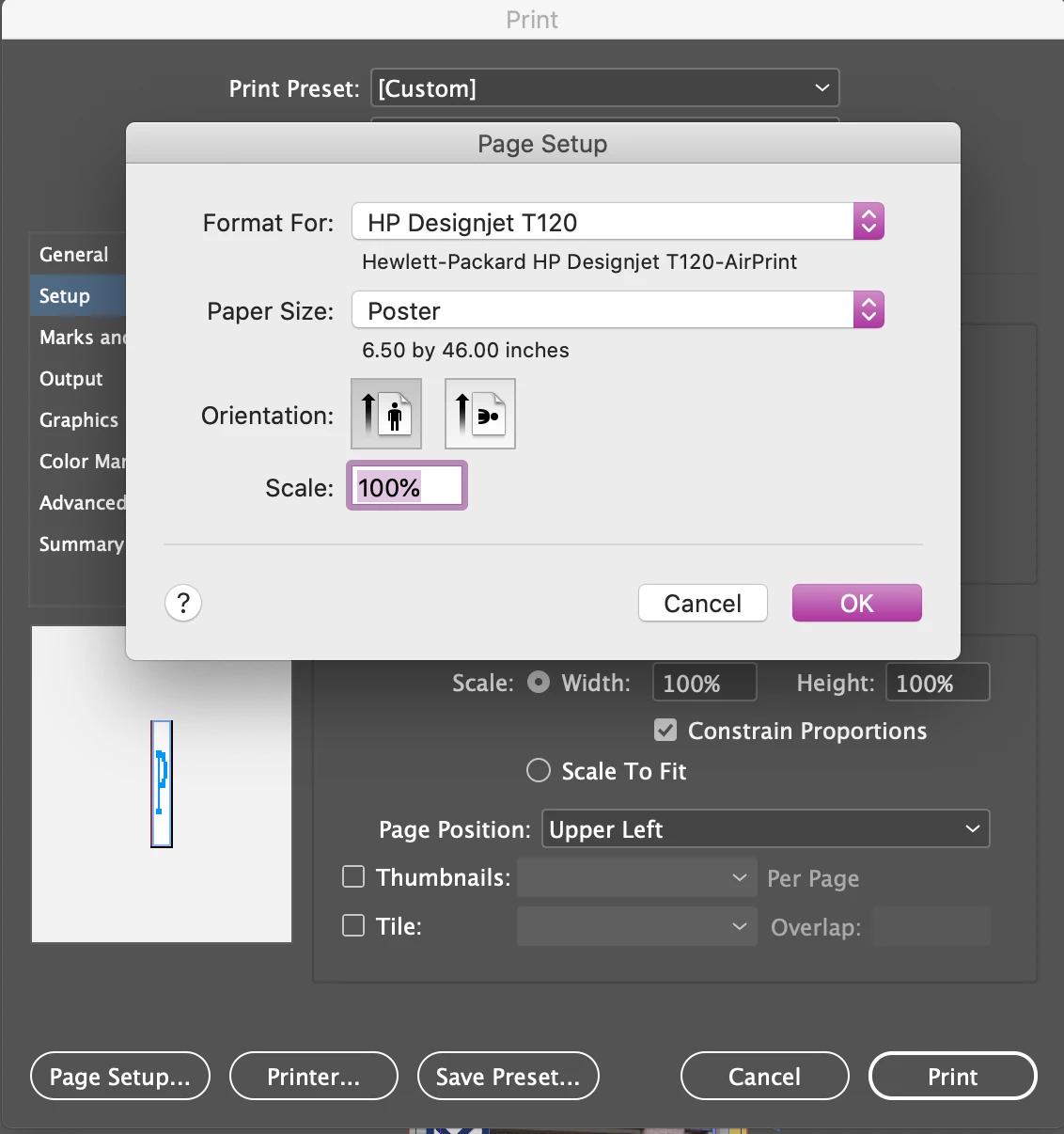
I have a large format printer (24") and am trying to print a narrow, but long document in portrait mode. I have the custom poster setting set to 6.5" X 46". For some reason, the printer starts printing 10.5" from the bottom and will then print to the end and cut. The original document was created in inDesign, but I have also tried it in Illustrator, and exported to PDF and JPG. The document will not print correctly in any format. Is there a printer setting that I am missing?


This is the whole document area (6.5" X 46"):


This is the only area that prints (6.5" X 10.5"):
 

These are my current printer settings:
This topic has been closed for replies.

2 replies

Derek Cross
Community Expert
Community Expert
April 20, 2020

Export the original InDesign document to PDF/X-4 and try printing from that.

BarbLovesInDesign
Inspiring
April 20, 2020

You might try exporting out of InDesign to a tiff or psd file, flattened, and try that.  Check your printer manual for suggested resolution, 200dpi may be more than enough.  Sometimes (rare) I have to do that with files that have transparency, the printer software seems to have an issue. Or alternatively, print a pdf of it "as image" from Acrobat.  Or make a flattened pdf (Acrobat 4 compatibility). I see you have already tried a jpeg, if transparency is an issue that should have worked...Did you look at the jpeg first, make sure it exported OK????? Not trying to be insulting, we all get in a hurry sometimes, and assume things worked right.