
Question
Open linked PSD file out of InDesign corrupts PSD or other image files
Working with macOS 12.6 Monterey and Adobe CC 2022
InDesign file and PSD are on a Server (smb).
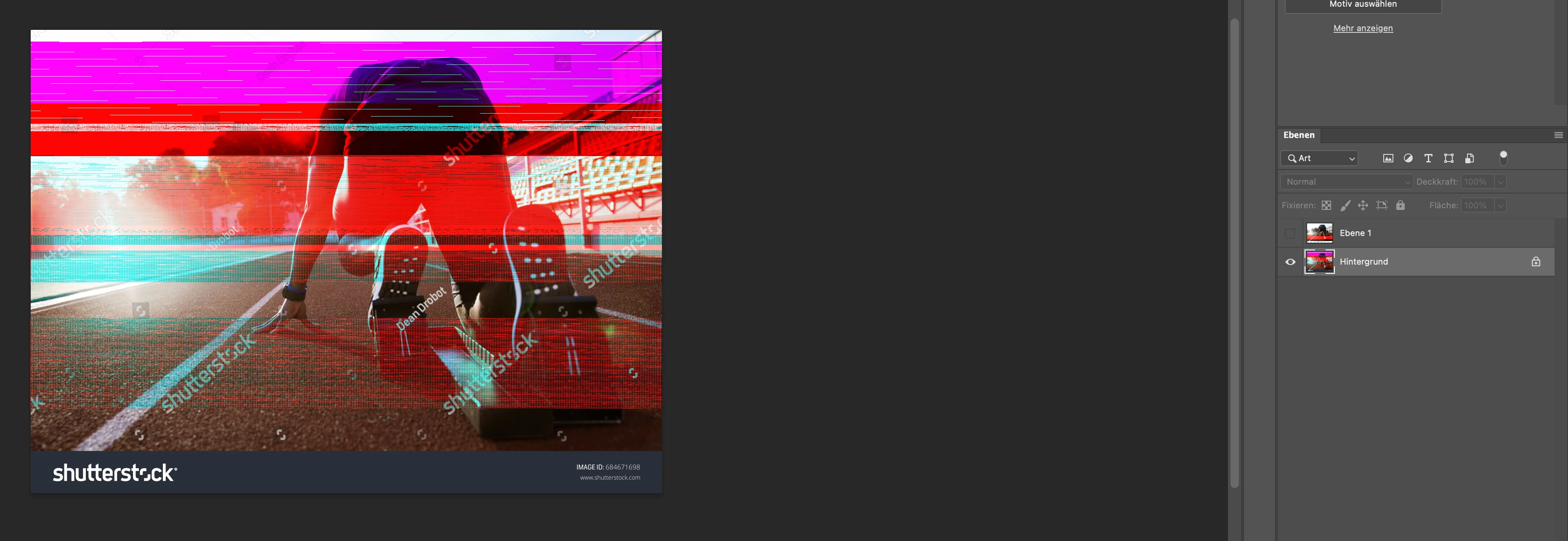
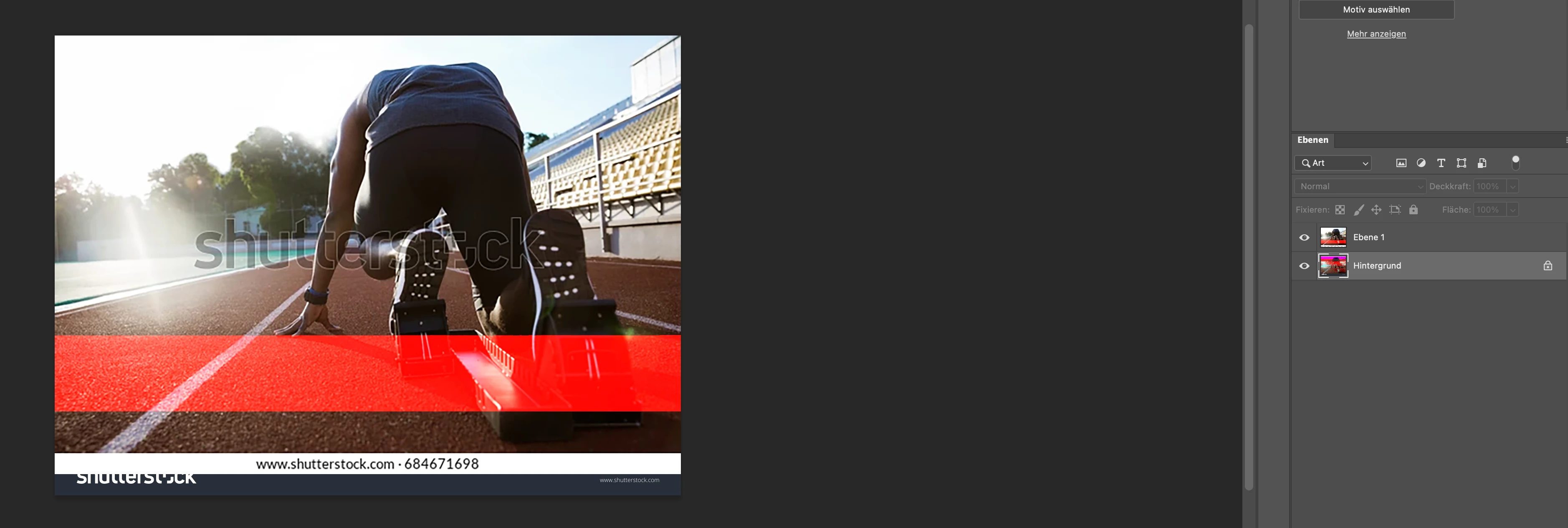
When placing an image in InDesign it appears to be corrupted (mainly horizontal lines in primary colors as if the screen was broken). And when opening said PSD file it actualy has those stripes on several layers (but different ones than in the InDesign preview).
When working localy it works just fine and the PSD file stay the way they are.
So it has to be related to the server and how Adobe Applications handle it.
But how can the InDesign preview (placing the image in InDesign) effect the PSD file and even different layers within??? They say this coult not happen but it does.
Any Ideas how to fix this?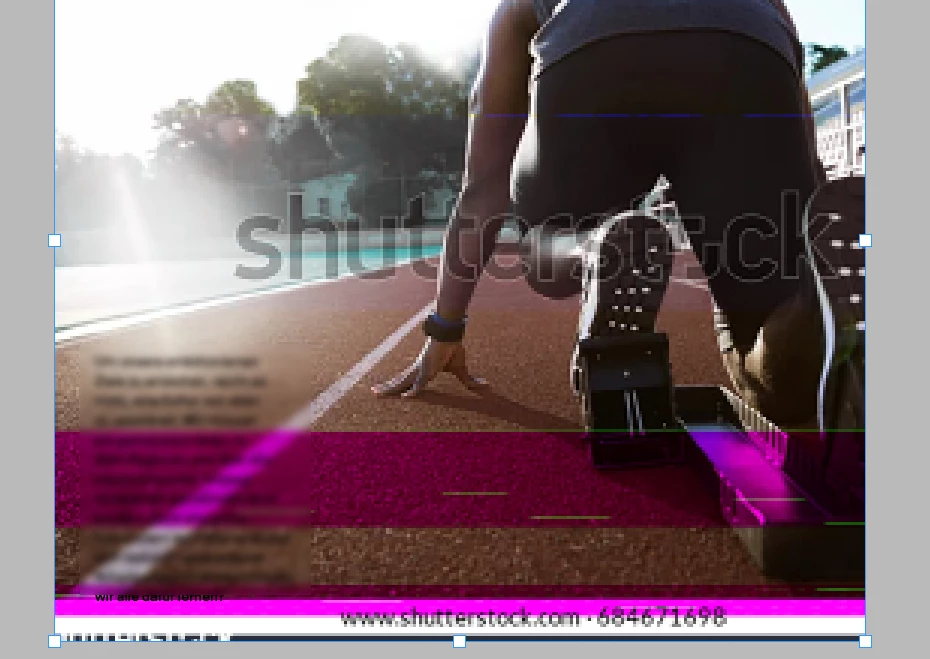
 AdChoices