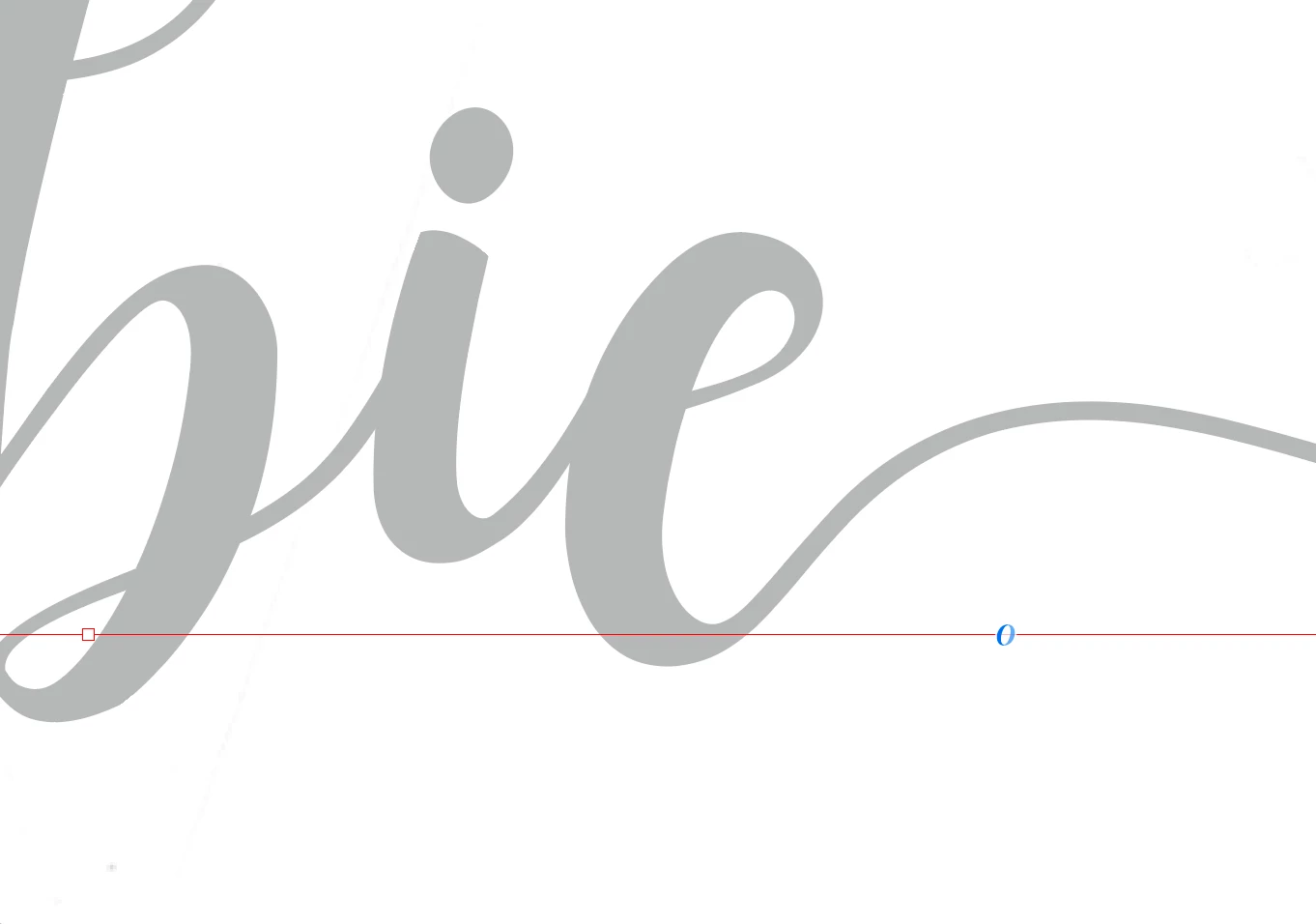
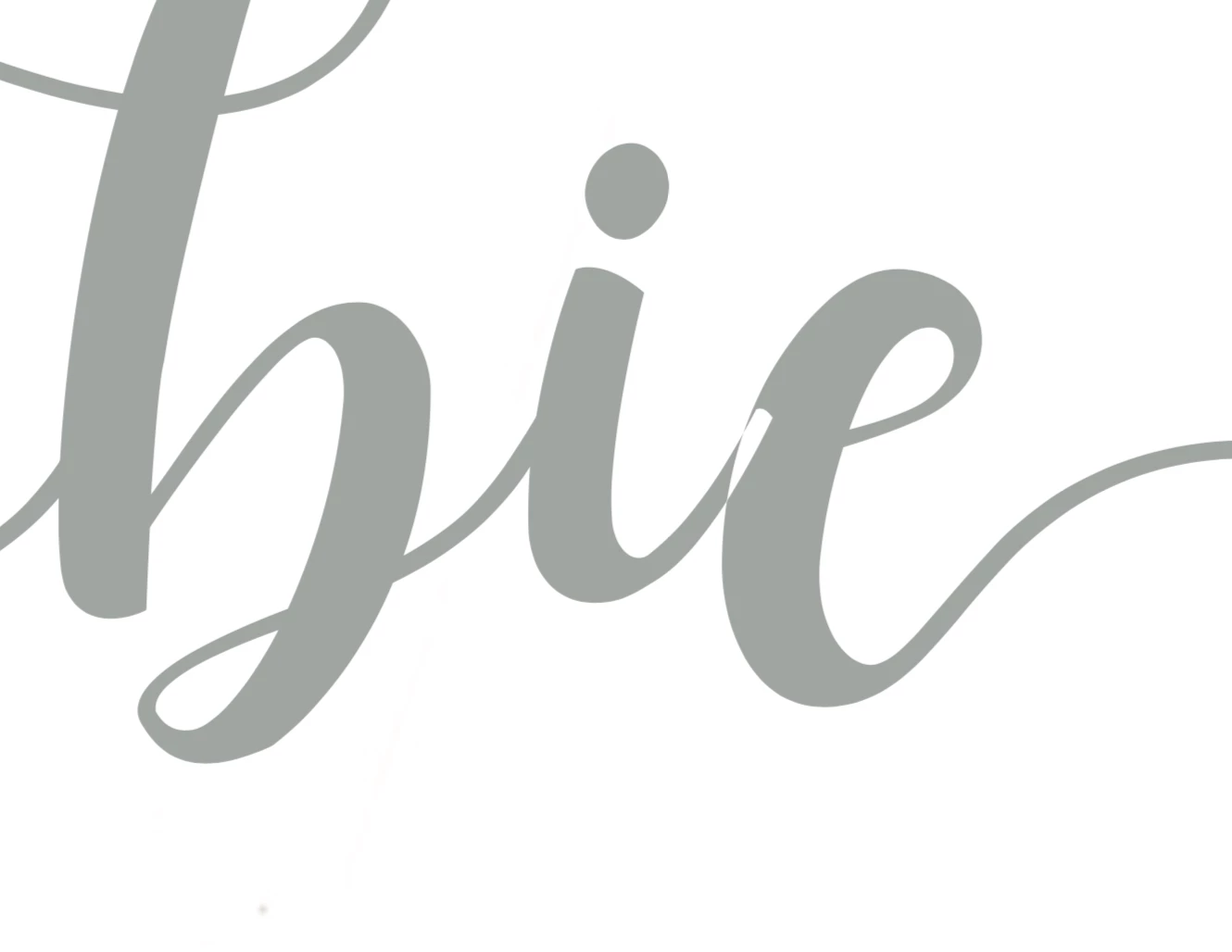
This happens when you convert to outline (does it happen also if it is just font?) I assume it will happen with ant letter and the e?
It is an old problem that is not as common as it used to be and has to do with the direction of the strokes. The phenomenon is called non-zero winding and has to do with the direction of the stroke. In a compound path strokes of the same rotational direction add and if the direction is reversed they cut out (on overlap, such as you have on the e). In a font editor this direction can be set and edited, your font designer did not do this quality check (or it is a free font that they have fixed in the pay version?). Without a fornt editor you cannot fix the font. As long as it is text it should not render like you show, so it seem something is causing it to get converted to outlines.
I would advise you to contact the font creator and make them aware of the bug, and as long as you have the font legally they will be thankful to learn of the problem (if you like show them this thread)
Once you create outlines you can solve the problem.
Select the paths (select at least one point on each path) of the e with the direct selection (white arrow) and choose Object > Path > Reverse Path that will solve your problem.


 AdChoices