
Question
Overlay border artifact in print PDF?
I'm doing something simple but it's causing an artifact so I must have some setting set wrong somewhere. I've Googled around and, though I do find references to other people having the same problem, have yet to find a definitive solution.
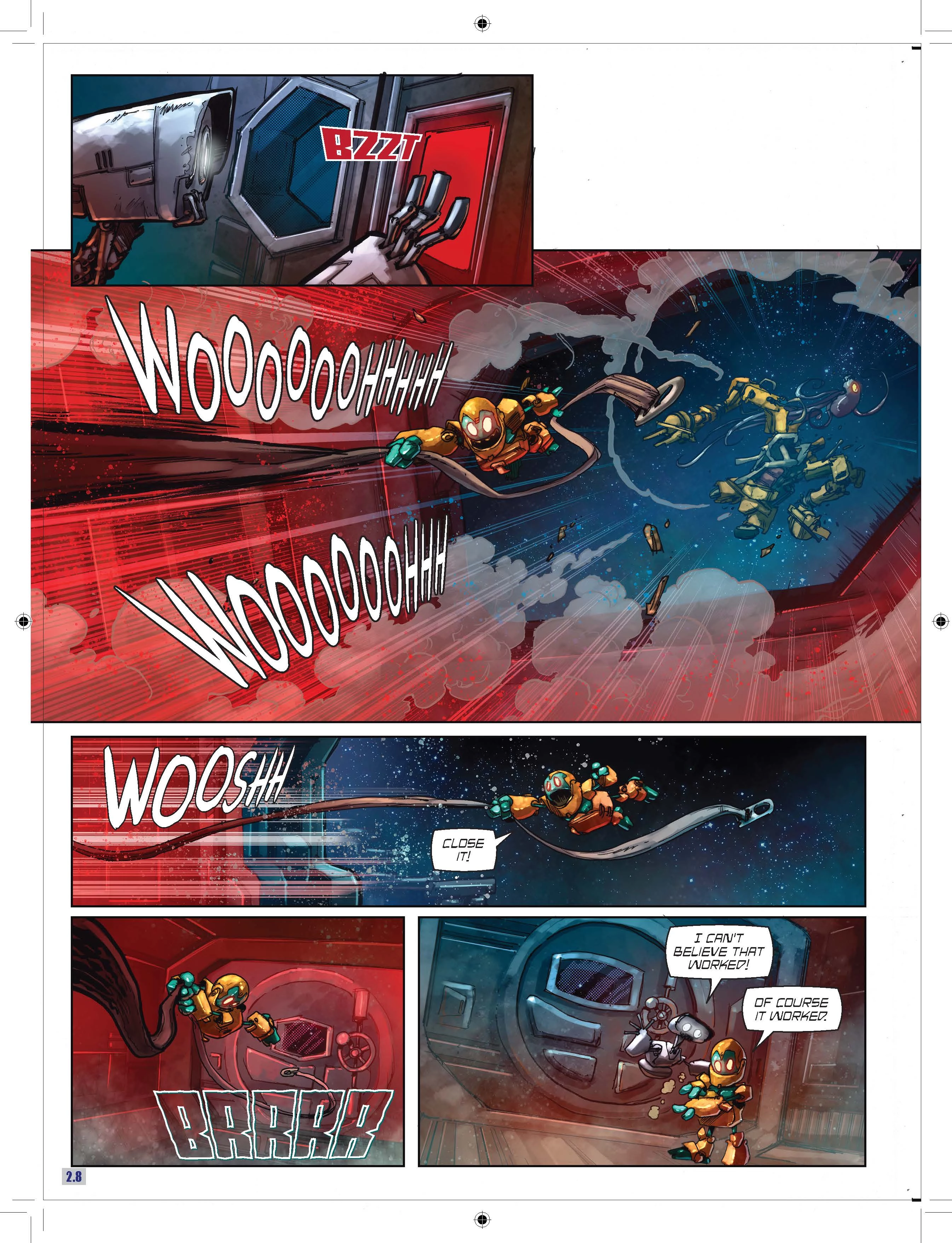
I'm simply overlaying an AI from Illustrator over a TIF from PShop in ID. That's it. But I get a thin black border around the AI on every page. It has to be the AI file that's causing it because without the AI file the border disappears.
Interestingly, the border appears in ONLY a PDF print export but NOT in a "share online" or PNG or JPG export.
Little help?
Thanks.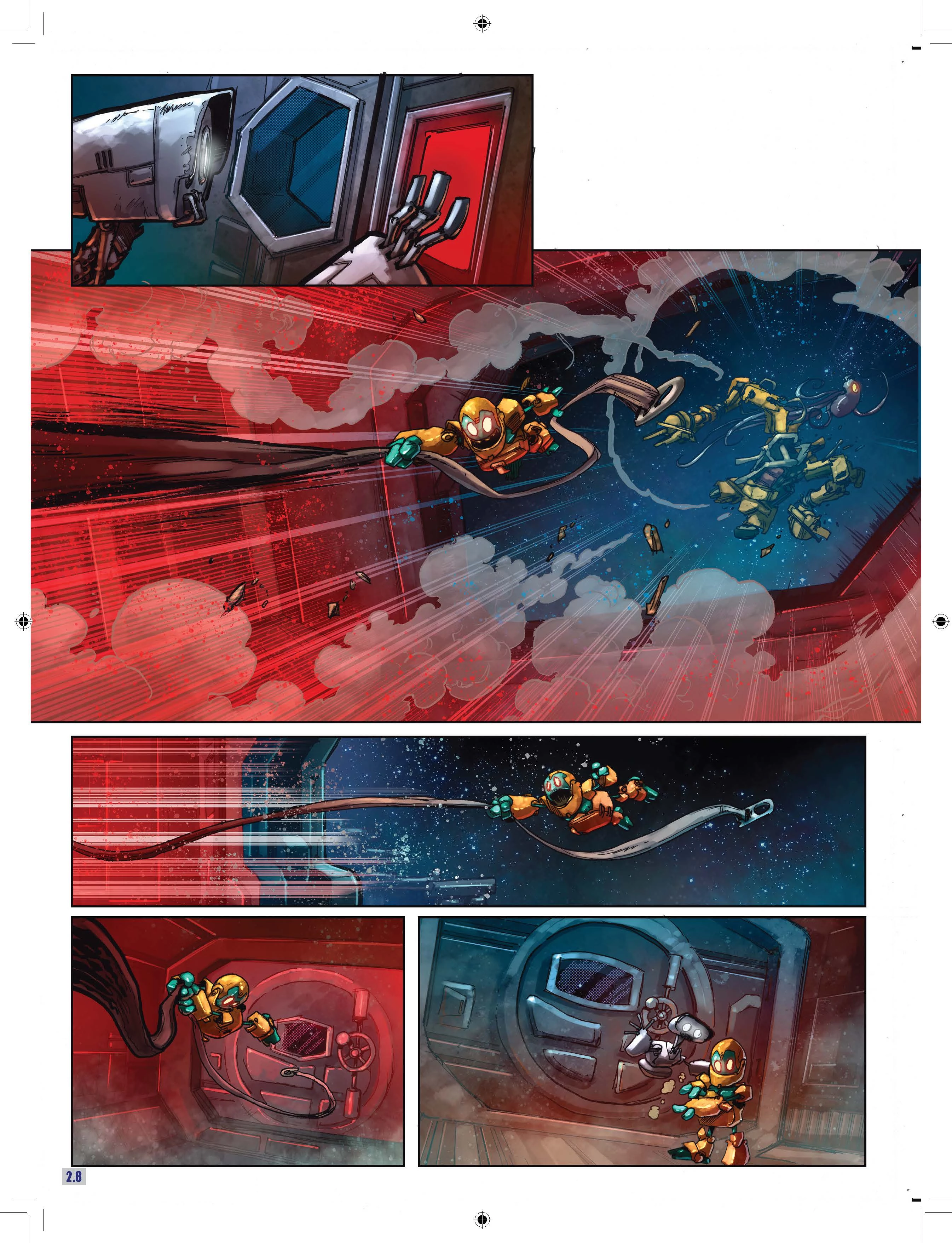
 AdChoices