Participating Frequently
November 9, 2018
Answered

overprint effect on photos

  • November 9, 2018
  • 1 reply
  • 1330 views

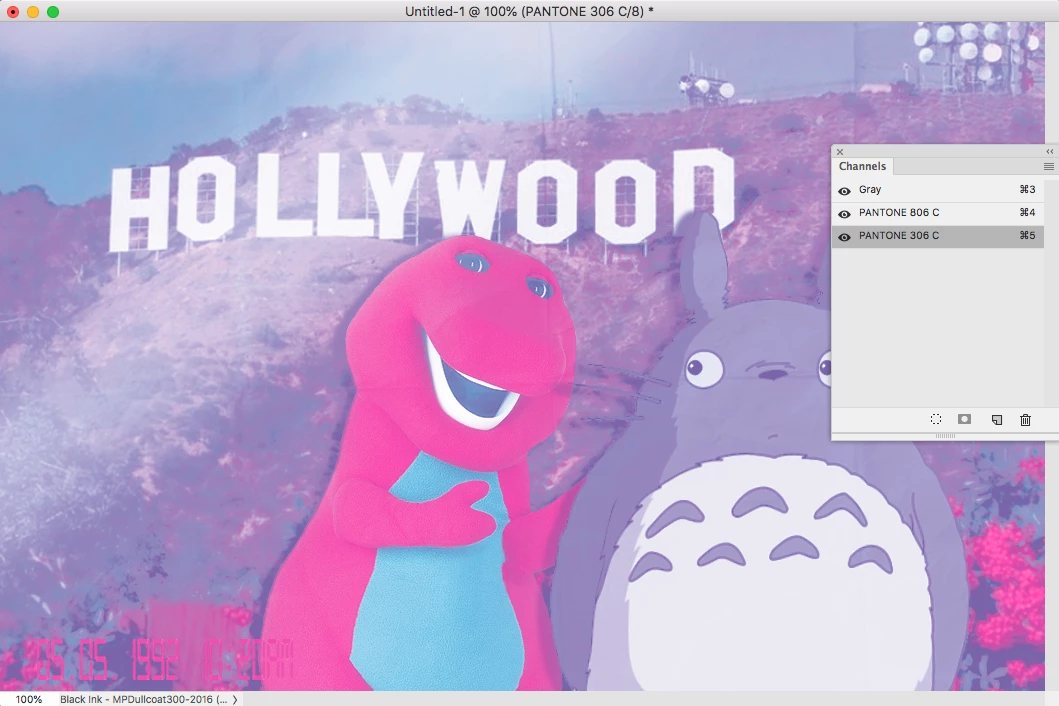
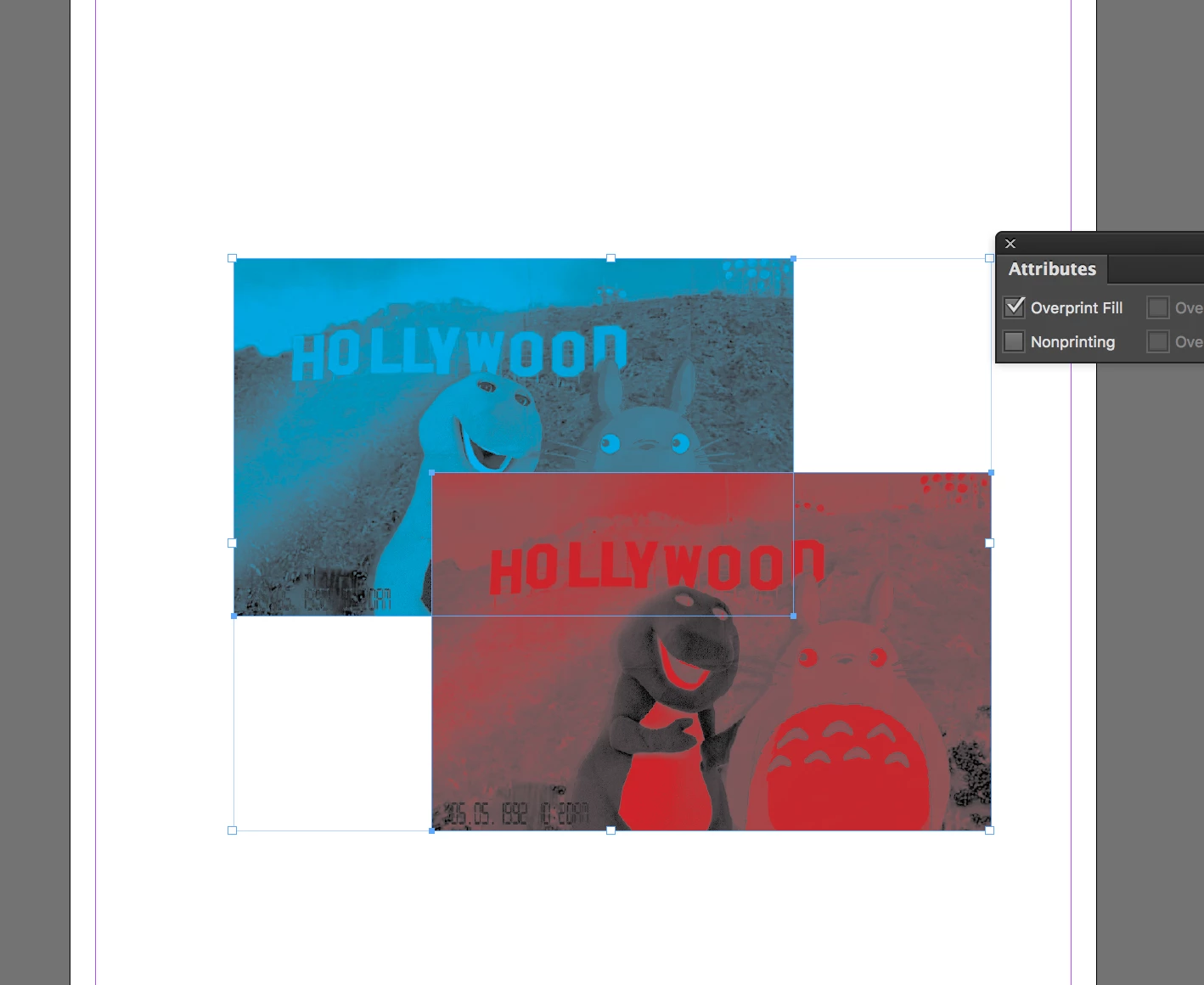
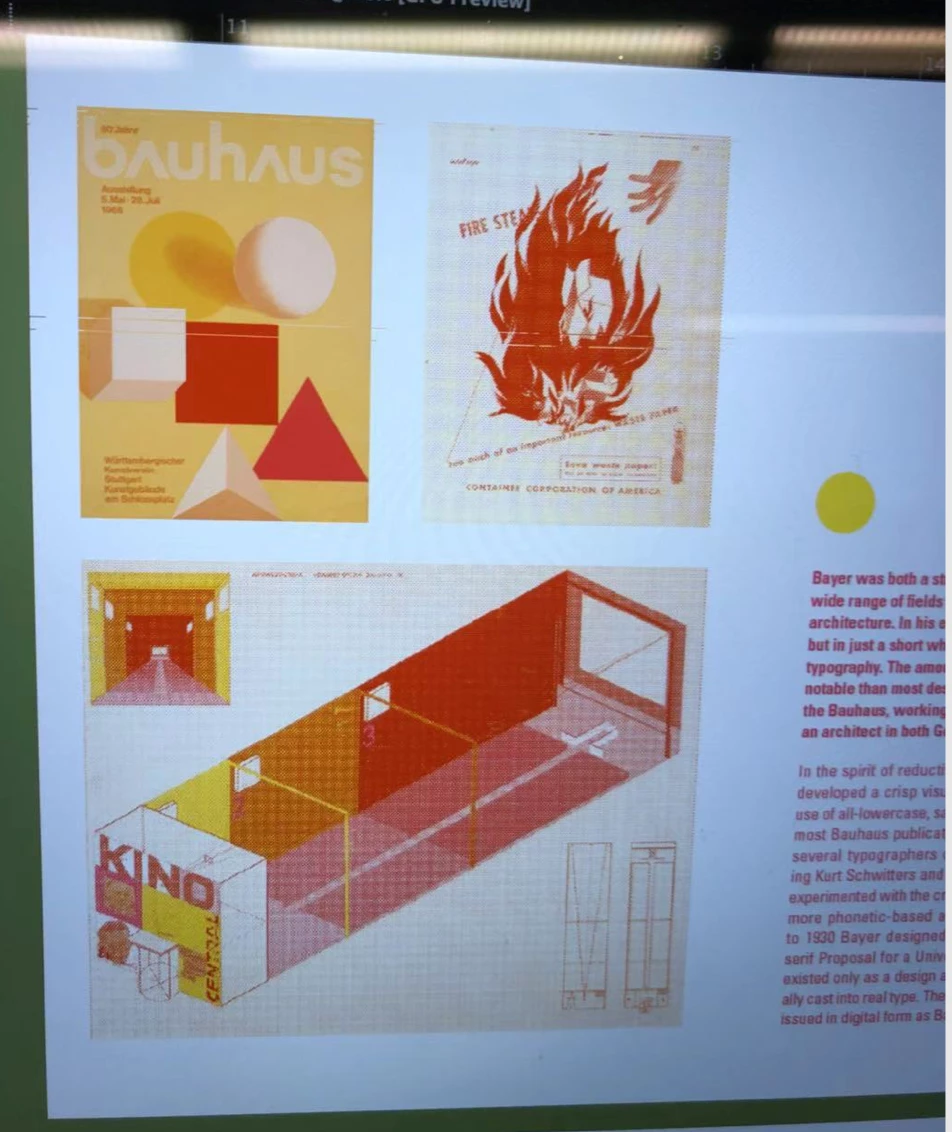
i want to layer two photos with 2 different color channels on top with a overprint attribute in indesign, i made sure my fill color were spot colors and i activated my overprint view, it works for shapes but not photographs. and my friend achieved the effect simply by activating overprint in attributes, but i don't know why it is not working for me. please help me out. the first image is my attempt, and the second is my friend's.
    This topic has been closed for replies.
    Correct answer rob day

    is this manually erased from masks? like you had to manually color the areas? if that is what you did i don't think it's what i'm looking for. thanks for the suggestions tho


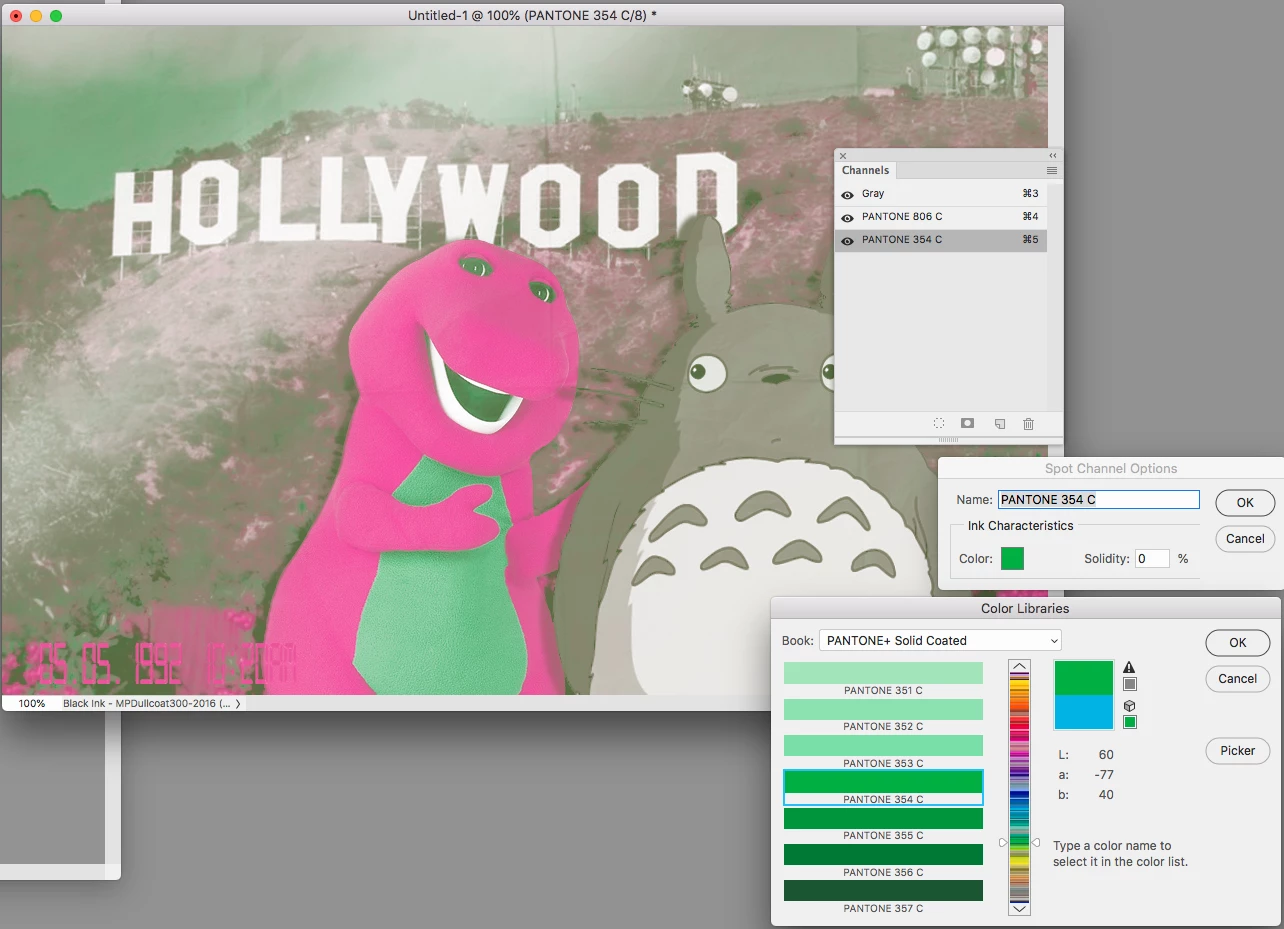
    Not sure if this is what you are trying to do, but here I've made 2 Spot Color channels and pasted the magenta channel's pixels into the PANTONE 806 channel and the cyan channel's pixels into the PANTONE 306 channel

    If I change the 306 ink to 354 green

    1 reply

    Scott Citron
    Legend
    November 9, 2018

    Try selecting the contents of your topmost frame (as opposed to the frame itself) and apply Overprint Fill. That should do it.

    Participating Frequently
    November 9, 2018

    i did it, but it didn't seem to work

    Scott Citron
    Legend
    November 9, 2018

    Hmm. What file format are these two images?

    Also, did you turn on View > Overprint Preview?