Overset Text Mystery (bug?)
Hi,
I have experienced this problem a few times and would love to find a solution.
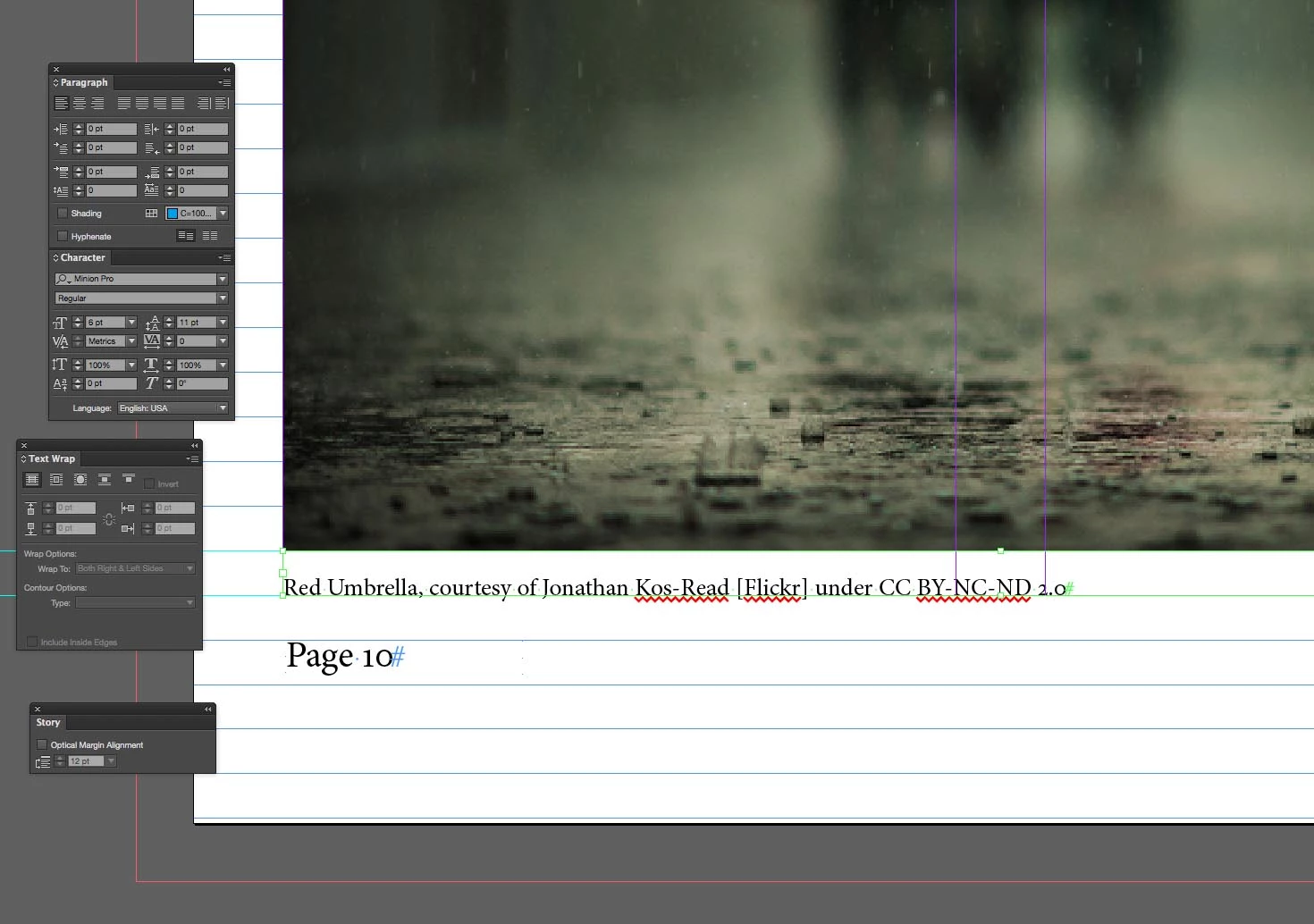
I have a caption in a 11pt high text frame under a picture. The text is 6pt with 11pt leading with textbook first baseline set to fixed 11 pt.
On one place in the document the text display perfectly:
Later on in the same document, with the same settings the text doesn't get displayed and the overset text warning shows:
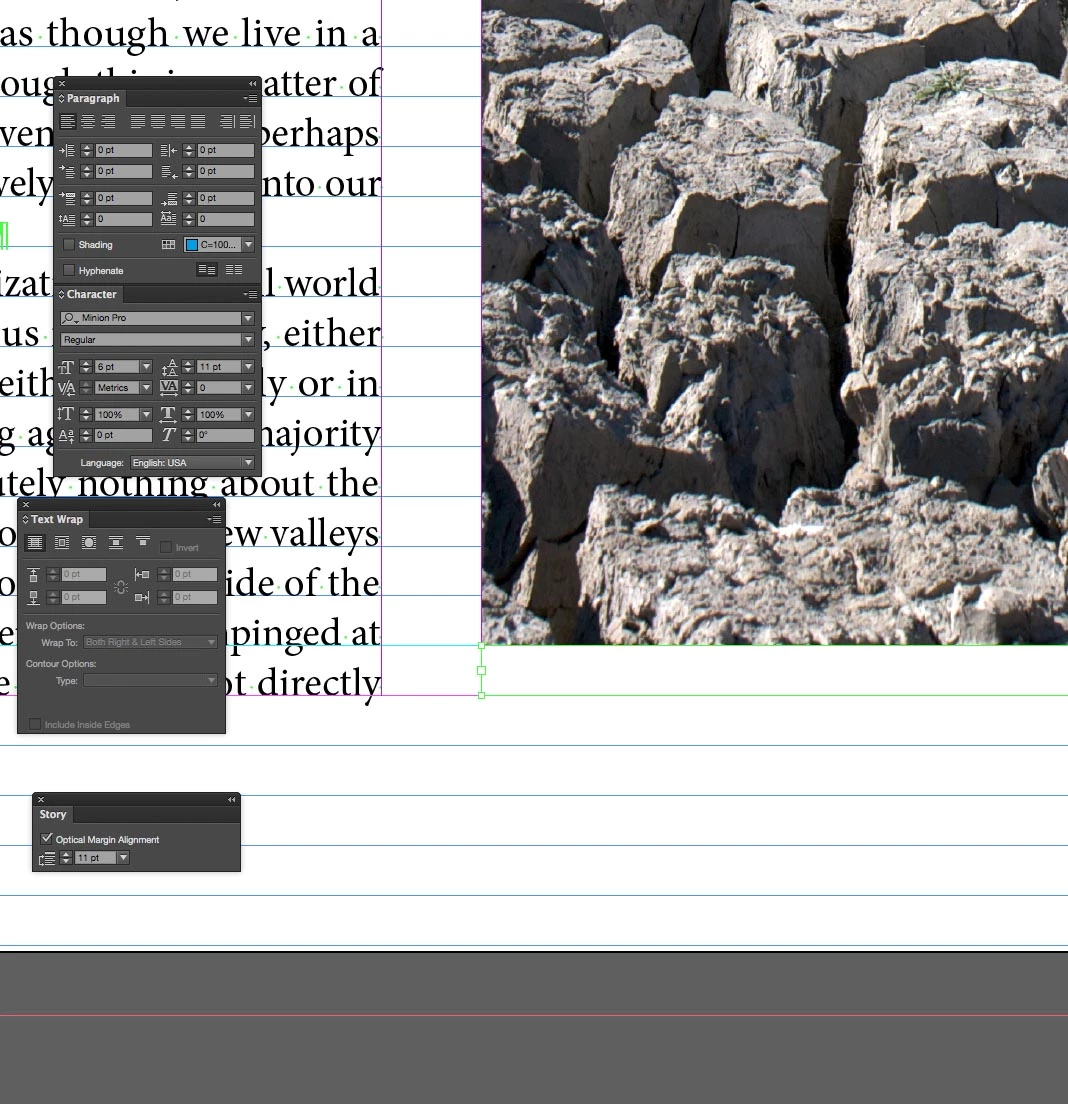
I've sometimes been able to fix this by resizing the text box slightly bigger and then back to exactly the same size and the text pops back into the correct position and is no longer overset. This text box doesn't want to seem to co-operate. I suppose I could just make the text box a tiny bit bigger to stop the text from getting over set but I would like to find the proper solution!
Looking forward to your suggestions!
Adrian
 AdChoices