Participant
January 27, 2023
Answered

Oversized cursor in InDesign 2023

  • January 27, 2023
  • 3 replies
  • 10084 views

After a recent system update, the cursor in InDesign (2023 on Windows 10) is suddenly huge. It reverts to normal size when I drag it over the tools or other menus. I notice this only occurs on my extended monitors. Any assistance would be appreciated!


Thanks,

SM
Correct answer courageous_member8490

The problem only occurs with InDesign 2023. I launched InDesign 2022 and the cursor appears normal (that is, not oversized).


One of my extended monitors is a Dell Model P223f, and the other is an AOC 2217V (Model TFT22W90PS). I'm running these from a Dell Precision 5560.


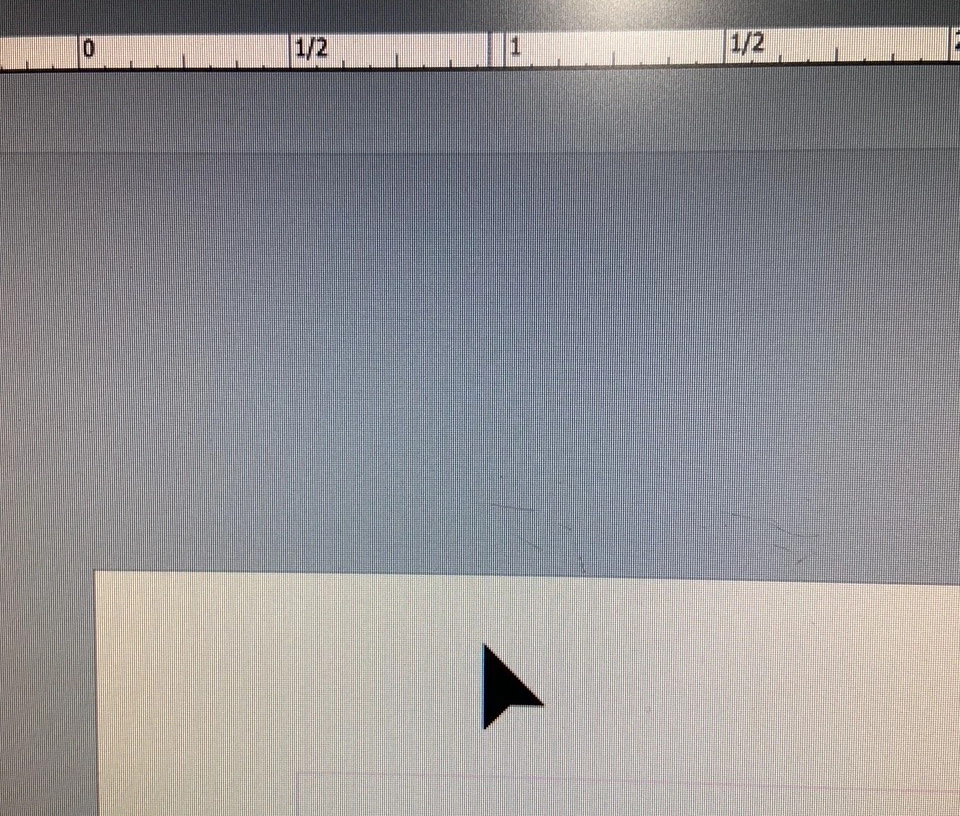
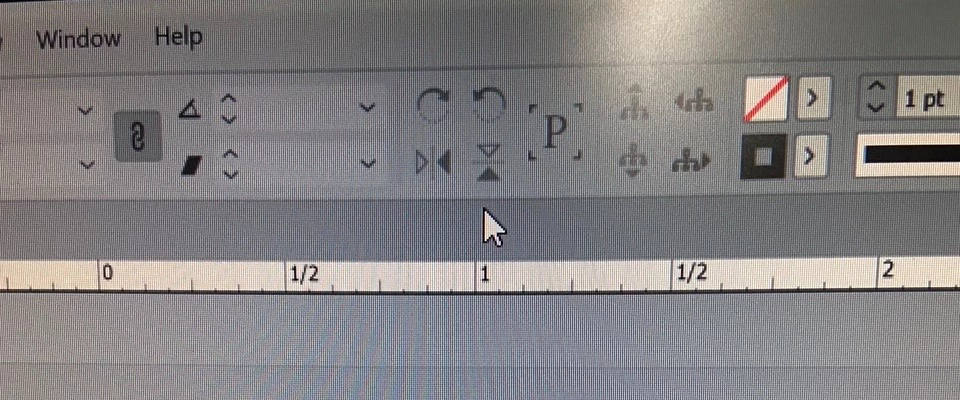
When I move the cursor off the page it appears as:


On the page, it appears as: 

Thanks,


SM


I had this same issue. I had to change the interface sizing to large (make sure the cursor resizing is on). Restart INDD, and then you can change back to the normal size, restart again, and then my cursor went back to normal.

3 replies

cclifford1
Participant
February 16, 2026

you are a Godsend!

Participant
February 26, 2025

SOLVED!!!

The problem for me was I was using my laptop as the MAIN DISPLAY, which had to be zoomed 200% at the highest resolution. This 200% was the reason my indesign cursor was huge on my 2 extended laptops (the laptop indesign cursor never got big). After I switched the MAIN DISPLAY to one of the extended monitors, BOOM. No more large cursor in indesign or illustrator.

HARSHIKA_VERMA
Community Manager
Community Manager
January 27, 2023

Hi @default2b2v7kcqn9fc,


Thank you for reaching out. We would request you to please check the below settings in InDesign and see if that helps.


Could you please also try changing the Display Setting of your extended monitor to Default? In Scale and Layout, keep it to 100% and Display Resolution to 1080 or 4k, depending upon your external monitor.


Let us know if that helps. We'll try our best to help.


Thanks,

Harshika


Participant
January 27, 2023

Harshika:

Thanks for the response.


My InDesign User Interface Scaling options were as pictured in your post.


I don't have the a resolution option of 1080 with my extended monitors, but the settings are 100% and the the display resolution is 1680 x 1050 (Recommended):

These are the same settings I had applied previously when everything was working correctly.


Thanks,


SM

Participant
May 22, 2024

Hi Jove.

I followed these steps and initially it didn't work for me either.


However, if you're in Windows, right click the Desktop of the affected screen (usually the extended display), select Display Settings and click on the screen icon of corresponding to it (e.g. Screen 2). Then check to see if "Make This My Main Display" is ticked.


It's not always ideal, but if you have one screen at 4K (e.g. a laptop) connecting to a screen that is 1080, Windows sometimes mucks up the visual settings and has trouble scaling, especially if the app launches half on each screen.


Good luck.


This addressed the symptom and was an acceptable workaround for me.