
Participant
March 10, 2023
Question

Padding within text field (button and forms)

  • March 10, 2023
  • 1 reply
  • 2023 views

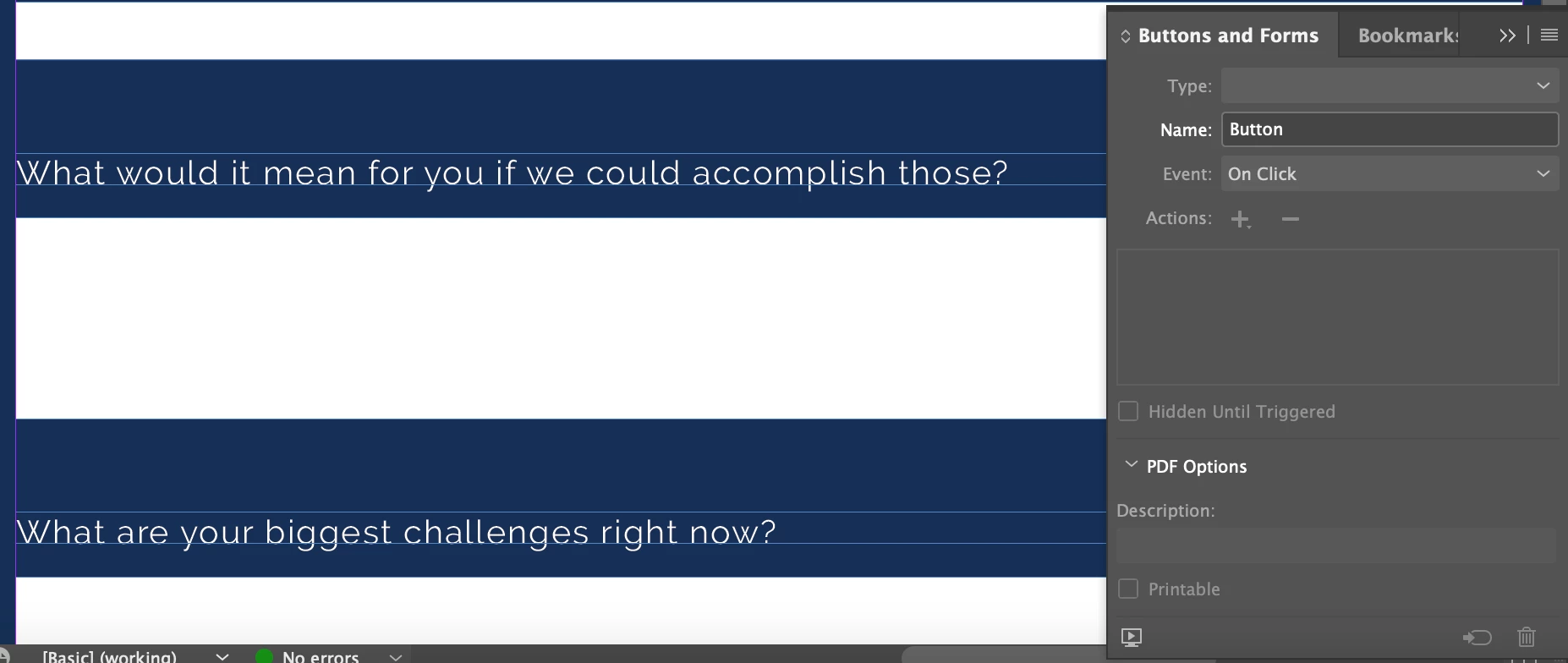
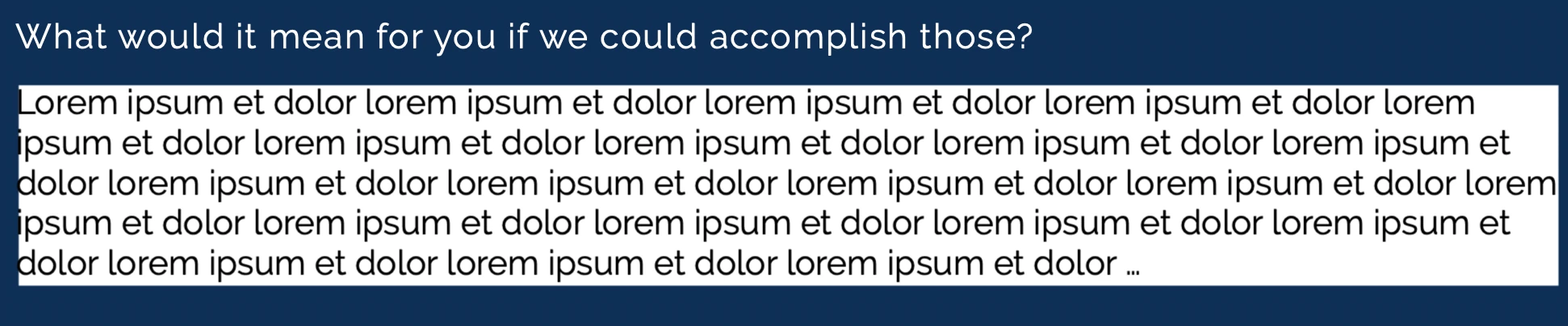
See images below, I am making an interactive form for clients and made some text boxes as buttons using the 'buttons and forms' functionality. It works and all, but the input text seems close to the edges of the box when I download as a PDF and fill it out myself. Is there a way to add some padding within to prevent this?


1 reply

Derek Cross
Community Expert
Community Expert
March 10, 2023

Stick to simple hyperlinks. Not multi-state buttons, they won't work on Tablets and Smart Phones.

Make sure you have the right field spacing in InDesign. You can fine tune Fonts etc in Acrobat Pro.

Participant
March 10, 2023

At the moment, not an option. It's pretty much a given that a client will absolutely need a desktop or laptop for working with us, so that won't be changing. I just wanted to make it look nice for when we send to clients to fill out- as an interactive PDF. I suggested just using Acrobat but she doesn't like it and had issues with clients being unable to use it in the past. 


Thank you!

Participant
March 10, 2023

It actually does work on my phone too, I didn't know that but I wanted to check!