Participant
September 2, 2020
Answered

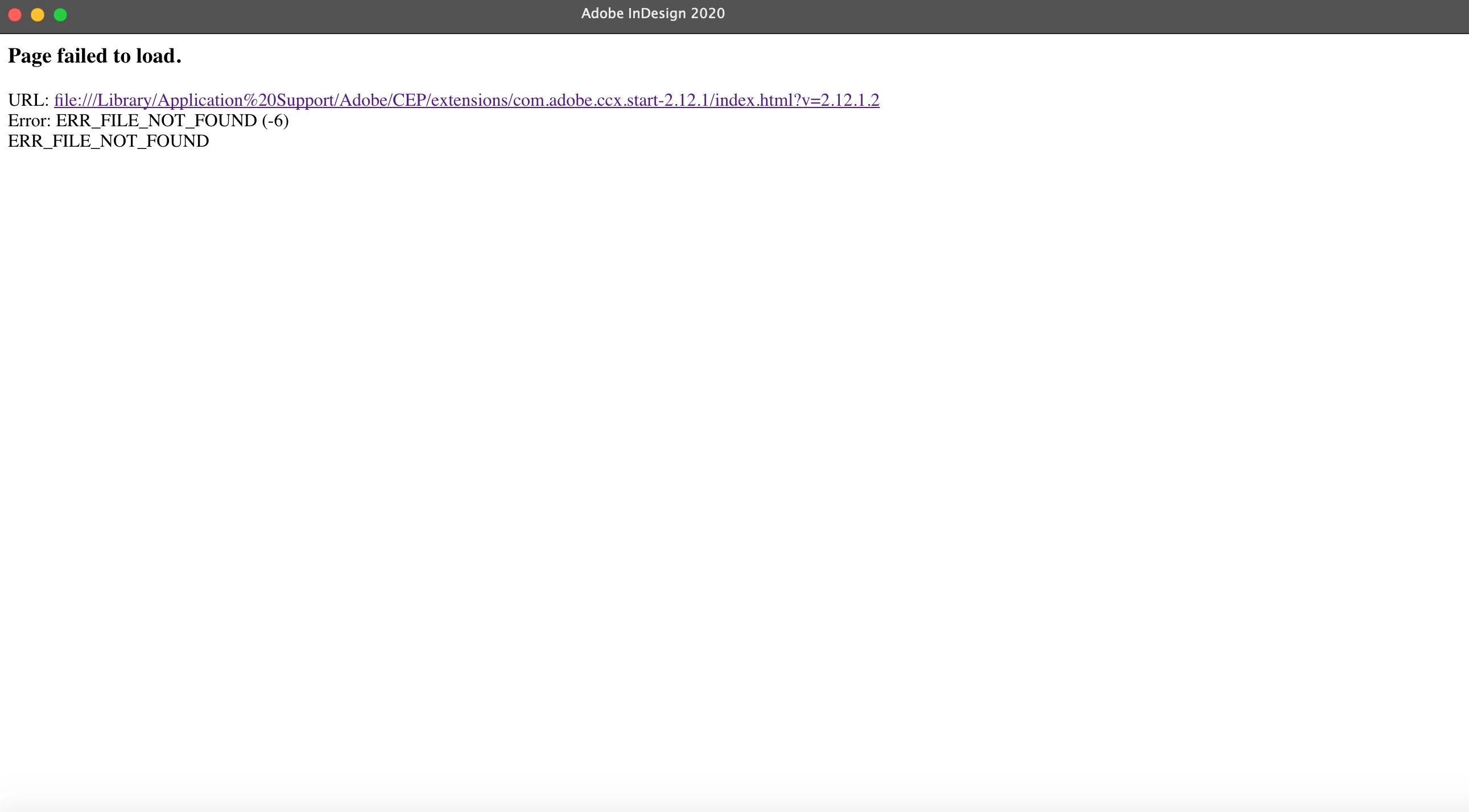
"Page failed to Load" error while launching Indesign 2020

  • September 2, 2020
  • 1 reply
  • 416 views

hi! does anyone know how to fix this?


{Renamed by MOD}

This topic has been closed for replies.
Correct answer Ashutosh_Mishra

Hi Lauren,


Sorry to hear about your experience. Would you mind sharing version of the OS? When did it start happening?

Please login to root account (https://support.apple.com/en-in/HT204012). Check how application works there. If it works fine there, then it could be related to permission errors. Follow these steps to repair permission errors: 

  • Go to Terminal (Go Utilities Terminal.app) 
  • Execute the following command on terminal to provide permission: 
    • sudo chmod -R 777 /Users/<user>/Library/Preferences/Adobe InDesign 
    • sudo chmod -R 777 /Users/<user>/Library/Caches/Adobe InDesign 
    • sudo chmod -R 777 /Users/<user>/Library/Application Support


If it does not help, please use Creative Cloud Cleaner Tool to remove the existing apps and install again once done.

Let us know how it goes.


Regards,

Ashutosh

1 reply

Ashutosh_Mishra
Ashutosh_MishraCorrect answer
Inspiring
September 2, 2020

Hi Lauren,


Sorry to hear about your experience. Would you mind sharing version of the OS? When did it start happening?

Please login to root account (https://support.apple.com/en-in/HT204012). Check how application works there. If it works fine there, then it could be related to permission errors. Follow these steps to repair permission errors: 

  • Go to Terminal (Go Utilities Terminal.app) 
  • Execute the following command on terminal to provide permission: 
    • sudo chmod -R 777 /Users/<user>/Library/Preferences/Adobe InDesign 
    • sudo chmod -R 777 /Users/<user>/Library/Caches/Adobe InDesign 
    • sudo chmod -R 777 /Users/<user>/Library/Application Support


If it does not help, please use Creative Cloud Cleaner Tool to remove the existing apps and install again once done.

Let us know how it goes.


Regards,

Ashutosh