Participant
November 25, 2017
Answered

Page glitching problems in indesign

  • November 25, 2017
  • 1 reply
  • 509 views

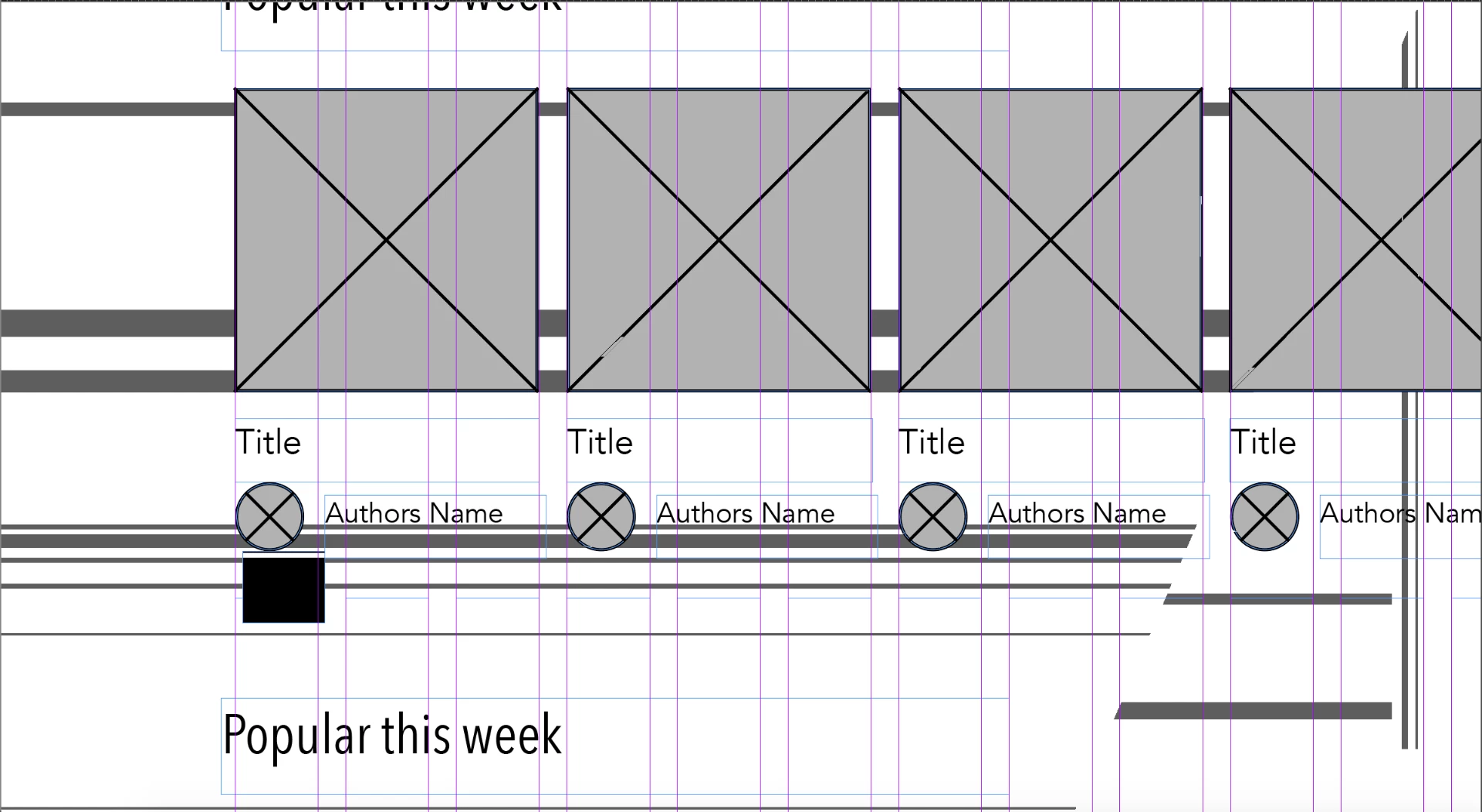
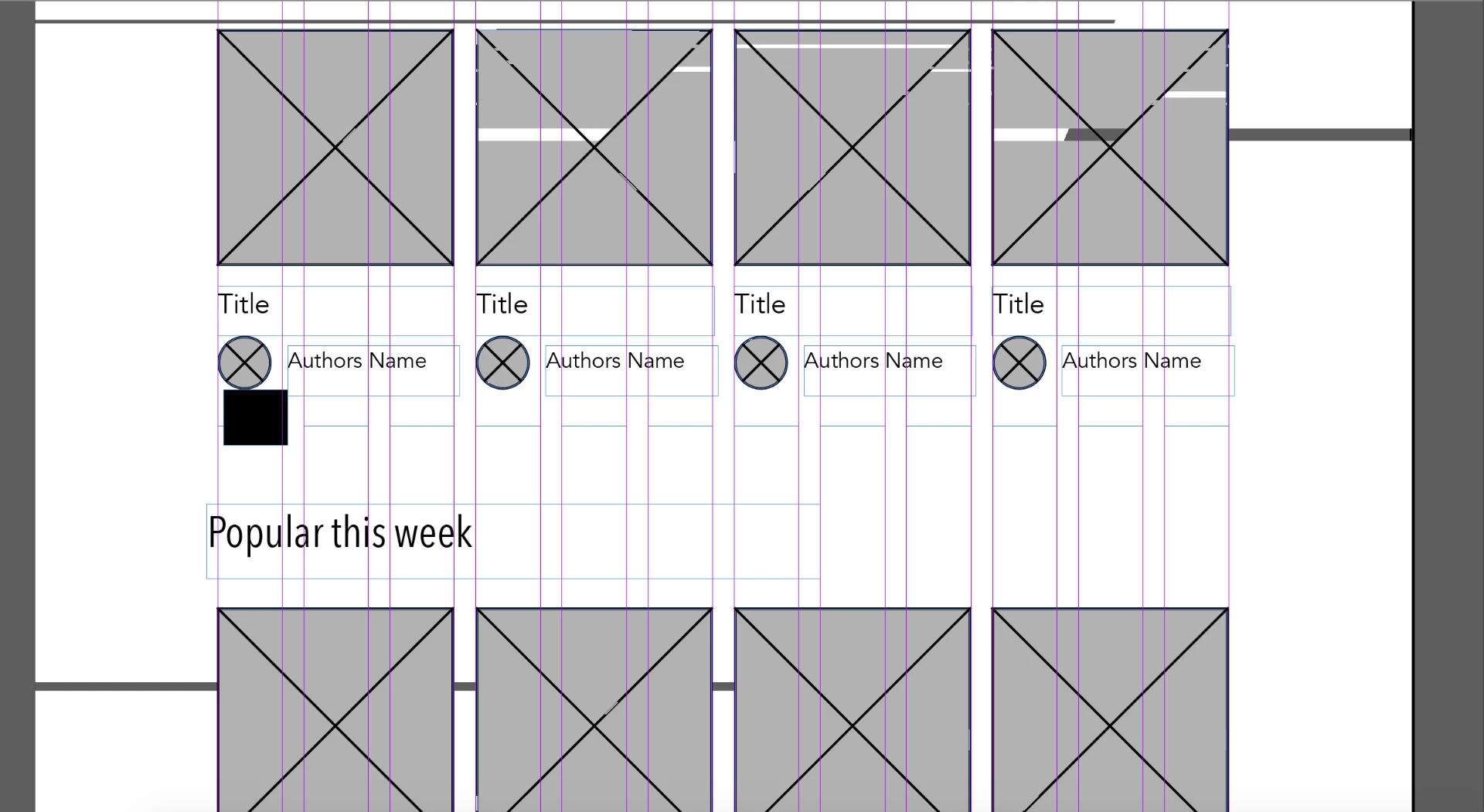
For some reason, when working in indesign, the page colors go all wacky whenever I but an object on the page or move the page.  I don't know what's causing it, but it's really annoying and distracting in my work.  These screenshots will better explain the problem than I can:

This all started about a few weeks ago.  I have no idea how to fix it.  If anyone has any idea about what's going on here, please reply.

This topic has been closed for replies.
Correct answer jamisono43186829

Just did some research and found out that similar viewers who updated Mac to high sierra are having the same problem.  It's something that has to do with the GPU.  I found out that turning off GPU performance in GPU preferences is a temporary fix, though it makes indesign a little slow.  Still, if anyone has any other solutions, please let me know.

1 reply

jamisono43186829AuthorCorrect answer
Participant
November 25, 2017

Just did some research and found out that similar viewers who updated Mac to high sierra are having the same problem.  It's something that has to do with the GPU.  I found out that turning off GPU performance in GPU preferences is a temporary fix, though it makes indesign a little slow.  Still, if anyone has any other solutions, please let me know.

Bill Silbert
Community Expert
Community Expert
November 25, 2017

Yes, at this point turning off GPU Performance is the only way to fix this issue. Unfortunately GPU Performance has been a problem for many since it came out. I've seen it on the Illustrator forum constantly but only since High Sierra has it really started to wreak havoc on InDesign. It is often recommended on the Illustrator forum to change or update your video card but I'm not sure how many users are amenable to going to all that trouble.