Participant
November 20, 2024
Answered

Page Info Under Crop Marks

  • November 20, 2024
  • 2 replies
  • 657 views

Can anyone explain to me why my page information is exporting below the crop marks and not inbetween them?
EXAMPLE (  )

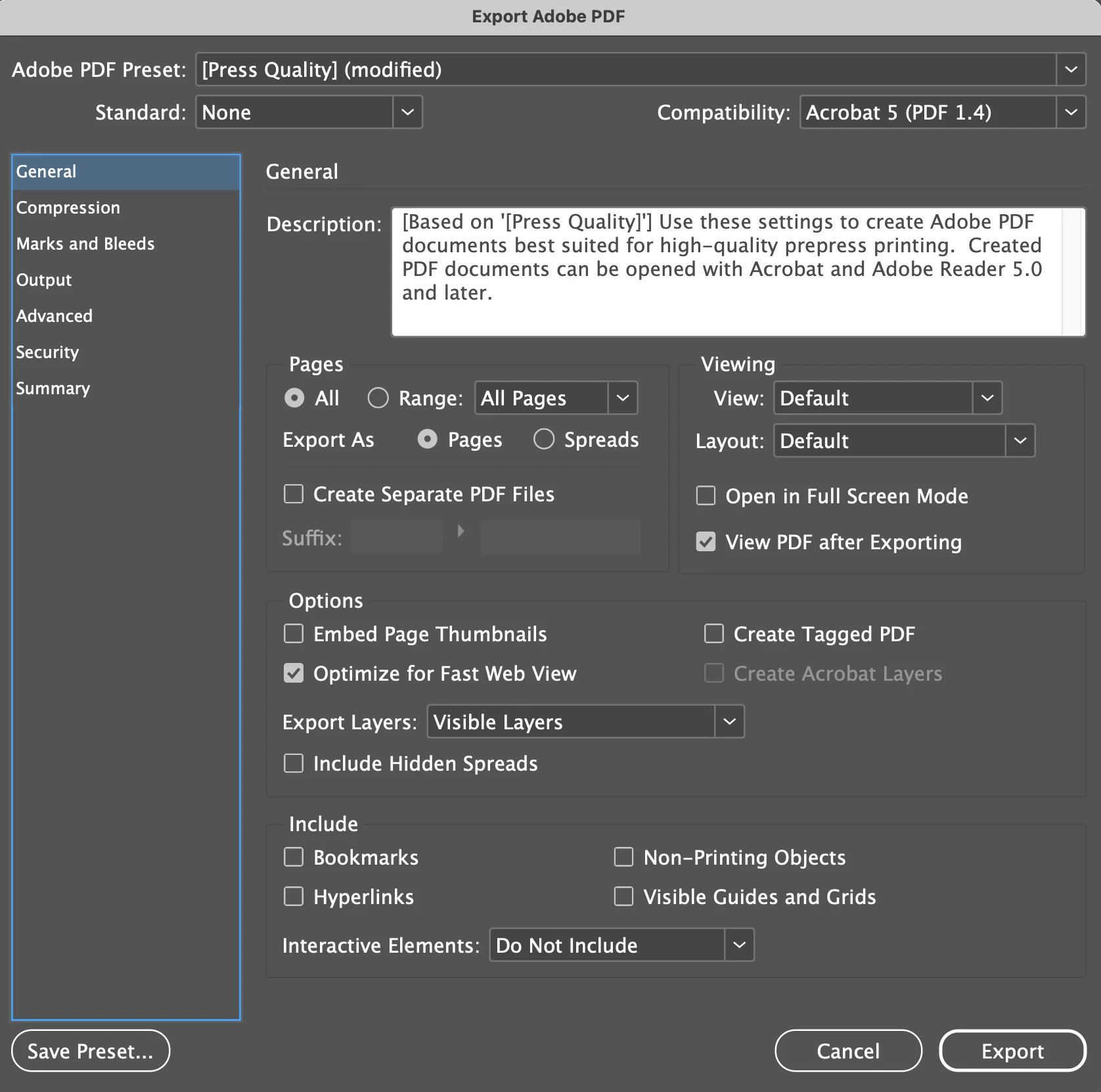
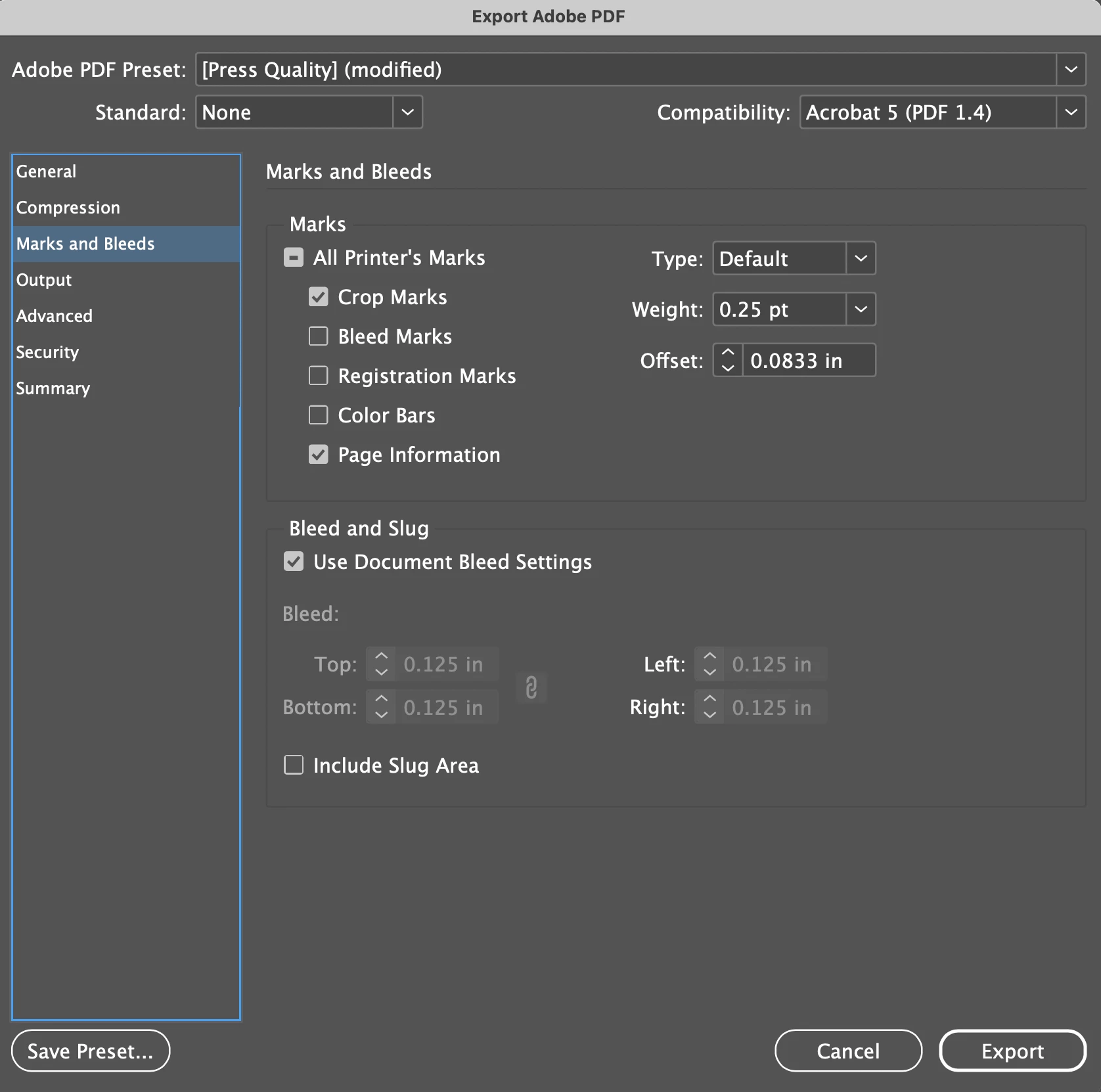
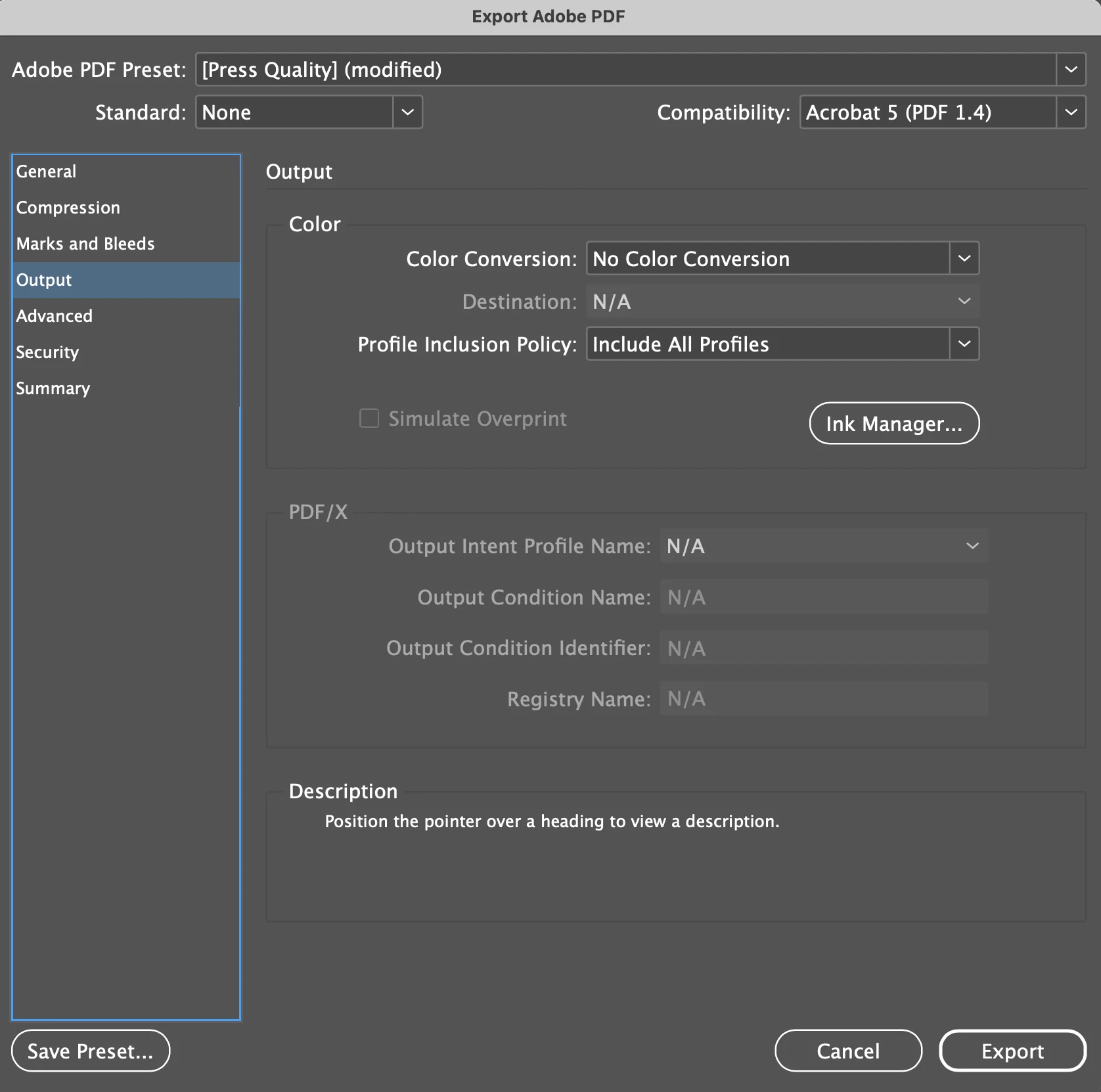
Here are my export settings:


 I'm probably missing something silly, so please go easy on me.


Thanks!

This topic has been closed for replies.
Correct answer Brad @ Roaring Mouse

If your document is less than about 4.6" in width (about 336 pt), ID will move the page information down. It seems it allows about 80 or so characters for the file name, whether it's a short name or not.

From a prepress standpoint, it doesn't matter to us, as our imposition software imposes according to the crop or bleed box in the PDF anyway, so the fact that the page information makes the file visibly not "centered" is irrelevent.

2 replies

Brad @ Roaring Mouse
Community Expert
Brad @ Roaring MouseCommunity ExpertCorrect answer
Community Expert
November 20, 2024

If your document is less than about 4.6" in width (about 336 pt), ID will move the page information down. It seems it allows about 80 or so characters for the file name, whether it's a short name or not.

From a prepress standpoint, it doesn't matter to us, as our imposition software imposes according to the crop or bleed box in the PDF anyway, so the fact that the page information makes the file visibly not "centered" is irrelevent.

James Gifford—NitroPress
Legend
November 20, 2024

Ah, thanks. Nice to know I was at least sorta half right. 🙂

Brad @ Roaring Mouse
Community Expert
Community Expert
November 21, 2024

I'm guessing on the 80 caharacter thing. I just did a test with a file with a bunch of characters in the name and measured the approximate amount that would fit. I have no idea what the program is designed to do 😉

Abhishek Rao
Community Manager
Community Manager
November 20, 2024

Hi @abcpress@bellsouth.net,


Thank you for sharing your export settings and the screenshots! It looks like the page information is appearing outside the crop marks, which can be corrected by adjusting the Offset setting for your marks in the Export Adobe PDF dialog.

Please try:

1. Go to the 'Marks and Bleeds' section in your export settings.
2. In the 'Marks' section, locate the 'Offset' value for the crop marks. 
3. Try adjusting the 'Offset' to a smaller value, like '0.0833 in', or even lower, depending on your needs. This will move the page information between the crop marks.


Make sure that your Page Information setting is enabled under File > Document Setup > Bleed and Slug if you're working with any bleed areas.

Also, ensure that you're using the correct Positioning settings for Crop Marks under Advanced if applicable.


Give this a try and let me know if it works! Feel free to reach out if you need further assistance.


Best,  
Abhishek Rao

Participant
November 20, 2024

Thanks for your quick reply, I have set the Offset option to "0.0833" but it has made no difference. 

My page information area is enabled, I am working with bleeds and that is also enabled. 

I have tried seemingly everything, atleast to my knowledge.

Willi Adelberger
Community Expert
Community Expert
November 20, 2024

Do you need crop marks?