
Participant
December 9, 2024
Question

Page Number : language problem.

  • December 9, 2024
  • 2 replies
  • 114 views

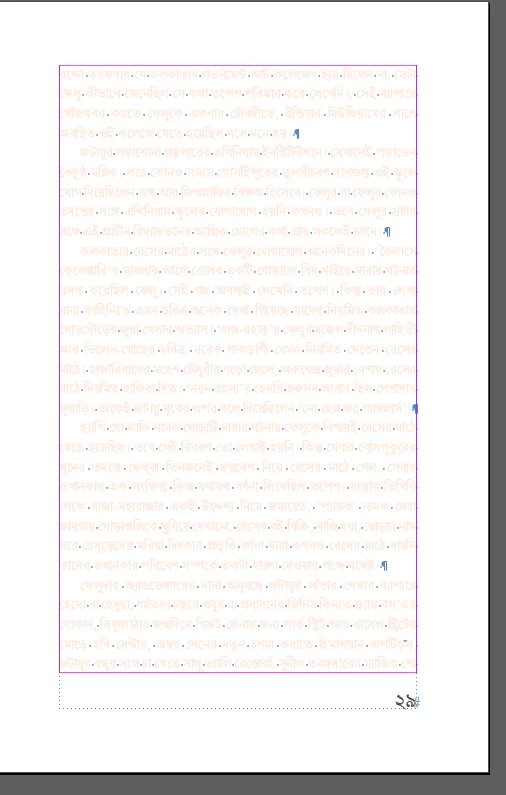
I am creating a document in Bengali in InDesign. I used Bengali font (ANSI format) for the page numbers, and everything looks perfect during editing. However, every time I save and export the document, the page numbers change to English. Could you please help me resolve this issue?

Indesign Version: 2021

This topic has been closed for replies.

2 replies

Joel Cherney
Community Expert
Community Expert
December 9, 2024

When you say "ANSI font" you mean a proprietary-encoding font that isn't Unicode, right? What's the name of the font? Can you find the font embedded in the PDF in the File -> Properties -> Fonts menu in Acrobat? Can you post the PDF? 


For page numbering, even if your body text has to remain in your non-Unicode font, I'd suggest a proper Unicode font for your page numbers, with - as Willi suggests - the correct language settings applied, preferably in the paragraph style you hopefully made for your page numbers. 

Willi Adelberger
Community Expert
Community Expert
December 9, 2024

DId you apply the correct language to the paragraph style for the page number or did you override it manually?