
Page Numbering for French Fold Spreads
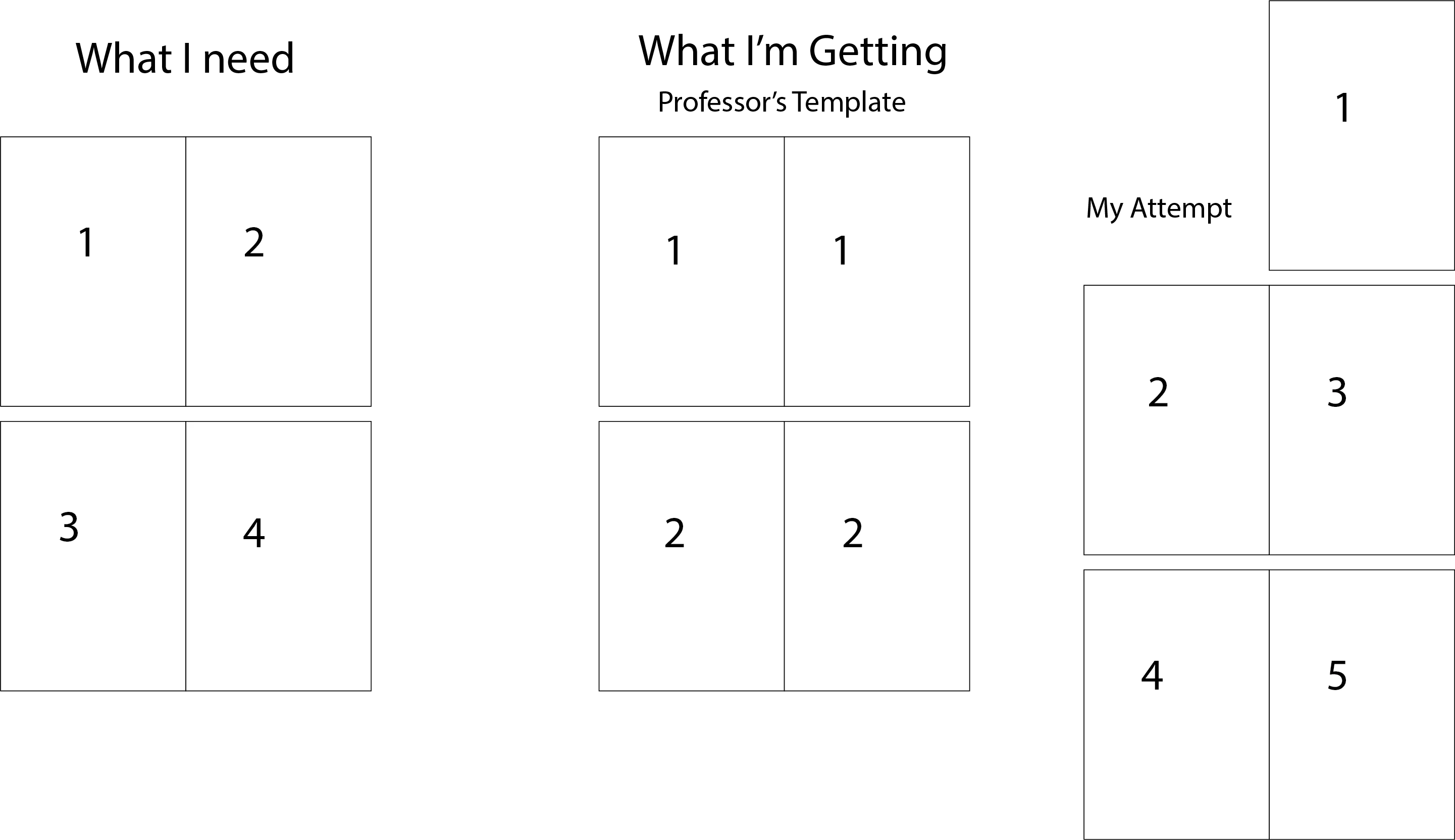
Hello everyone. For my class I have to make a book using a French fold layout. My professor gave us a template file that has each spread only be one page in the file, with the spread split into 2 pages with guides. The problem here is that the automatic numbering doesn't reflect the actual page numbers for the book. For example, the first spread contains the first two pages but I can only get the automatic numbering to show "1" and the second spread will only show "2" despite it actually containing pages 3 and 4.
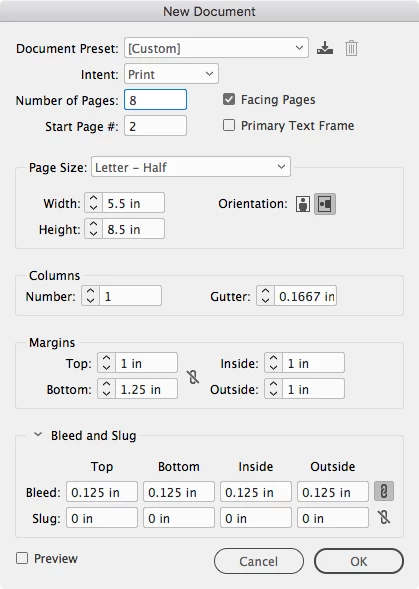
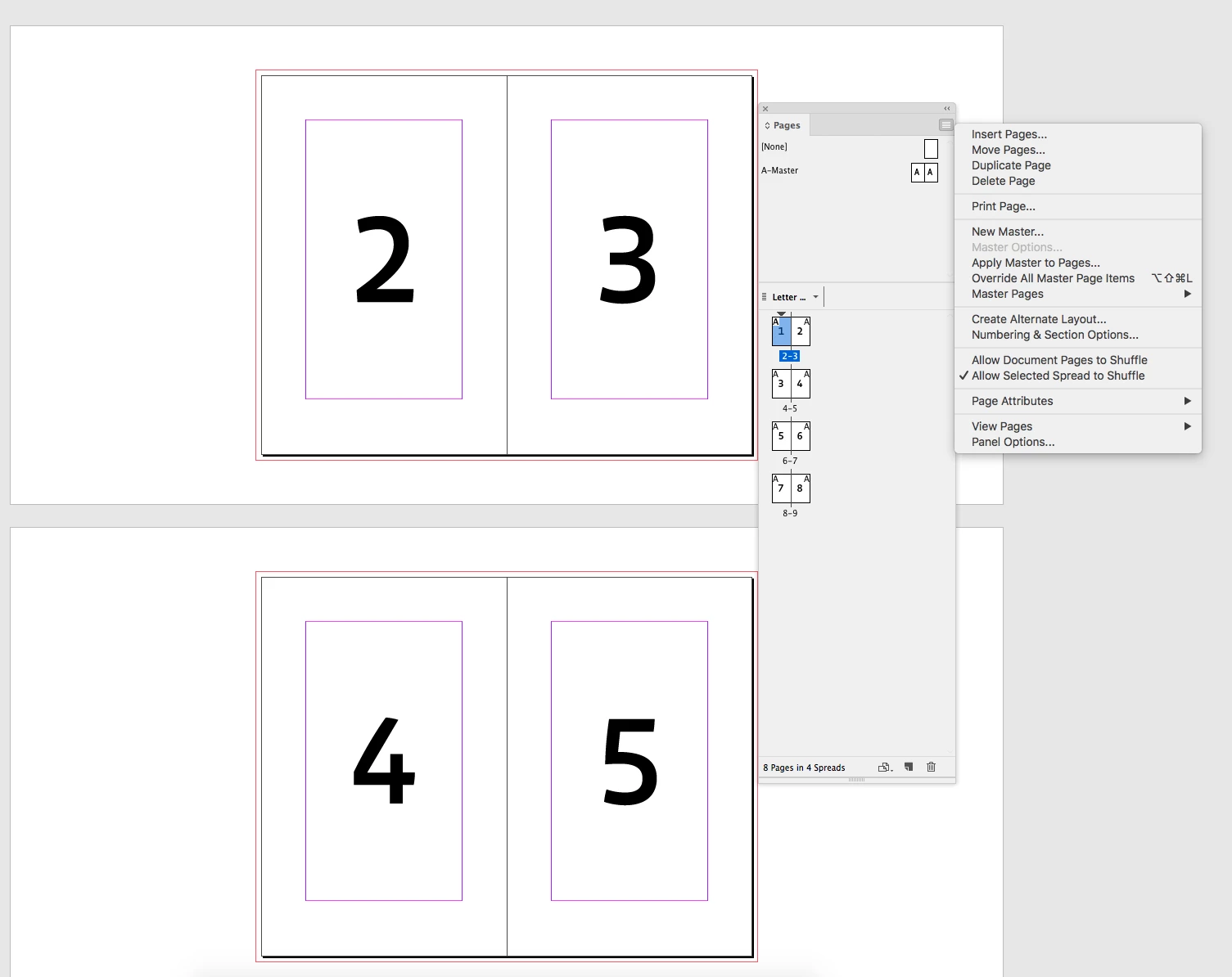
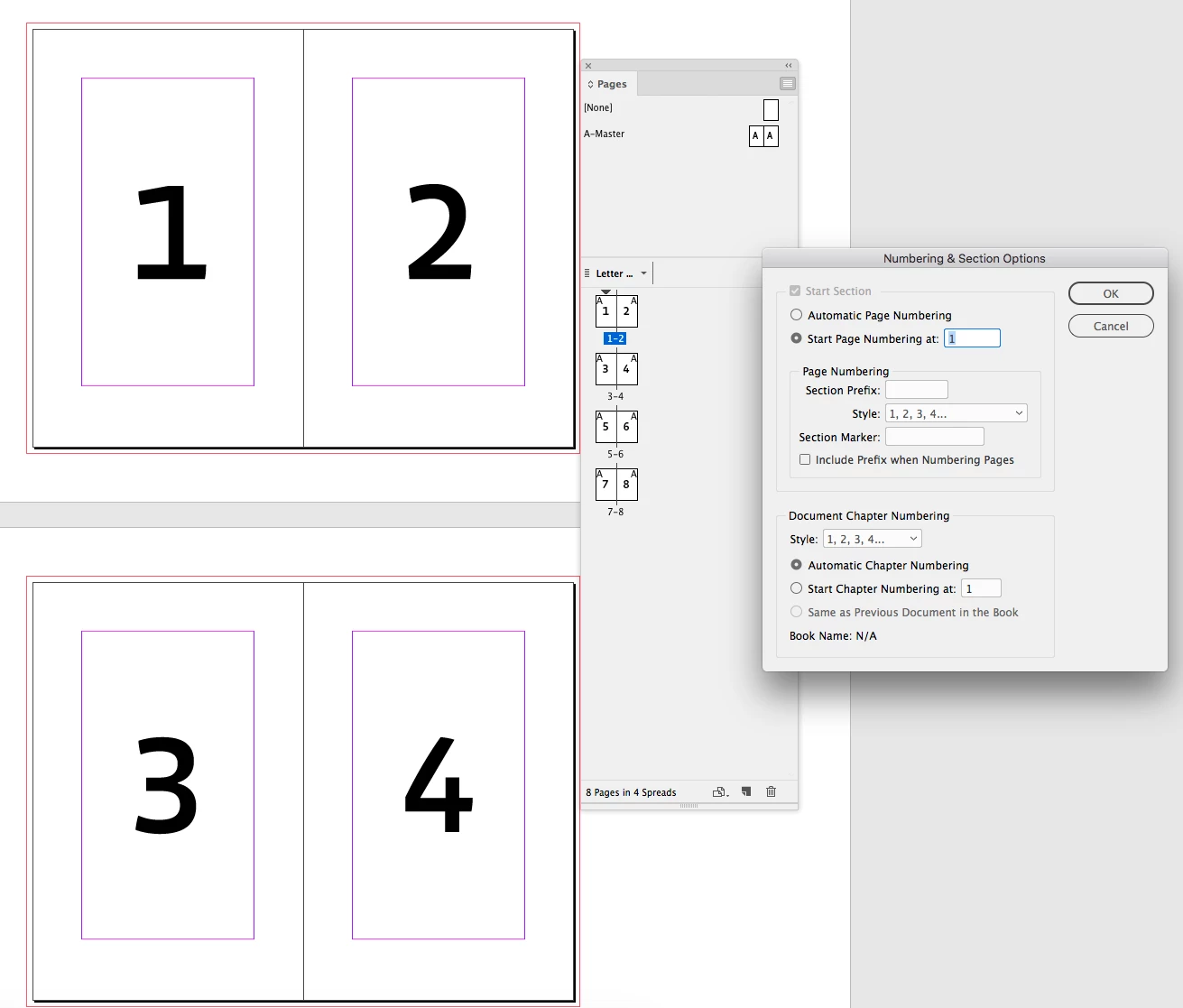
I tried to fix this by creating a new document with facing pages instead of having 1 page be a spread, but I ran into different problems with that method. I tried to make all of the spreads double spreads by starting the document on page 2, but that made the automatic numbering start with "2," so what I wanted to be page 1 is marked as page 2. When I tried to make the page numbering start on "1" from the Numbering & Section Options menu, it just inserted a single page before what I wanted to be my first page. Does anyone know how to set up page numbering for a layout like this? This is going to be a fairly long book, so individually numbering each page isn't an option.
I've attached an illustration in case my writing was unclear.
 AdChoices