Answered
page transitions
I have read a few articles about how to apply page transitions to my .pdf file. I an only target one spread at a time. Is there a command for targeting more than 1 spread at a time?
thank you
Patrick Robles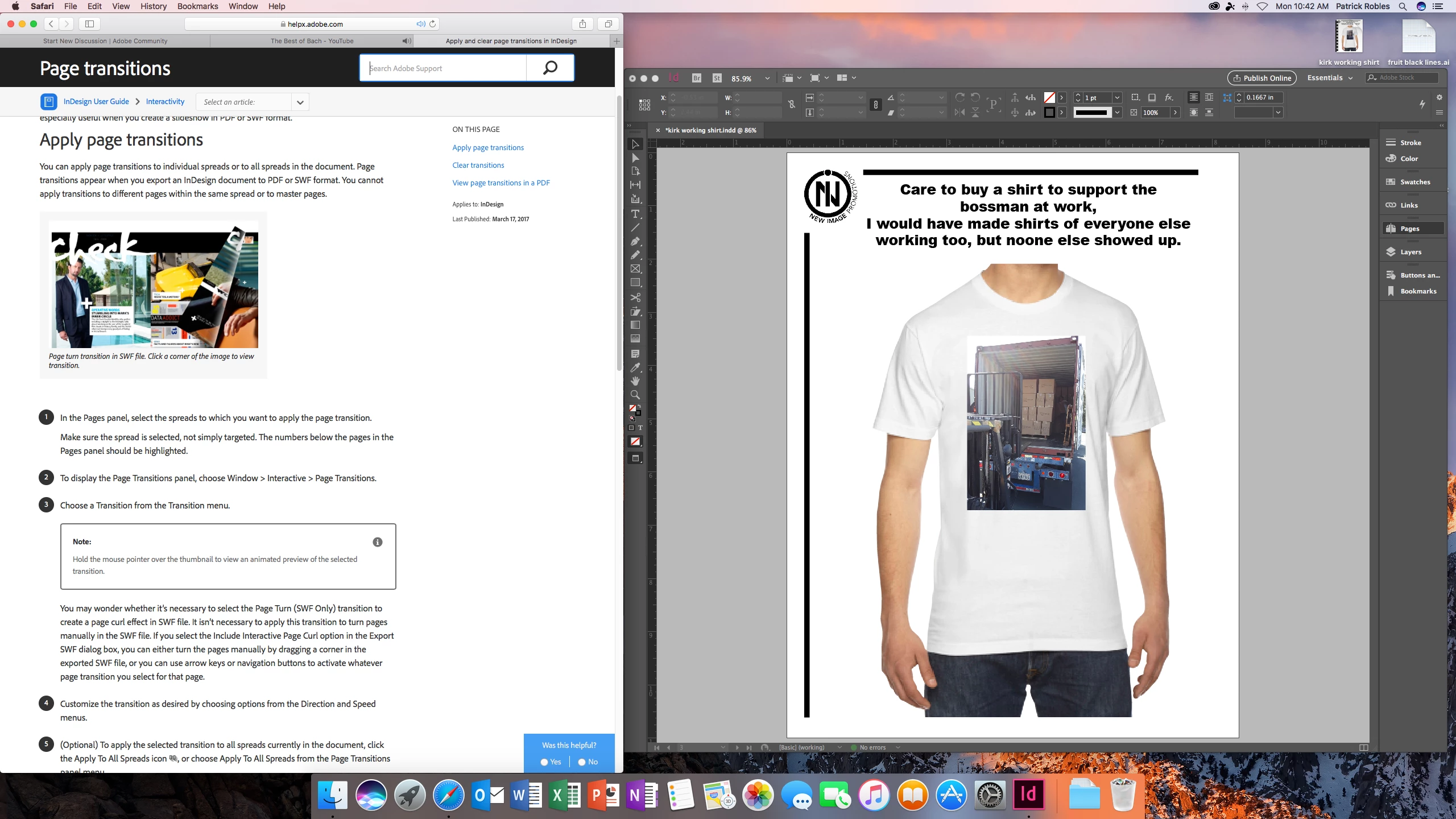
I have read a few articles about how to apply page transitions to my .pdf file. I an only target one spread at a time. Is there a command for targeting more than 1 spread at a time?
thank you
Patrick Robles
Your screenshot actually answers your own question. Page Transitions will be applied to every spread that you have selected in the Pages Panel. Make sure they are actually selected not just clicked on. A selected page should turn a shade of blue.
Already have an account? Login
Enter your E-mail address. We'll send you an e-mail with instructions to reset your password.
 AdChoices