Hi Gabriel,
you said: "Is there a way of doing this without relying in some scripting solution?"
I say: Why not using a script for this?
Let's think this through. All the formatting of the text frame and its contents with the page numbers can go into an object style. Position and size of the text frame, the applied paragraph style. The text frame will be built on a distinct layer, solely for that purpose. The auto page numbering could be done on a different layer and a different text frame using the master pages with the auto page number text variable as usual. The script will not do the ordinary page numbers.
With that in mind consider the following script code that will do the numbering for you:
[1] The script will add a new layer with name "SectionNumbering"; it will remove the layer with that name first, if that named layer already exists before the script starts, the script will remove the layer and built it again; change the name of the layer in the script code if you like.
[2] The script will add an object style named "SectionNumberingStyle" if that style does not exist, it will use the object style if it already exists, change that name of that object style in the script code if you like.
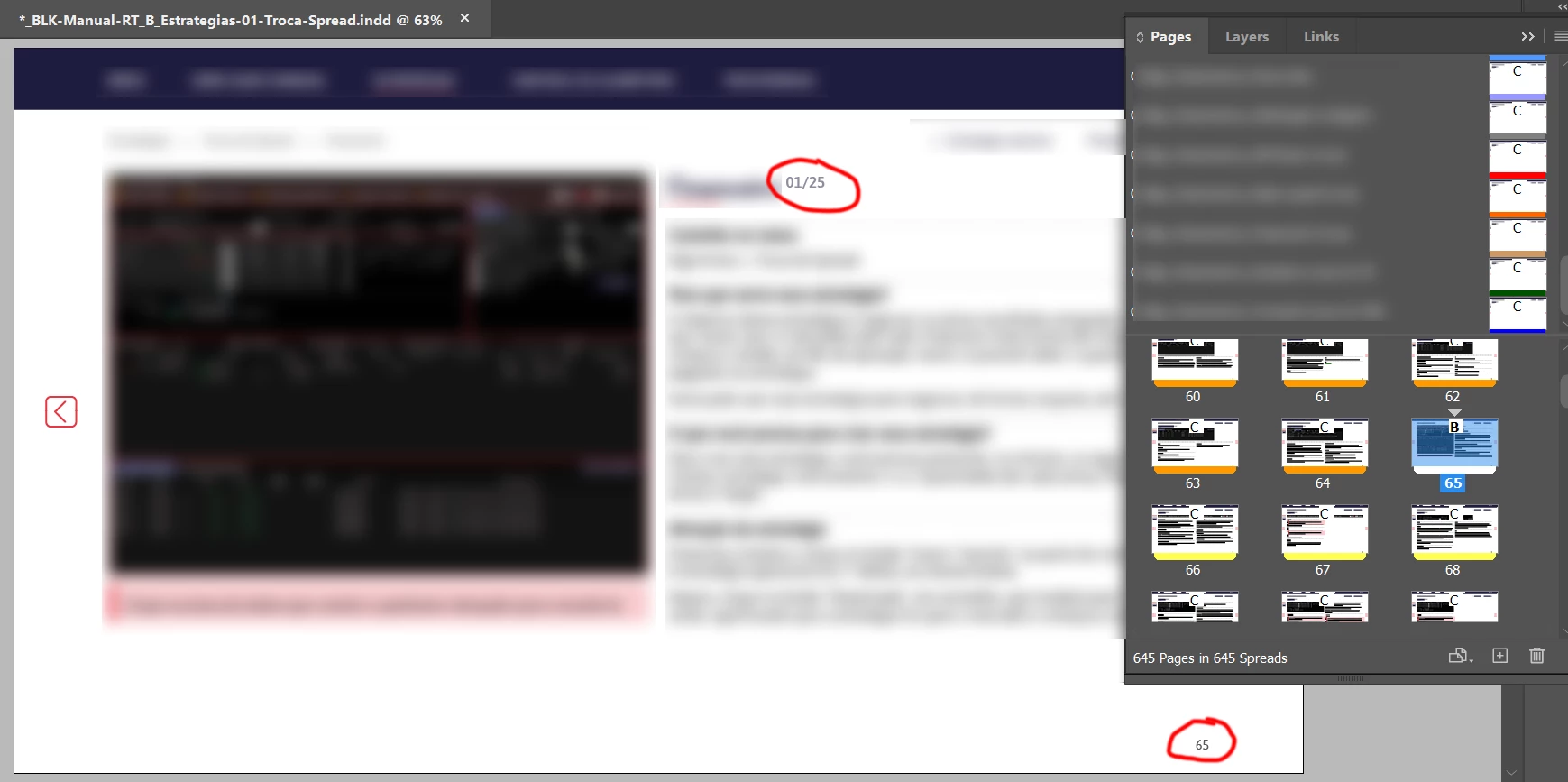
[3] The script will calculate the appropriate page numbers in the form 001/999 or 01/10, just as you showed in your screenshot with leading zeros. The number of leading zeros is calculated from the maximum amount of pages that go into a distinct section; it is calculated individually for every section so that numbering like 001/010 will not happen. Instead it will be 01/10.
The script code is written in ExtendScript (JavaScript):
/**
* @@@BUILDINFO@@@ NumberPagesOfAllSections-v1.jsx !Version! Fri Feb 12 2021 21:18:59 GMT+0100
*/

/*
	See discussion:
	Page x of y and sequential numbering in the same page
	GabrielS_131022
	https://community.adobe.com/t5/indesign/page-x-of-y-and-sequential-numbering-in-the-same-page/td-p/11827656

	Script code by Uwe Laubender
	for InDesign CS6 to InDesign 2021 on every OS platform
	on the Adobe InDesign Forum

*/

( function()
{

	if(app.documents.length == 0 ){ return };

	var doc = app.documents[0];

	// Change this name if you like:
	var layerName = "SectionNumbering";

	// Change this name if you like:
	var objectStyleForSectionNumbers = "SectionNumberingStyle";

	/*
		Currently used separator string between the two numbers: "/"
		That means:

		001/999, 01/99, 1/9

		If you change that e.g, to: " of " it will show like that:
		001 of 999, 01 of 99, 1 of 9

	*/
	// Change the separator string if you like:
	var separatorString = "/" ;

	var layer = doc.layers.itemByName( layerName );
	var objectStyle = doc.objectStyles.itemByName( objectStyleForSectionNumbers );

	if( layer.isValid ){ layer.remove() };
	layer = doc.layers.add( { name : layerName } );

	if( !objectStyle.isValid )
	{
		doc.objectStyles.add( { name : objectStyleForSectionNumbers } );
	};

	var allSections = doc.sections.everyItem().getElements();
	var allSectionLength = allSections.length;

	for( var n=0; n<allSectionLength; n++ )
	{
		var currentSection = allSections[n];
		var pageLength = currentSection.length;
		var startPageIndex = currentSection.pageStart.documentOffset;

		var maxDigitsLength = pageLength.toString().length;

		for( var p=0; p<pageLength; p++ )
		{
			var currentPage = doc.pages[ startPageIndex + p ];
			var currentNumber = p+1;
			var currentDigitString = currentNumber.toString();

			while( currentDigitString.length < maxDigitsLength )
			{
				currentDigitString = "0" + currentDigitString;
			};

			currentPage.textFrames.add
			(
				{
					contents : currentDigitString + separatorString + pageLength ,
					appliedObjectStyle : objectStyle ,
					itemLayer : layer
				}
			)
		};
	};


}() )
How to save the script code to a script file, install the script file so that it is available in InDesign's Scripts Panel and how to execute the script from the Scripts Panel see: https://www.indiscripts.com/pages/help#hd0sb2
Use this InDesign 2021 document for testing purposes where I did several sections with several page lengths:
https://www.dropbox.com/s/ajtlc6o6mx3o18t/NumberPagesOfAllSections-2021.indd?dl=1
I already built an object style and a paragraph style so that you can see how much power can go into an object style.
Regards,
Uwe Laubender
( ACP )
 AdChoices