Participant
August 15, 2020
Answered

pages and layers linked or grouped

  • August 15, 2020
  • 3 replies
  • 1116 views

I understand how to work with both pages and layers.  I'm writing a graphic memoir on Photoshop and Illustrator and then final into InDesign.  As I write it, it will have a lot of pages and lots of layers for each  page.  I've searched youtube with no luck, and I've asked some people, but I wanted to doublecheck here.  What is the best way to organize or is there a way to click on the page and have it show only the layers for that page, or somehow group them together for easy editing in the future.  
Correct answer rob day

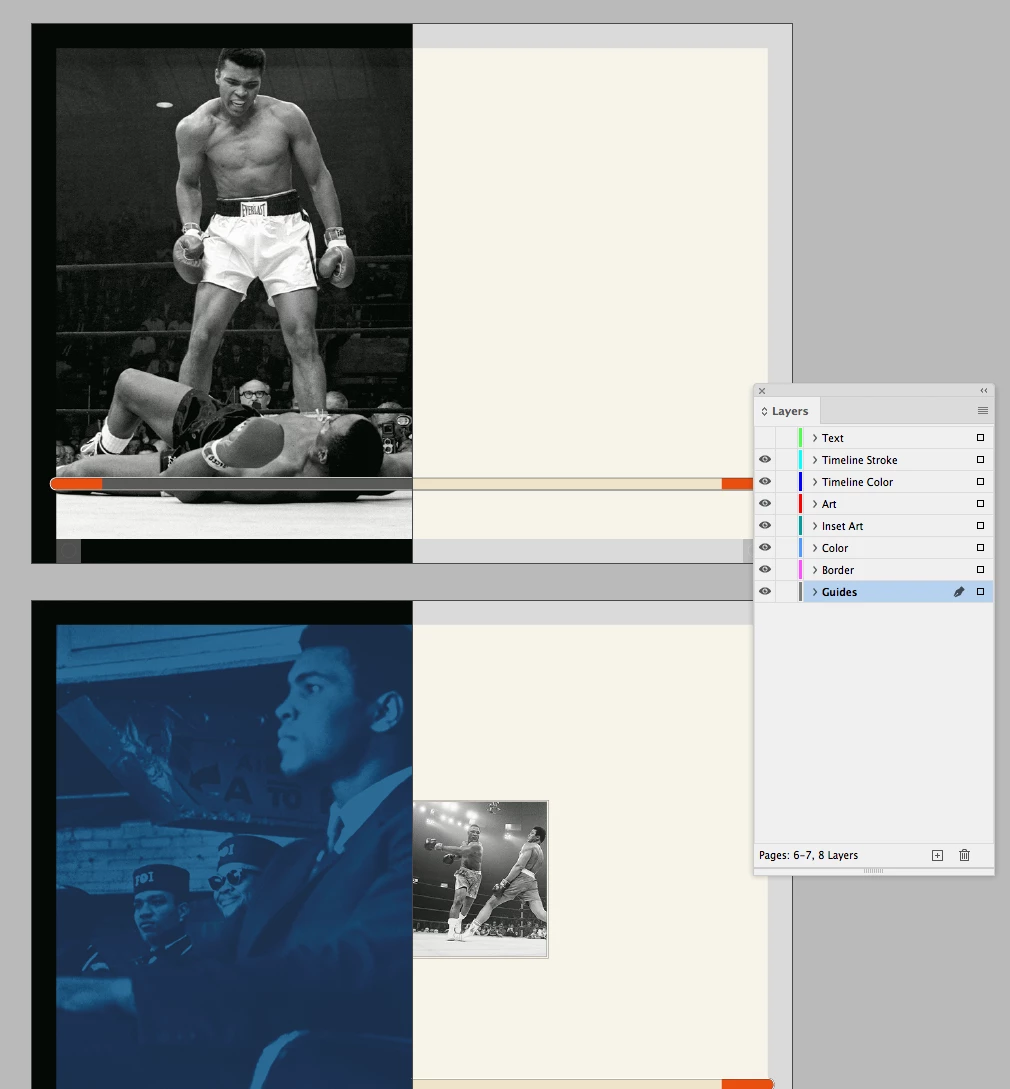
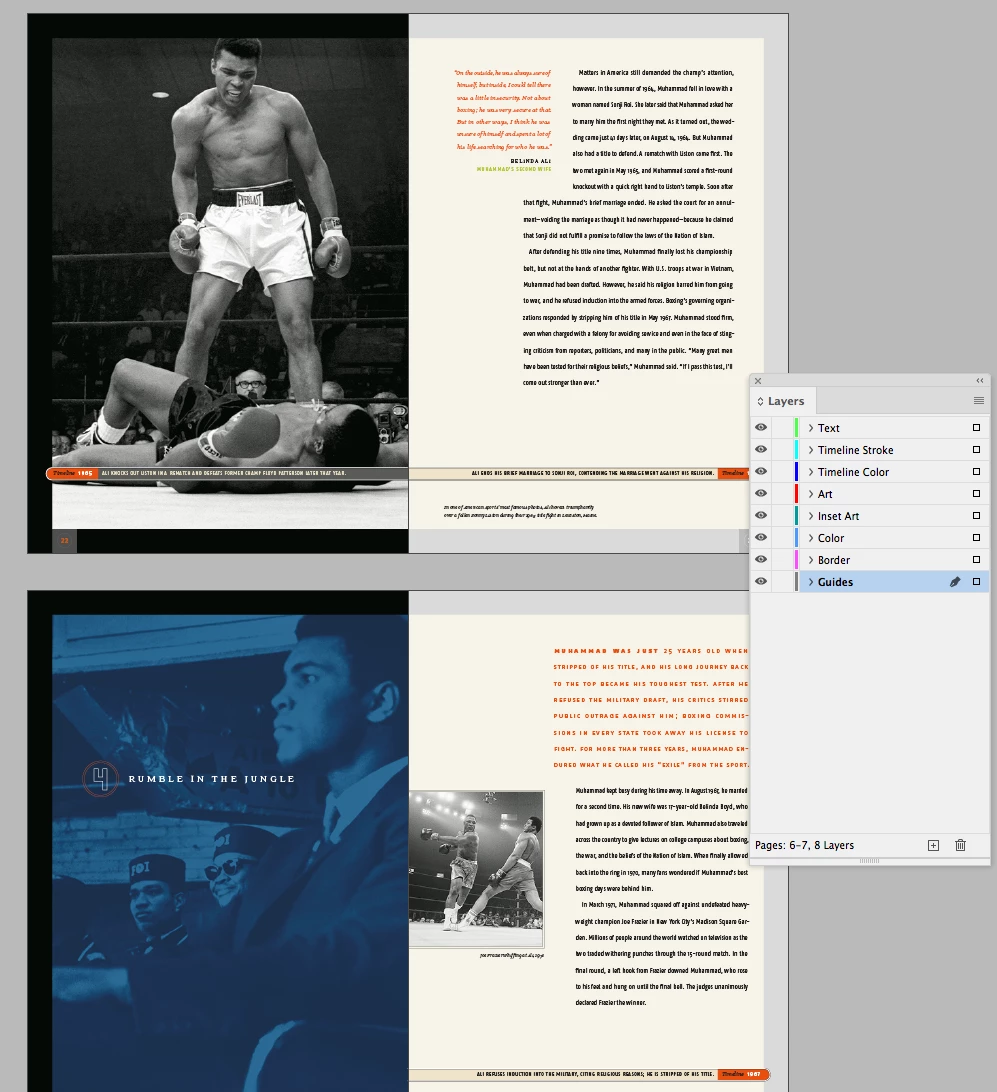
I set my layers up by object category—i.e., Guides, Images, Text, Folios. Only the page items for the active spread (the spread selected in the Pages panel) show in a Layer’s sublayer list, so I can navigate a category layer’s page items by making a spread active. For example all layers visible:


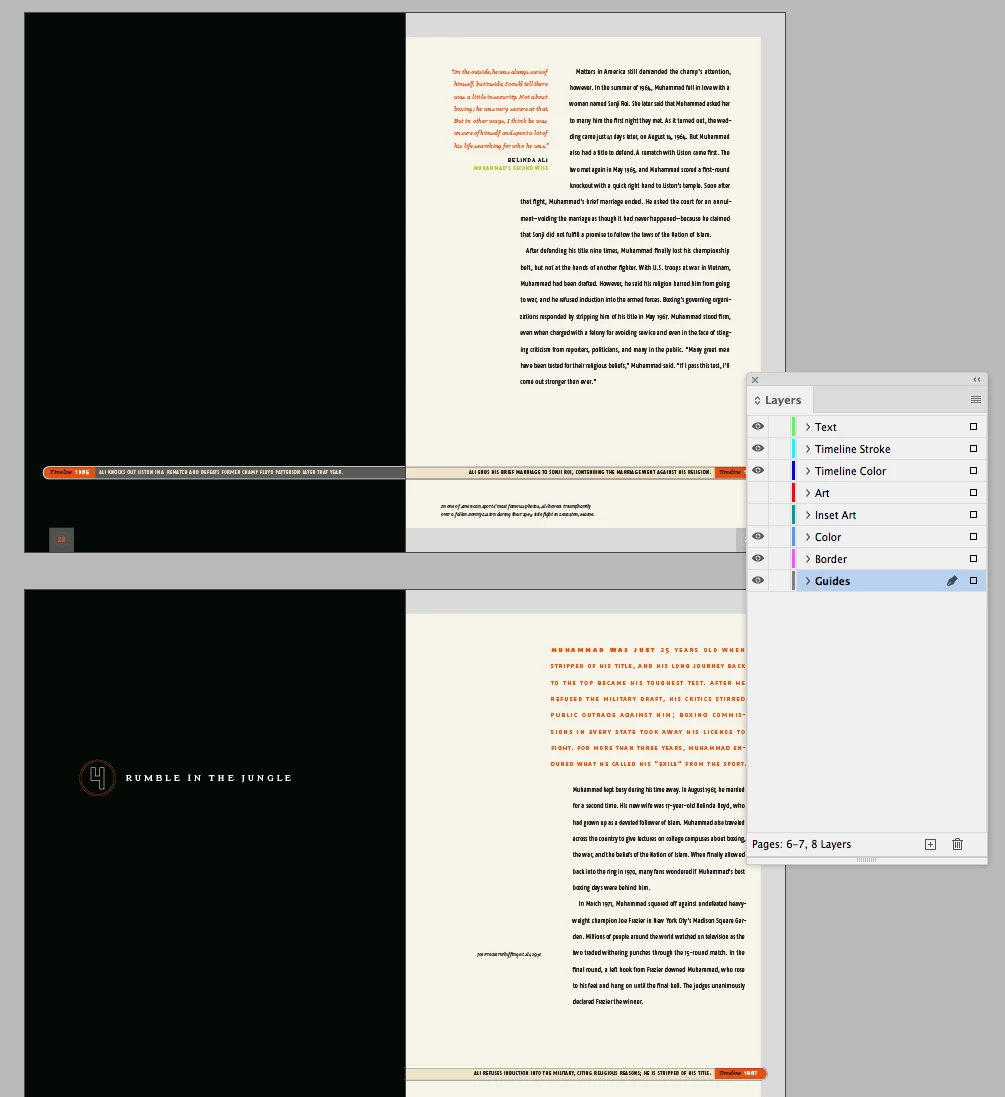
Hiding the Text layer:


Hiding Art and Insert Art:


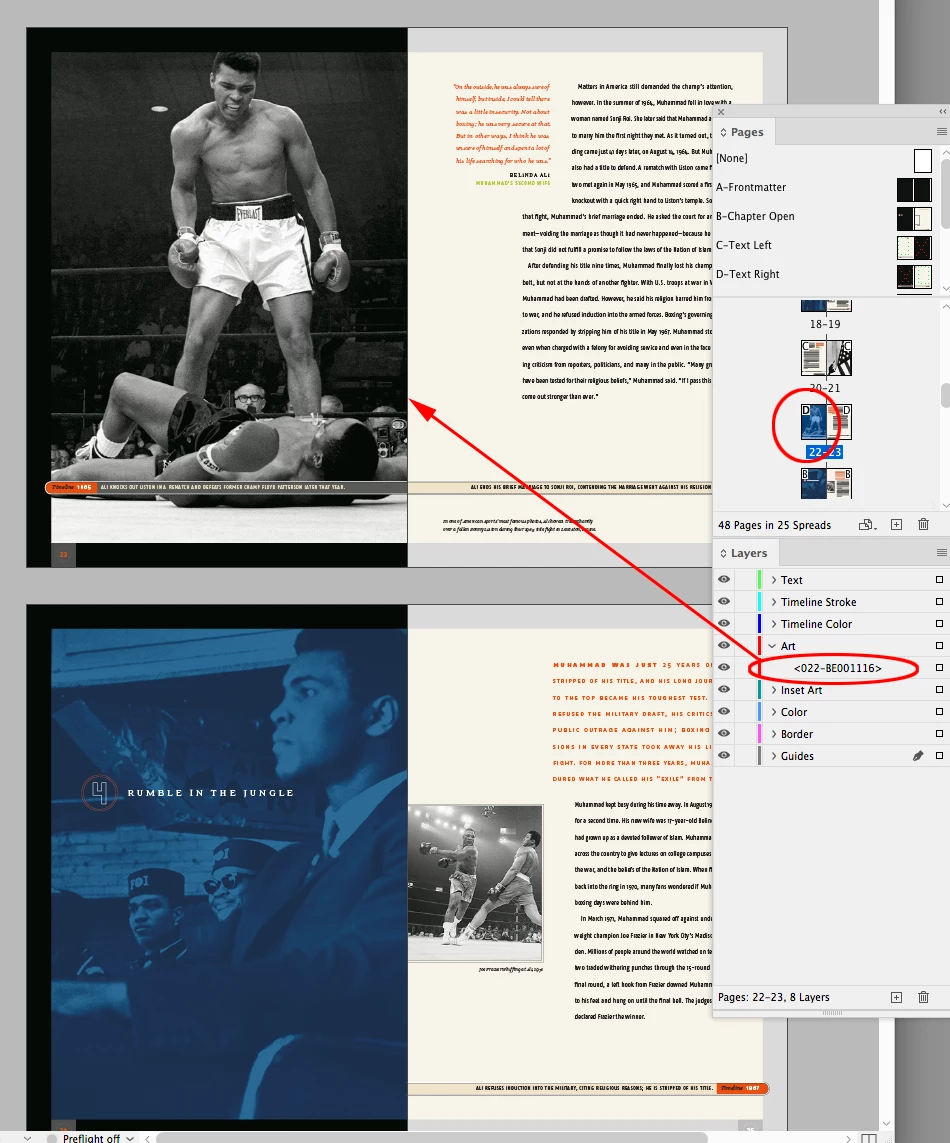
Here my page 22-23 spread is active, so if I open the Art Layer, I can hide, show or select the page items in the Art layer for the 22-23 spread:


3 replies

rob day
Community Expert
rob dayCommunity ExpertCorrect answer
Community Expert
August 15, 2020

I set my layers up by object category—i.e., Guides, Images, Text, Folios. Only the page items for the active spread (the spread selected in the Pages panel) show in a Layer’s sublayer list, so I can navigate a category layer’s page items by making a spread active. For example all layers visible:


Hiding the Text layer:


Hiding Art and Insert Art:


Here my page 22-23 spread is active, so if I open the Art Layer, I can hide, show or select the page items in the Art layer for the 22-23 spread:


Kaylene BAuthor
Participant
August 17, 2020

Hi Rob

I sent you a private message.  I don't know if you didn't see it, or don't have notifications set up, or ?  Let me know please either way about what you think of my message.  


rob day
Community Expert
Community Expert
August 17, 2020

Try organizing your layers as I described, and if you continue to have problems post another question so others can also post answers. You might also look at linkedin learning formerly lynda.com for high quality tutorials—they have a 30-day trial. https://www.linkedin.com/learning/

jmlevy
Community Expert
Community Expert
August 15, 2020

I'm writing a graphic memoir on Photoshop and Illustrator and then final into InDesign.

Neither Photoshop nor Illustrator are the appropriated softwares to do this. use InDesign to write and to layout and use Photoshop and Illustrator to worh on the images. Then place them in the InDesign file.

Kaylene BAuthor
Participant
August 15, 2020
Yes, that is what I was planning on doing. Creating the images on PS and IL and ID for the final product.

PURSUE A PASSION, NOT A PAYCHECK!!!

Yours in Health,

Kaylene Buteau, MS
http://www.linkedin.com/in/kaylenebuteaums
Fitness/Wellness & Dance Professional
Group Exercise Instructor
Yoga & Pilates Instructor
Personal Trainer
Professional DJ
Seminars and Workshops on Wellness and Social Dance
Community Expert
August 15, 2020

Hi Kaylene,

Layers are document wide, so if the document has five layers then each page will have it. Another thing is that the layer panel shows the objects on each layer present on the active spread. So i think layer panel would be of limited use to you. However, what i don't understand about your problem is, what difficulty are you facing editing the objects looking at the page. I mean visually the page clearly shows what is placed over it and its layer does not matter while object editing mostly.

-Manan

-Manan
Kaylene BAuthor
Participant
August 17, 2020

Hi   I'm trying to organize in the beginning since each chapter will have a lot of pages and layers.  I wish there was a way to click on the page and then only see the layers for that page in the layers panel, but I'm learning that, that isn't possible.    It just feels like it could get very confusing with all layers pertaining to all pages.