
Known Participant
May 23, 2024
Question

PanelTreeView file Listing issue

  • May 23, 2024
  • 1 reply
  • 465 views

Hi Everyone,


In our organization we use 'PanelTreeView.sdk' plugin to list down the scripts for production as centralized location for everyone like the first screenshot.
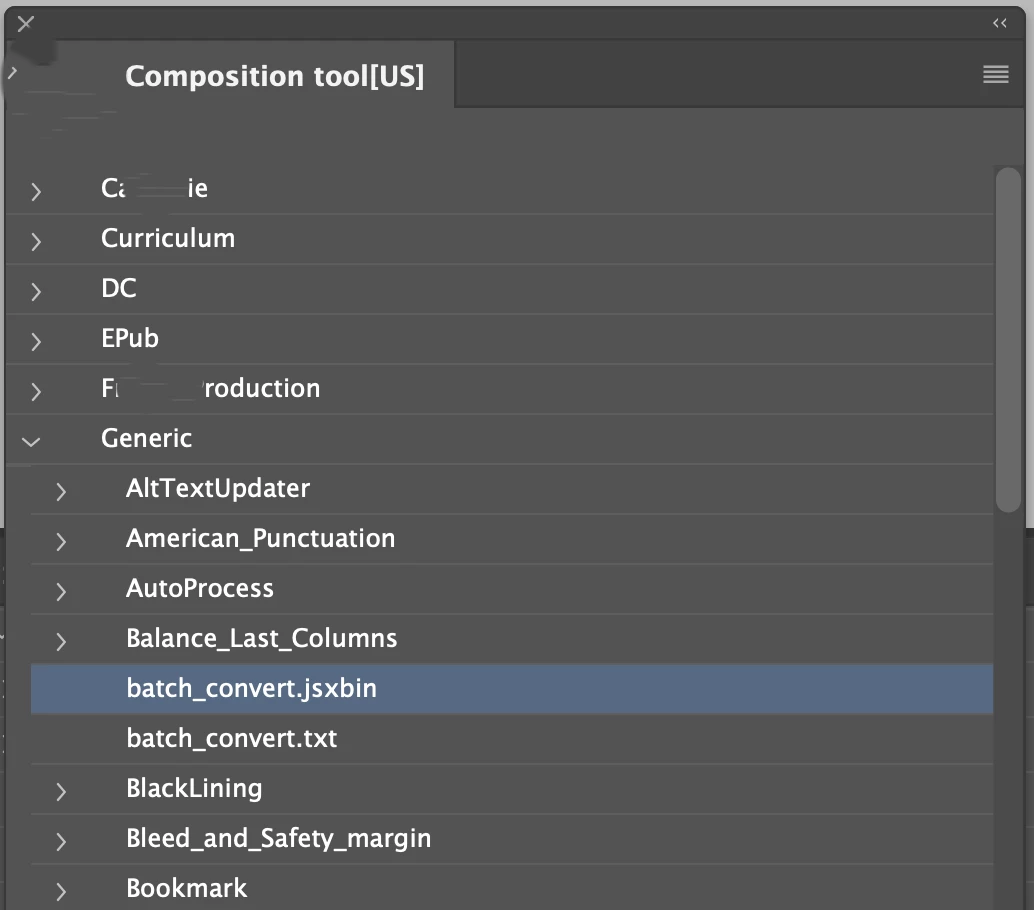


DoubleClick-ing on the script name will invoke them to run in locally.

Recent version InDesign 19.4 did not support this functionality and showing them as file paths.,
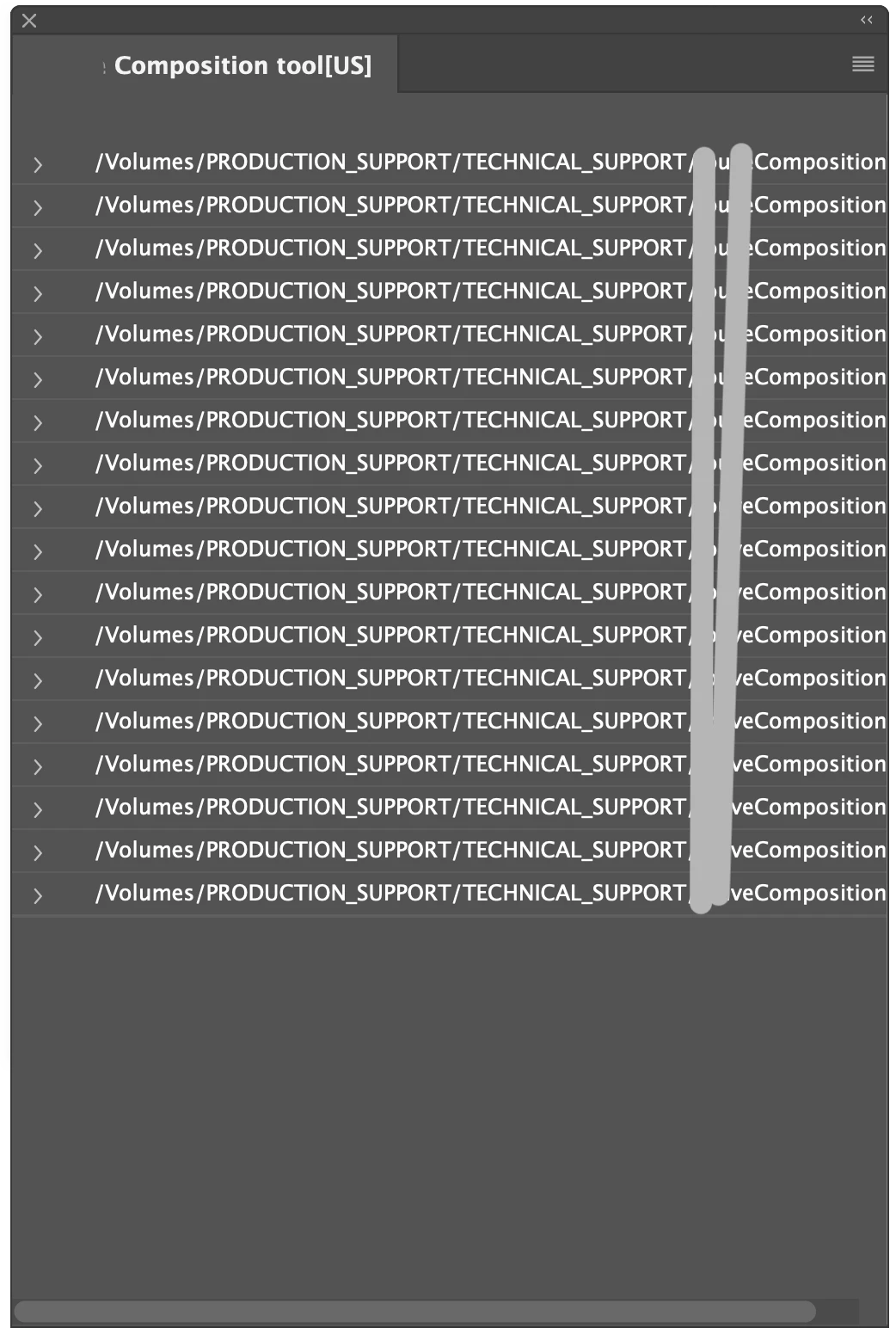


I even tried to build with the latest SDK version from developer console. But it is not fixed the issue.

Please assist me on this to resolve the issue. 


Indesign version 19.4

MACOS Sonoma 14.4.1


Thanks,

SathishS

This topic has been closed for replies.

1 reply

Legend
May 23, 2024

You likely have the path separator of HFS paths ":" hard wired somewhere.

19.4 has changed to posix paths that use "/".


While it lasts, you can also re-enable the old behaviour with a cookie file, e.g. mentioned here:

https://community.adobe.com/t5/indesign-discussions/indesign-ignores-pluginconfig-txt/m-p/14578540#M571652

Known Participant
May 24, 2024

Hi @Dirk Becker ,


Sorry for the late reply and thanks for your response! I'm having trouble though, as changing ':' to '/' doesn't seem to be working. Is there anything else I can try?


But renaming the file 'ENABLE_POSIX_PATH' working fine now as mentioned in thread you mentioned.


Thanks,

SathishS


Legend
May 24, 2024

That cookie will go away some day.

Until then, rework your code to use IDFile instead of string operations.

Hmm, first time I look at that sample, in an 19.4 SDK.

Have you found the use of kTextChar_colon in PnlTrvUtils.cpp ?

Otherwise see how PnlTrvDataModel::cacheChildern works with SDKFileHelper.

At least in the 19.4 SDK it appears to be prepared, calls to "isMacPosixPathEnabled()" are all over the place within sdksamples/common/SDKFileHelper.cpp .