
Inspiring
July 29, 2022
Answered

Paragraph Style Hiccups

  • July 29, 2022
  • 1 reply
  • 169 views

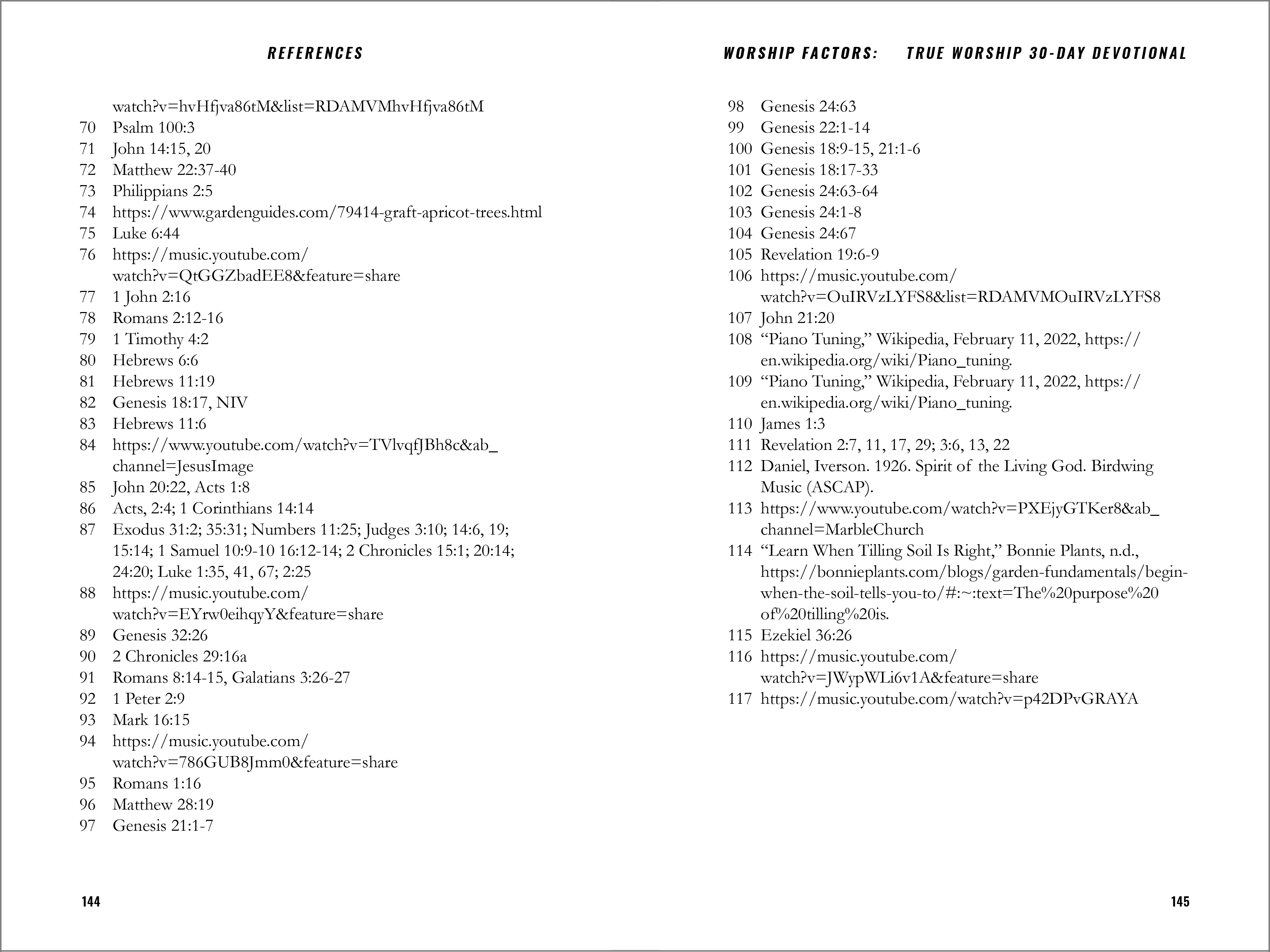
I imported a document from Word that included endnotes. I had to add a grep style to properly align the text. However, as you can see from the reference list, I've lost my "full justification" in the process. 

Use the paragraph palette to create the hanging indent. That worked perfectly, but for the life of me, I can't get this to justify.


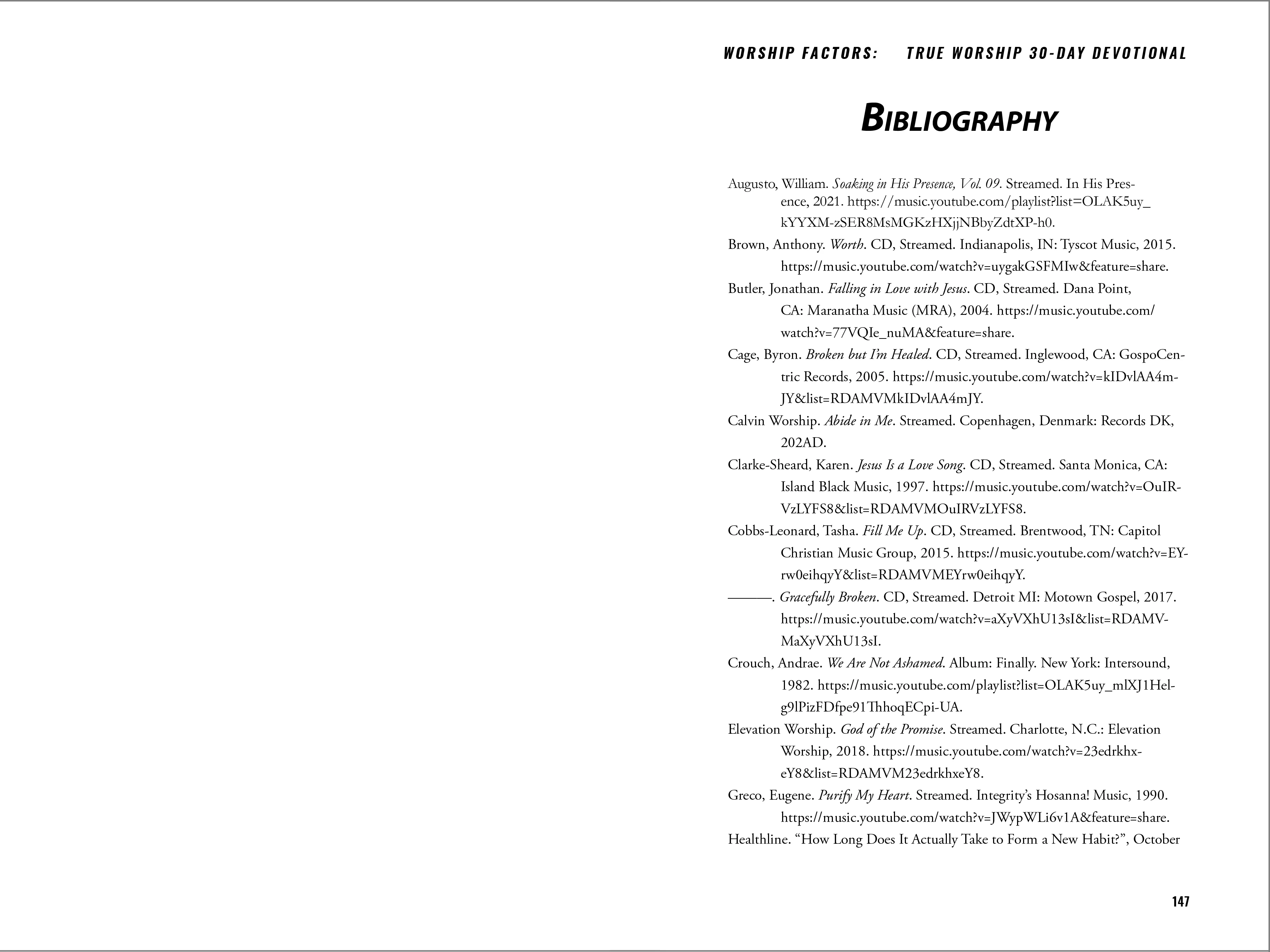
I'm having a similar problem with my Bibliography that I also imported. The hanging indent seems to have been imported properly, but once again, I can't get this thing to justify with the hanging indent fully.


This topic has been closed for replies.
Correct answer Global Growth22472567e5o6

Ok, so I think I found an easy solution to this issue. For the endnotes, I switched paragraph styles, then switched back. Everything seems to have lined up perfectly now. Since no paragraph style for the Bibliography was ever set, I simply applied the endnotes style, then went to type>paragraph and created a manual hanging indent. This brings me to my next question. Is there a way to create a paragraph style with a hanging indent?

1 reply

Global Growth22472567e5o6AuthorCorrect answer
Inspiring
July 30, 2022

Ok, so I think I found an easy solution to this issue. For the endnotes, I switched paragraph styles, then switched back. Everything seems to have lined up perfectly now. Since no paragraph style for the Bibliography was ever set, I simply applied the endnotes style, then went to type>paragraph and created a manual hanging indent. This brings me to my next question. Is there a way to create a paragraph style with a hanging indent?