Participating Frequently
February 21, 2026
Question

Parent Page applied, but content not showing on document pages

  • February 21, 2026
  • 5 replies
  • 32 views

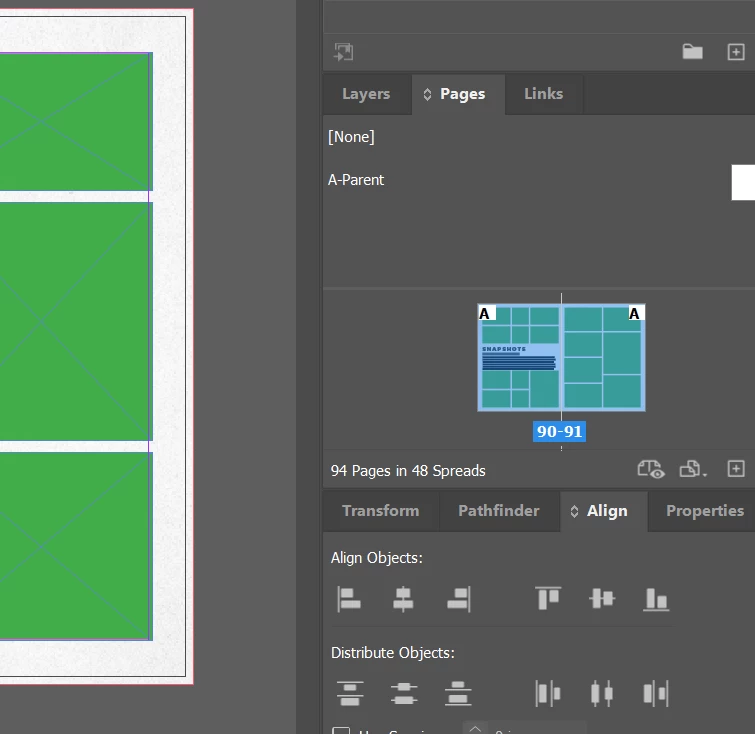
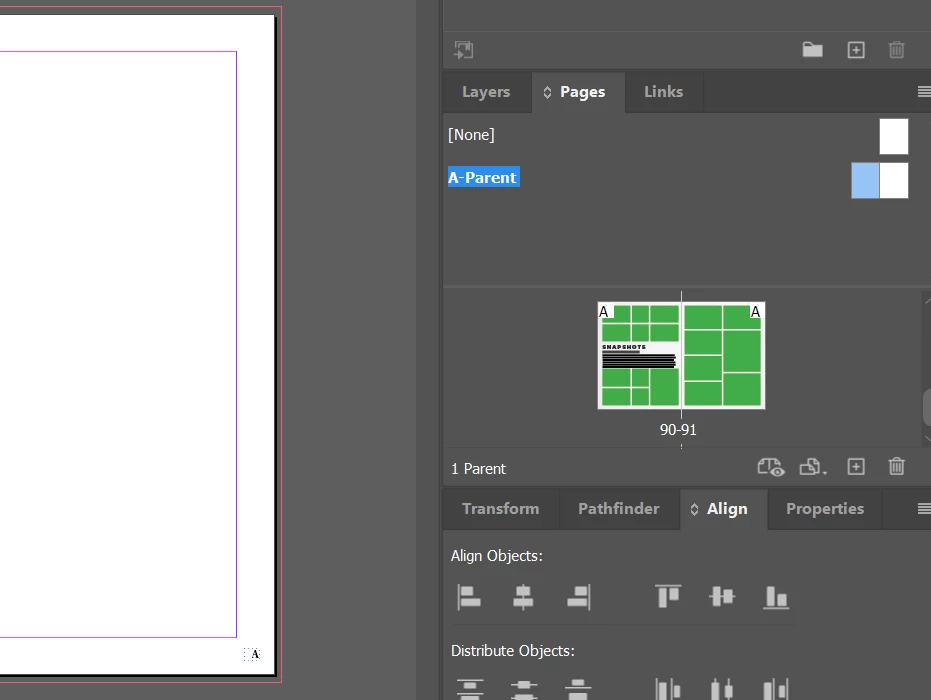
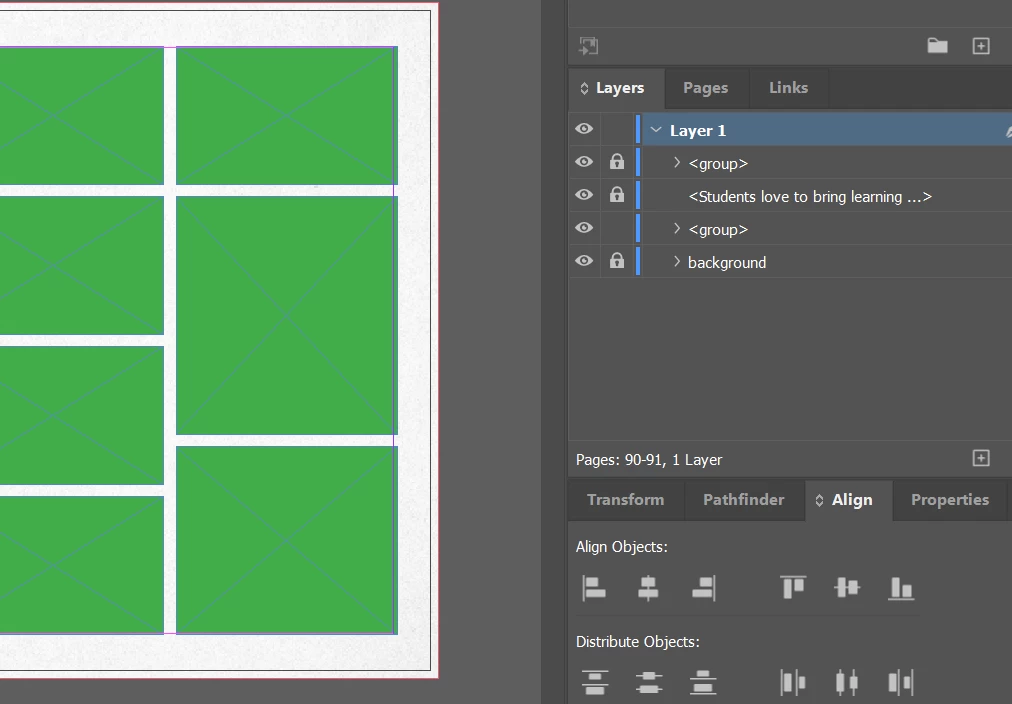
I added page numbers to parent page/spread, but they’re not showing on the document pages. As you can see from the screenshots, pages show A-Parent is applied, and A-Parent has dotted text frame set up as current page number. Layers of document pages show they are not hiding behind the background, they just aren’t there.


What I’ve tried already:

Closed file and InDesign, restarted & reopened

Applied A-Parent again

Checked layers panel for page numbers behind background

Clearing overrides (weren’t any)

Checked that A-Parent layer is set to show and print

Made copy of parent and applied that

Made/opened copy of INDD file

Exported/opened as IMDL file


I’ve done this before, and can’t figure out what is wrong. What am I missing? What else can I try? Thanks for any help!


    5 replies

    rob day
    Community Expert
    Community Expert
    February 22, 2026

    Hi ​@Jennifer5EEE , I also think ​@Eugene Tyson is right. Hide your background layer, it looks like the page number marker is behind that layer—the white background frame is not on the parent page.


    BobLevine
    Community Expert
    Community Expert
    February 22, 2026

    I’m guessing that Eugene is correct here. Best practice with page numbers on a parent page is to put them on a top layer so nothing on a live page can cover them up.

    Willi Adelberger
    Community Expert
    Community Expert
    February 22, 2026

    Did you check, if the green frames have text wrap applied?

    Community Expert
    February 22, 2026

    The layers panel won’t show the page number when on normal pages, it will only show what’s applied the pages manually. 


    To me it looks like something is covering the page number - likely the group. You can use the Eye icon in the layers to turn off the visibility and see if the page number is there. 


    If it is - then on the Parent Page -  you can move the page numbers to a new layer and put it above the current layer. When it’s on a layer above it will always show on top. 


    Likely what is happening is the group is above the page number and blocking it - like my basic example below


    Likely fix put page numbers on a new layer above


    Community Expert
    February 22, 2026

    Does this happen with a new file that you create as well? What is the version of InDesign? Can you share a sample of a problematic InDesign file?

    -Manan