
Answered
Parent Pages
My left hand parent page is applying formatting to the left of the first page even though there is no page there. How do I disengage the parent from the left side before the first page?
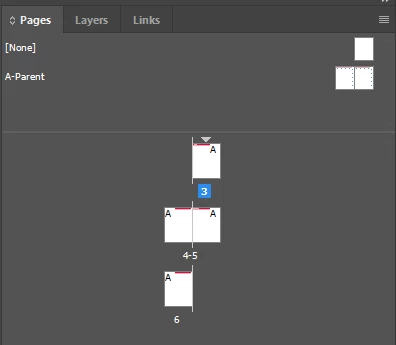
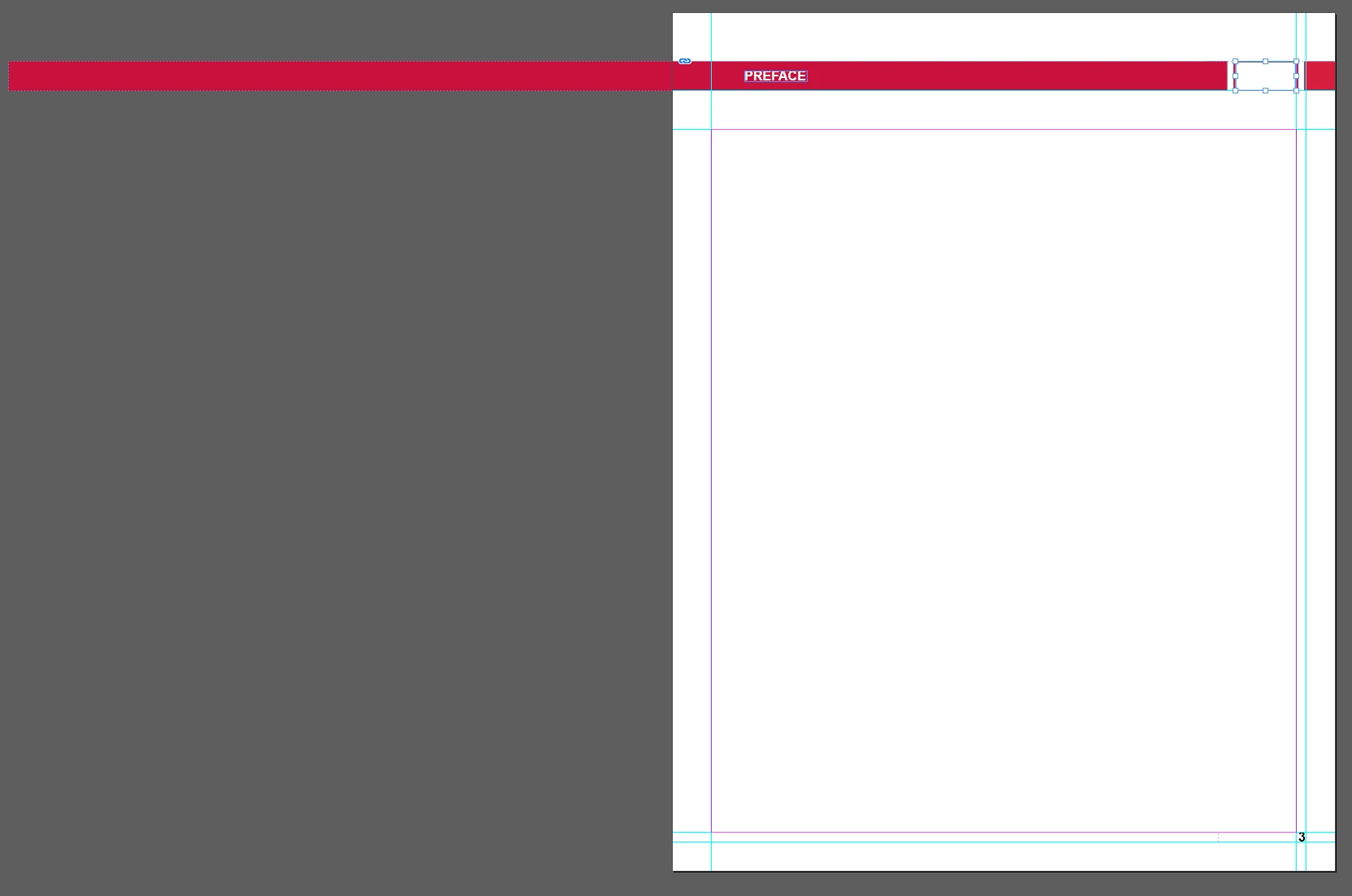

My left hand parent page is applying formatting to the left of the first page even though there is no page there. How do I disengage the parent from the left side before the first page?
You can't, if object is going outside of the page - it will be displayed anyway - on the pasteboard.
The only way is if you split your red banner into two parts - left and right.
Or if you create another, single page MasterSpread And apply it instead.
Already have an account? Login
Enter your E-mail address. We'll send you an e-mail with instructions to reset your password.


 AdChoices