
Question
"Paste in Place" Objects Not Pasting in Place
In the past I have been able to copy this sheet over to another page using "paste in place" and all objects would stay exactly in their same locations. Recently, I switched to using object styles. However, since changing, I have been having a problem with my text boxes moving around when using "paste in place." Not all boxes are moving around, even though all boxes have object styles. Is there an option that I should be selecting in the object style sheet to prevent my objects from moving around when pasting? If not, is there some other solution to the problem I've been having? Picture on the left is the original page, picture on the right is what happens after pasting. I'm an using the most up-to-date version of InDesign.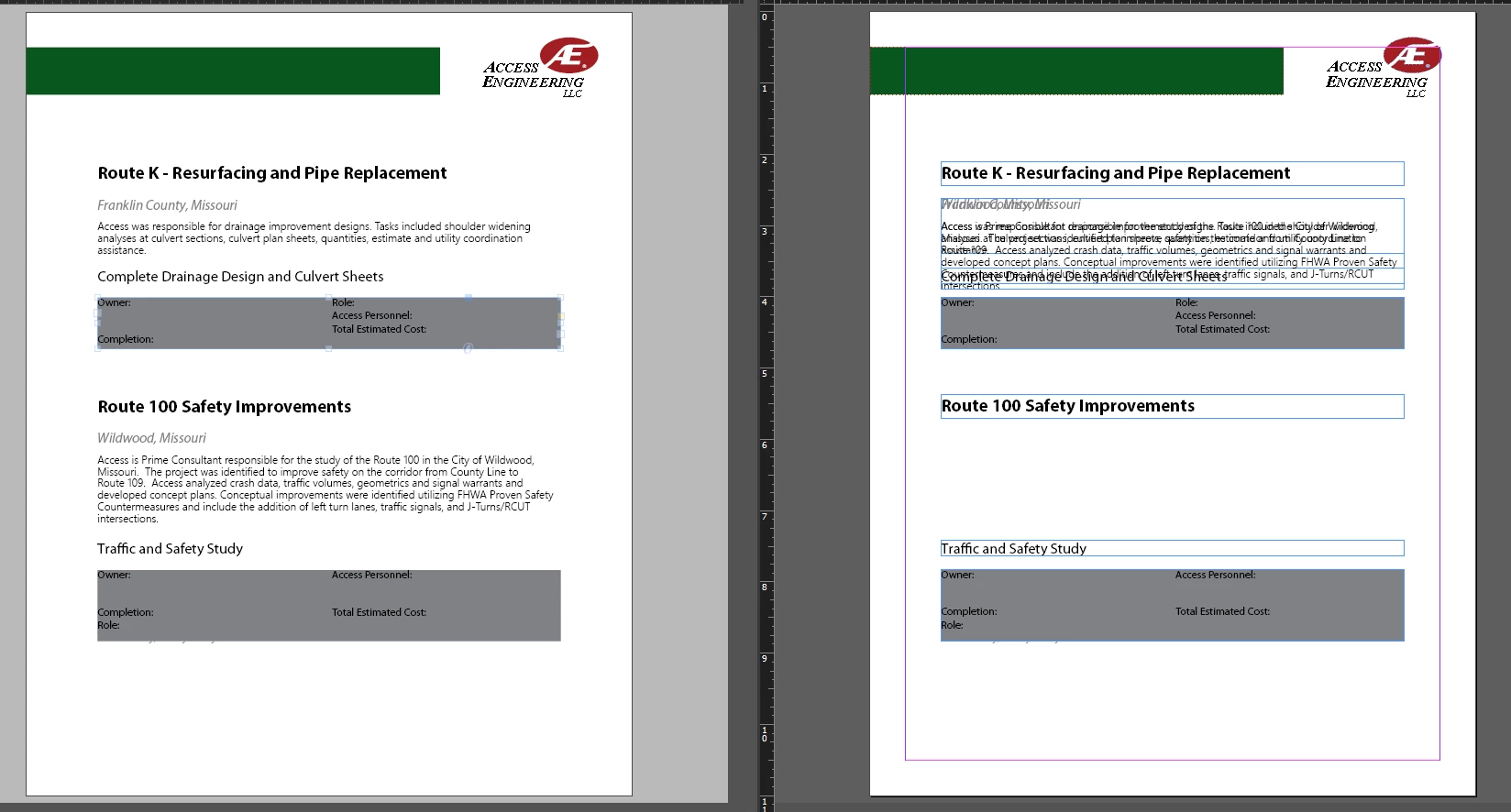
 AdChoices