Question
Paste transparent PNG into InDesign black background bug returns in V. 18.5 Mac
This was a bug that has come up multiple times over the years, and seemingly was solved for quite awhile, until now upon its return.
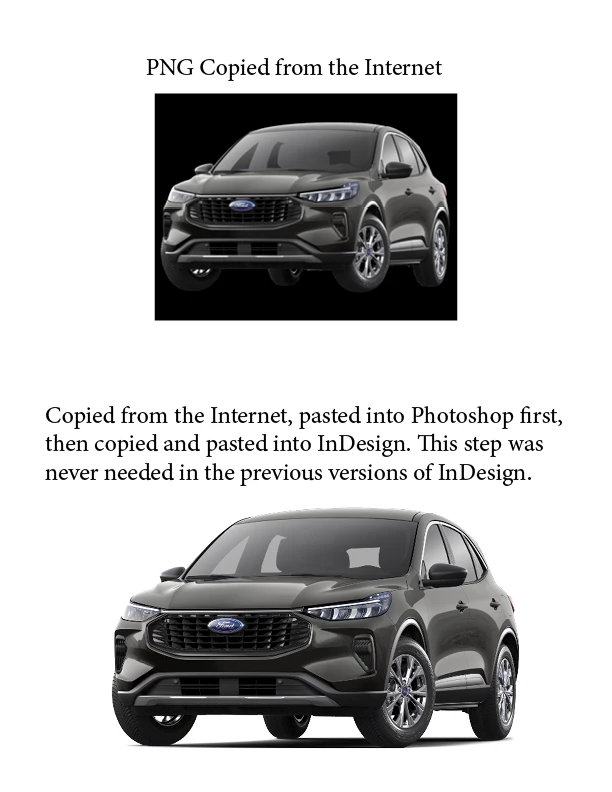
When you copy a transparent background PNG from Google Images (or any website) and paste it into InDesign, it will display a black box as the background.
If you paste the same image into Photoshop, copy that, paste it into InDesign, it will not show the black background. This step was not necessary up until this new update. It was working perfectly (no pasting into Photoshop first) for at least the last year.
This was working 100% flawlessly over the last year, but, is now broken in this new version on multiple Macs. Tried different browsers. Reset preferences, same issue.
 AdChoices