Inspiring
December 15, 2022
Question

Pasteboard size not working correctly

  • December 15, 2022
  • 2 replies
  • 361 views

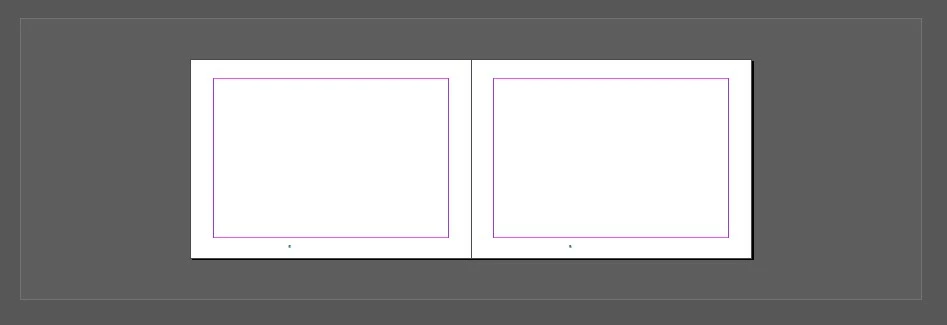
I put vertical pasteboard size to 0 and I see that. It is quite annoying to scroll over this cap over and over again.

This topic has been closed for replies.

2 replies

rob day
Community Expert
Community Expert
December 16, 2022

Hi @Sorontar , The vertical pasteboard amount is the distance between spreads, and you are only showing 1 spread. You can’t completely eliminate the space between spreads. Here’s what I get for Horizontal 8" and Vertical 0" in a multi spread, facing page doc:


Mike Witherell
Community Expert
Community Expert
December 16, 2022

Have you considered pressing Opt/Alt PageUp or PageDown? Instead of scrolling?

Mike Witherell
James Gifford—NitroPress
Legend
December 16, 2022

Or, remap plain PgUp/PgDn to the Next/Prior Spread functions. I've never found much use in the partial-screen jump of the defaults for those, and always having to use the Alt key to get a clean jump got tedious.


(IMHO, it should be the default, with Alt-PgUp etc. being the screen by screen jump.)