norvi86
Participant
December 24, 2018
Answered

Pathfinder options.

  • December 24, 2018
  • 3 replies
  • 1230 views

Hey guys and girls, whatsup!

My query is related to the pathfinder options. In Illustrator I know how to do this but on indesign I just can´t seem to find how to do it.

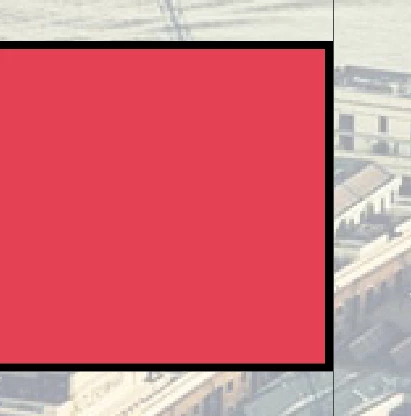
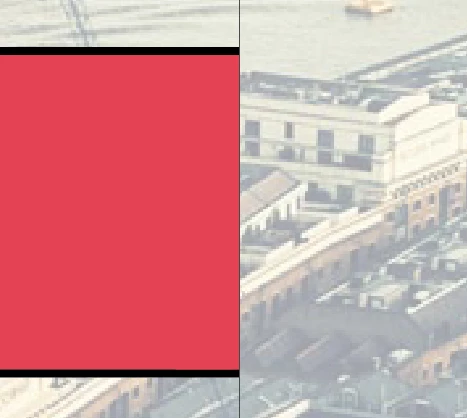
OK so I have a shape with a fill and a stroke. I want to subtract using another shape BUT I don´t want to keep the fill of the area subtracted.
    This topic has been closed for replies.
    Correct answer norvi86

    Thanks a lot! Both of you for your time!

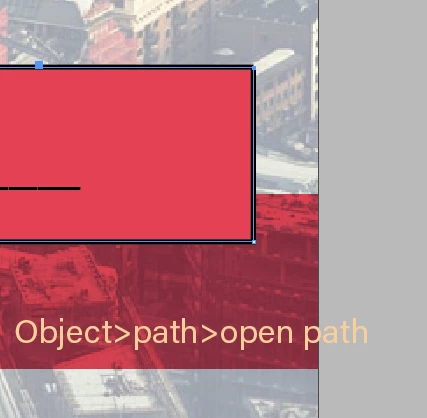
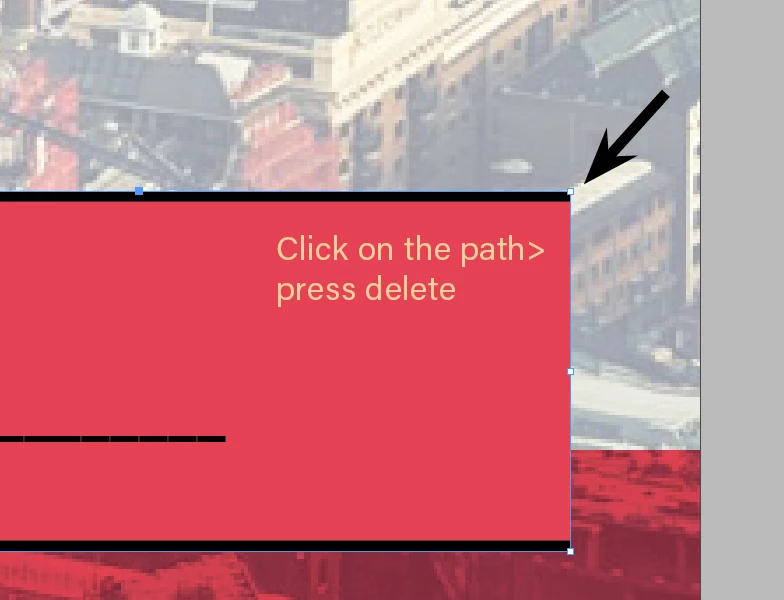
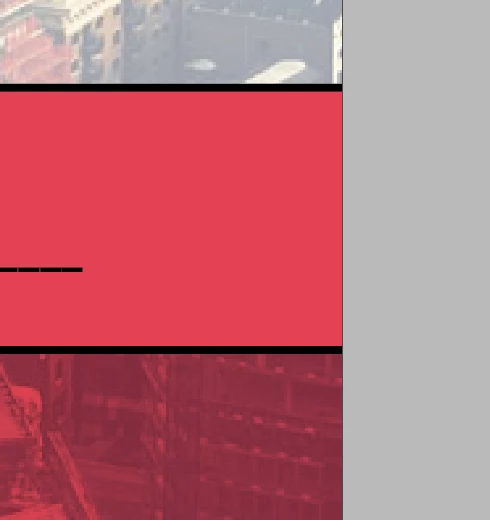
    I ended up opening and deleting the path.

    Well, at least if anybody else has this doubt it´s cleared up right?

    3 replies

    norvi86
    norvi86AuthorCorrect answer
    Participant
    December 24, 2018

    Thanks a lot! Both of you for your time!

    I ended up opening and deleting the path.

    Well, at least if anybody else has this doubt it´s cleared up right?

    norvi86
    norvi86Author
    Participant
    December 24, 2018

    It´s not that. This I know how to do.

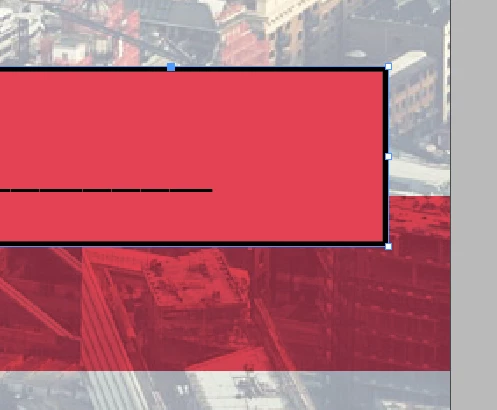
    Let´s say I want to make a cylinder shape leave the page. I know that I can subtract parts, but what I really want is to subtract from a shape that has a stroke BUT as you can see in the picture I don´t want the stroke to be applied on the area that I subtracted.

    Community Expert
    December 24, 2018

    Hi norvi86 ,

    to get a stroke applied that does not go all around the path there are two options with InDesign:

    1. Leave the path open but filled.

    2. Copy/Paste the path inside a graphic frame that has no stroke.

    Regards,
    Uwe

    Barb Binder
    Community Expert
    Community Expert
    December 24, 2018

    Hi Norvi:

    I'm not clear on the desired outcome so let's start here:

    • In InDesign the pathfinder options are in two locations—Object > Pathfinder and Window > Object & Layout > Pathfinder. They aren't as robust at the pathfinder commands in Illustrator but work the same way.
    • If you know how to accomplish what you want in Illustrator, you can always do it there, and then place the artwork in InDesign.

    OK so I have a shape with a fill and a stroke. I want to subtract using another shape BUT I don´t want to keep the fill of the area subtracted.

    Now, I see an image and a frame. Are you trying to cut out the frame?

    Or do you want something more like this:

    We can help if you can better describe the desired outcome.

    ~Barb

    ~Barb at Rocky Mountain Training