
Inspiring
December 18, 2025
Question

PDF reading order and empty values in Acrobat

  • December 18, 2025
  • 1 reply
  • 214 views

Hello, 

while working on an InDesign template, I noticed that the reading orderin Acrobat generates some empty fields/boxes. Here is the picture: 
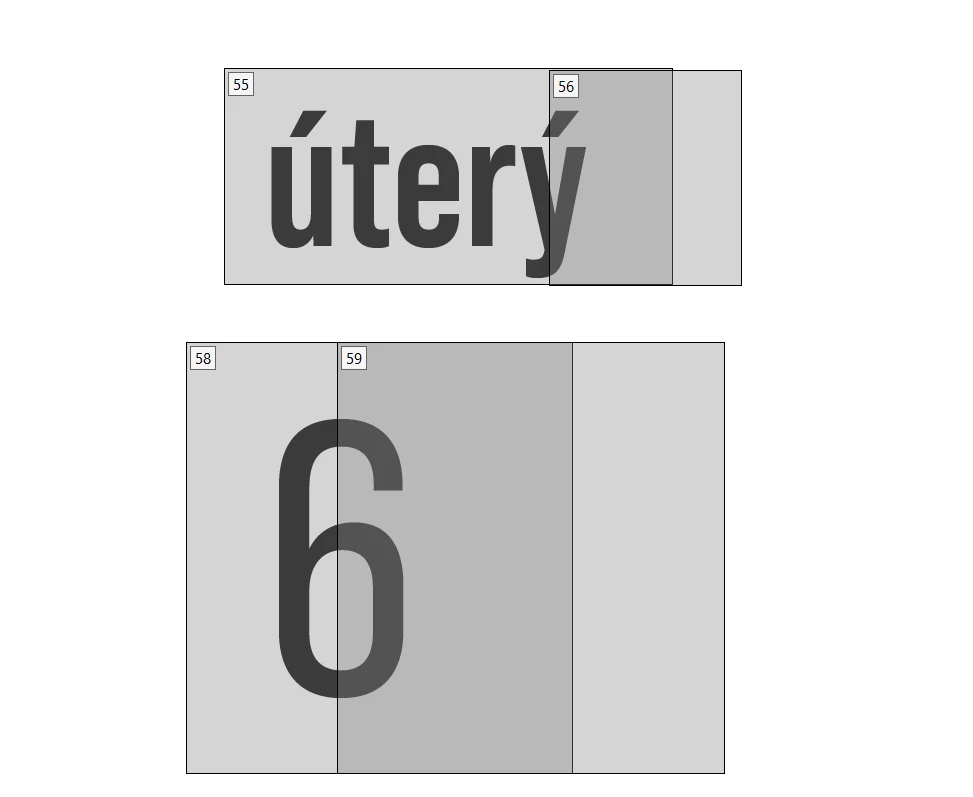
DavidSmerda_0-1766070714889.png

Here is how it looks in the reading panel: 

DavidSmerda_1-1766070762250.png

Is it possible to prevent the creation of these within InDesign? 
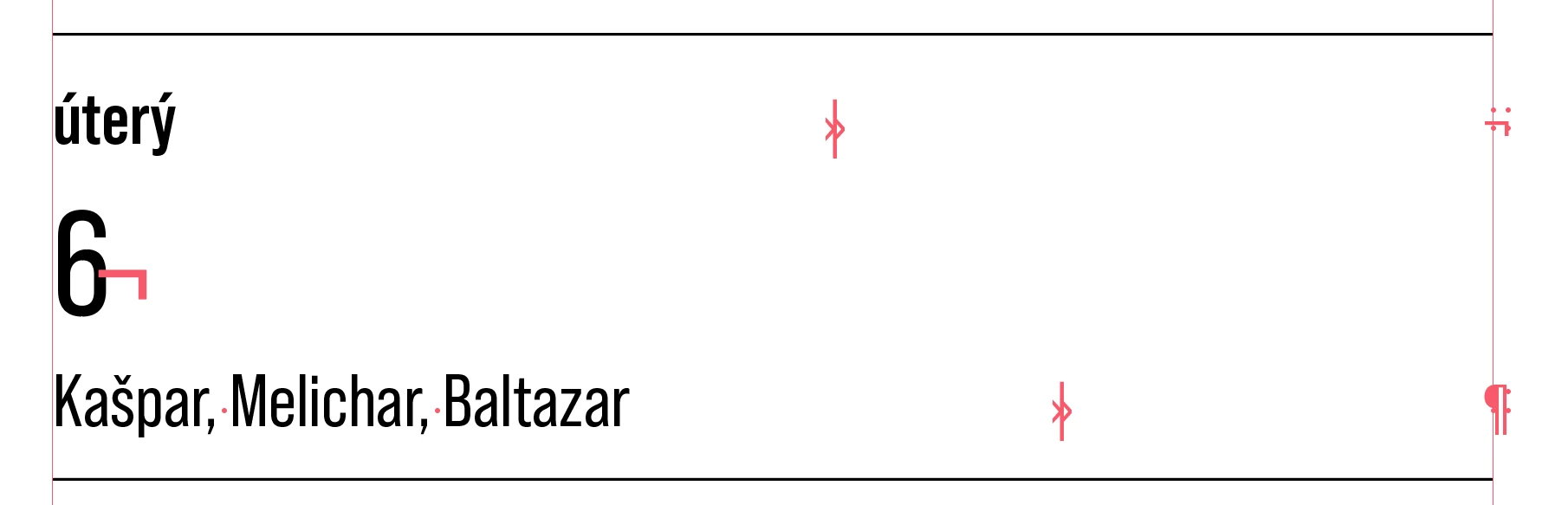
Here is how the story looks inside InDesign: 
DavidSmerda_2-1766070903269.png

The :: at the end of the line are from DataMerge unused placeholder and while it generates an entry in Tags panel, it do not bother me so much as opposed to the empty fields with no values:
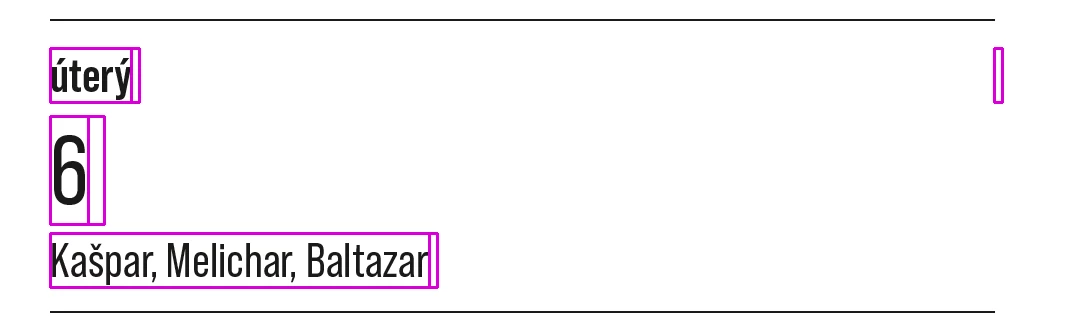
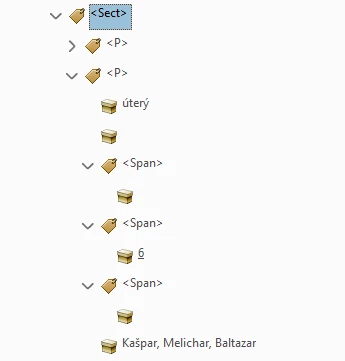
DavidSmerda_3-1766071100402.pngDavidSmerda_4-1766071141286.png

Please, let me know if the generation of these empty values can be prevented.

Best regards, 

David

1 reply

Inspiring
December 18, 2025

One more thing to add. 
While it may not be a problem in this file particulary, the generation of these empty values is kicking me in another file with more complex layout (and much more empty values): 

DavidSmerda_0-1766071585498.png

Here is the InDesign preview: 

DavidSmerda_1-1766071785139.png


Inspiring
December 27, 2025

OK, 


I have made some additional progress. 
If I create a new Character style with transparent color and I apply it to the invisible spaces, InDesign stops generating empty containers and the reading order looks a lot clearer. 

I also rearranged the layout to make it three paragraphs per calendar entry instead of one paragraph split via spaces with high tracking value.  
Some spaces got replaced by forced line breaks that also generate empty containers. 

Does anyone know what's going on with line breaks generating these empty containers?


The no color hack works on them too, but it should not be necessary, in my opinion. 

Thanks for your time, 

David

Joel Cherney
Community Expert
Community Expert
December 27, 2025

Does anyone know what's going on with line breaks generating these empty containers?


From an accessibility standpoint, you want 100% of the text in your document to be styled with paragraph styles, and for well-named character styles to be used instead of local formatting. InDesign at export will apply appropriate <p> tags or header tags to all correctly styled text. So if you could wrangle your entries so that each sentence was in a single paragraph style  - "sentence" here meaning "contiguous text that you want the screen-reader software used by your unsighted reader to recognize as something that should be read aloud as A Single Sentece" - then your spurious containers would not be created by Acrobat. 


I also rearranged the layout to make it three paragraphs per calendar entry instead of one paragraph split via spaces with high tracking value.  


I'm sure your layout makes sense on your end, but as someone who often has to remediate other people's documents for accessibility before they go out for translation, your layout looks - don't take this the wrong way! - absolutely insane. Is there a reason you're forcing your Data Merge to lay out in this way, with heavily tracked spaces, rows of spaces seemingly used to force line breaks, seemingly unnecessary right indent tabs, and forced line breaks? It looks to me like you ought to be able to make a single centered paragraph with no rows of extra spaces or forced line breaks or tabs.