
PDFs exporting in incorrect colour profile - colours not matching proof
I'm not sure if my assessment is completely accurate, but I've found that my PDFs aren't exporting colours accurately. For whatever reason, whenever I export a PDF/X-1a:2003 file, my blacks are completely crushed and it seems as if things have been exported in the wrong colour profile.
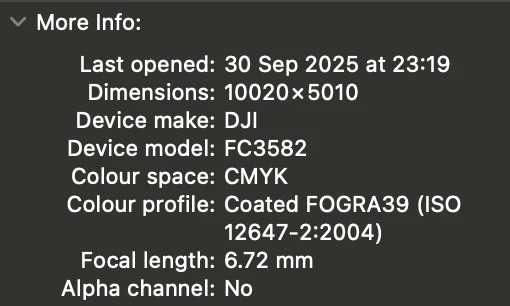
I have a CMYK image with a colour profile of Coated FOGRA39 (ISO 12647-2:2004) (as per my printer's request).
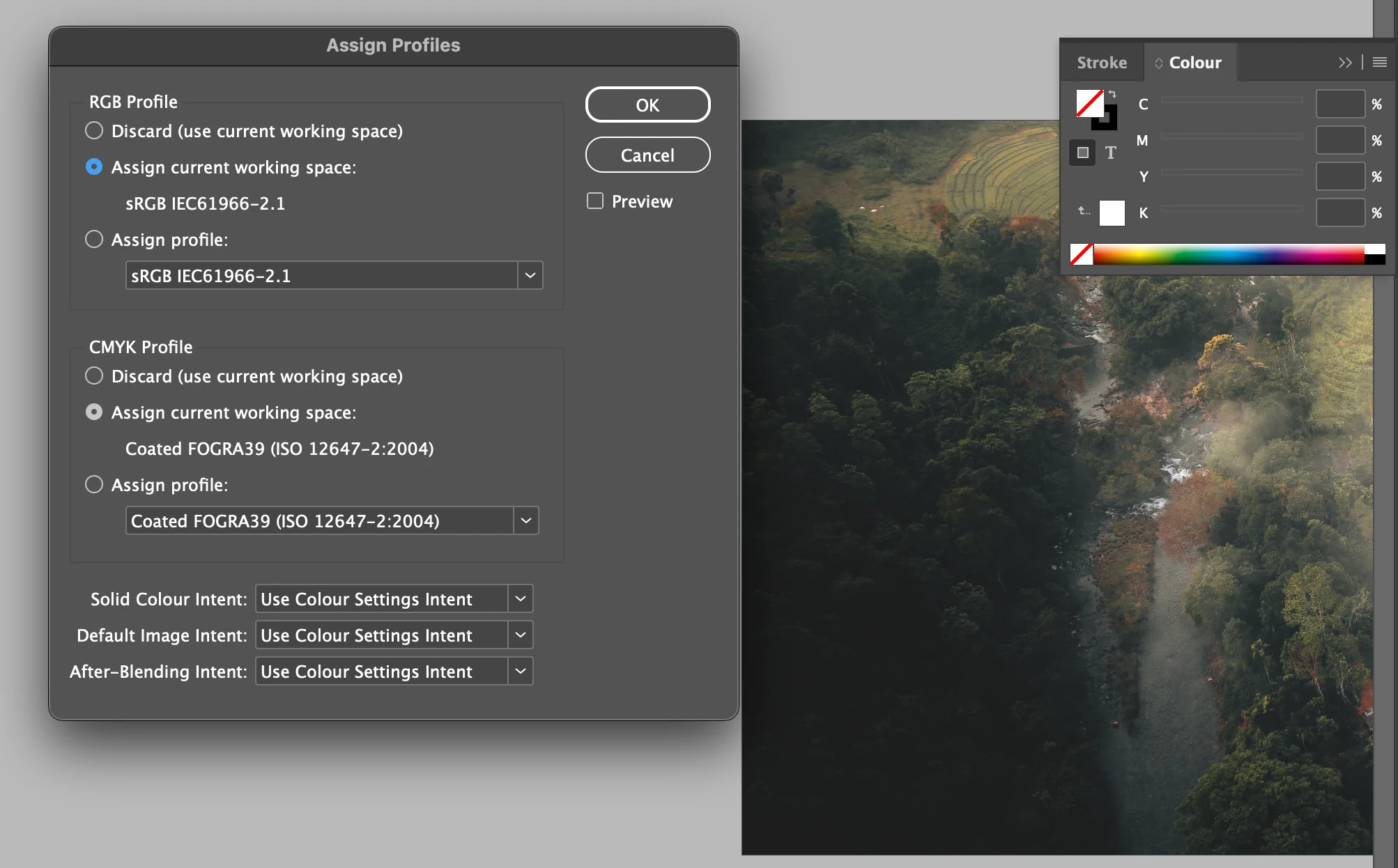
I import this image into InDesign with a working space profile of Coated FOGRA39 (ISO 12647-2:2004) (the same as the image).
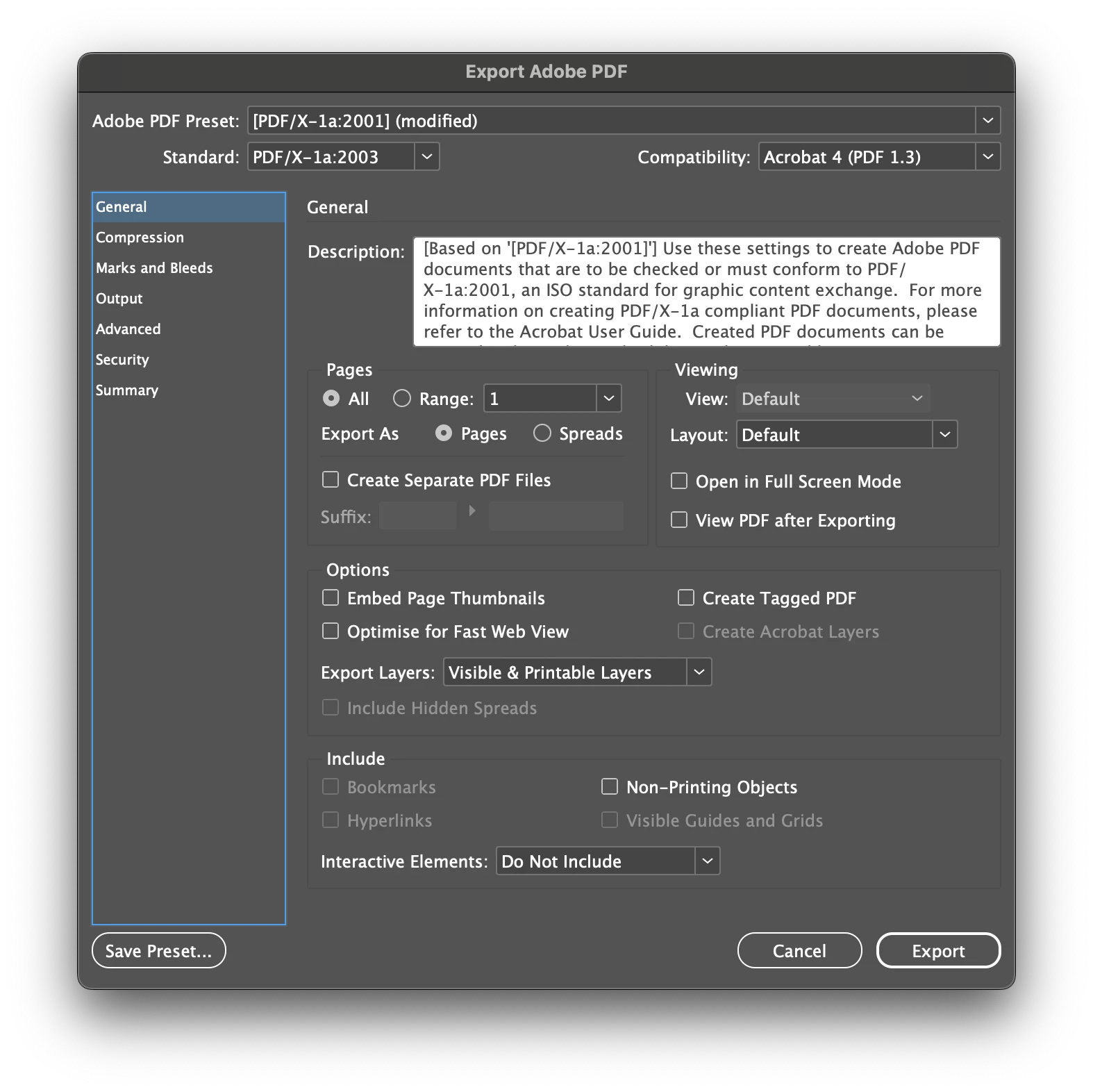
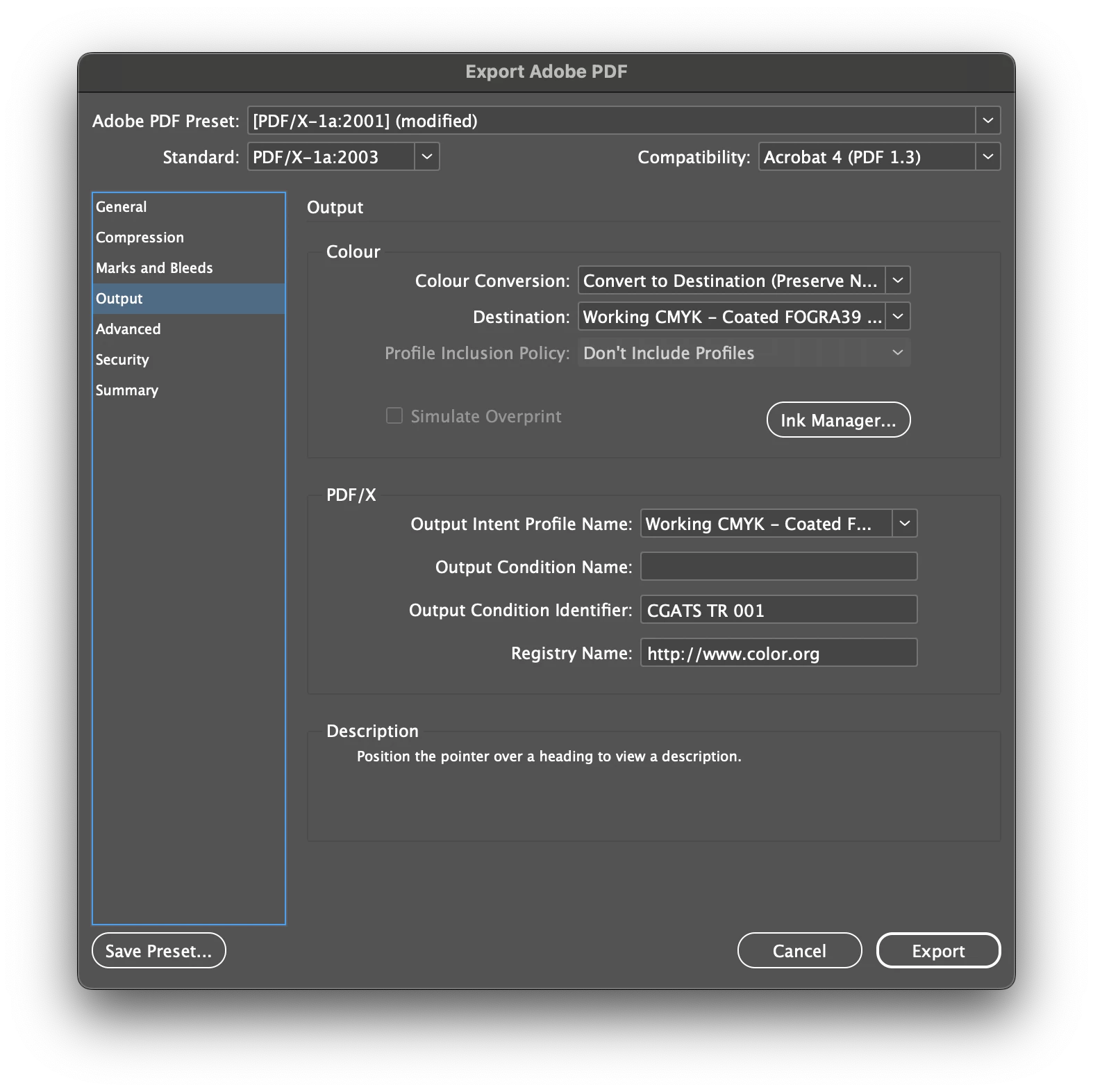
I then go to export a PDF/X-1a:2003 (as per my printer's request - settings in screenshot below).
For whatever reason, the colours reproduced in the PDF are quite different to the source image and to what I see in InDesign.
Is there something I'm missing? As far as I can tell, everything is in the correct format. Please see the screenshots below for more info (apologies if they're a bit out of order - struggling to get them in the correct order).




 AdChoices