Participant
August 6, 2020
Answered

Photoshop vs. Indesign

  • August 6, 2020
  • 2 replies
  • 364 views

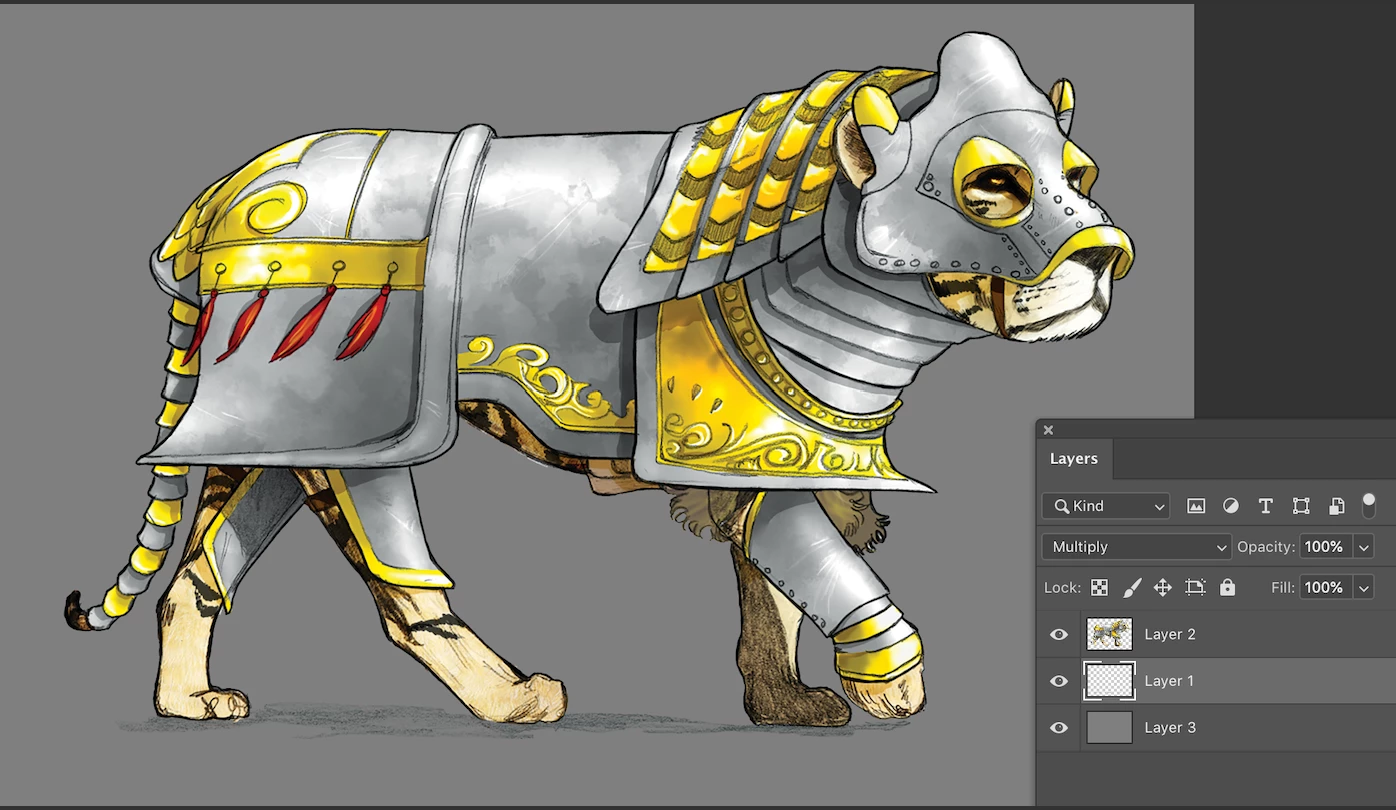
Outlining some images, shadow layer is set to MULTIPLY, image is set to NORMAL (in photoshop).

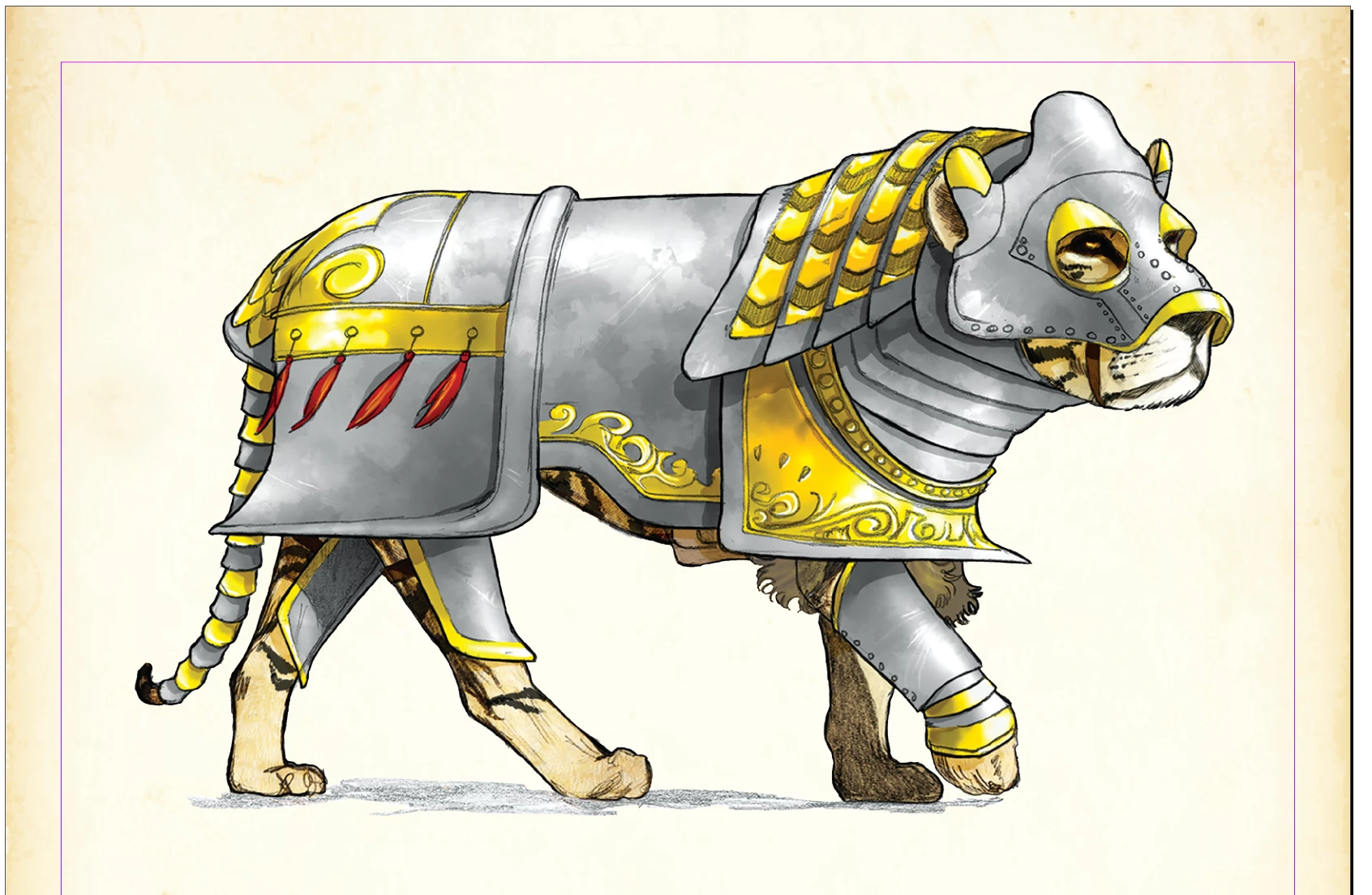
When I place in Indesign the Shadow (MULTIPLY) layer knocks out. How do I save the file so that the MULTIPLY layer Overprints, and the image layer (NORMAL) knocks out?
This topic has been closed for replies.
Correct answer Luke Jennings3

A work-around would be to duplicate the placed object and use Object layer options, the bottom object would hold the shadow only, set to multiply, the top object would hold the lion only, set to normal.

2 replies

Luke Jennings3
Community Expert
Luke Jennings3Community ExpertCorrect answer
Community Expert
August 6, 2020

A work-around would be to duplicate the placed object and use Object layer options, the bottom object would hold the shadow only, set to multiply, the top object would hold the lion only, set to normal.

rob day
Community Expert
Community Expert
August 6, 2020

Photoshop Blending Modes will not blend with InDesign native objects or other placed objects.


What color mode is your Photoshop file? Try placing an RGB file, or if it is CMYK use a 4-color mix for the gray shadow.