


Participant
September 5, 2022
Answered

Picture box is auto clipping somehow, how to release please!.

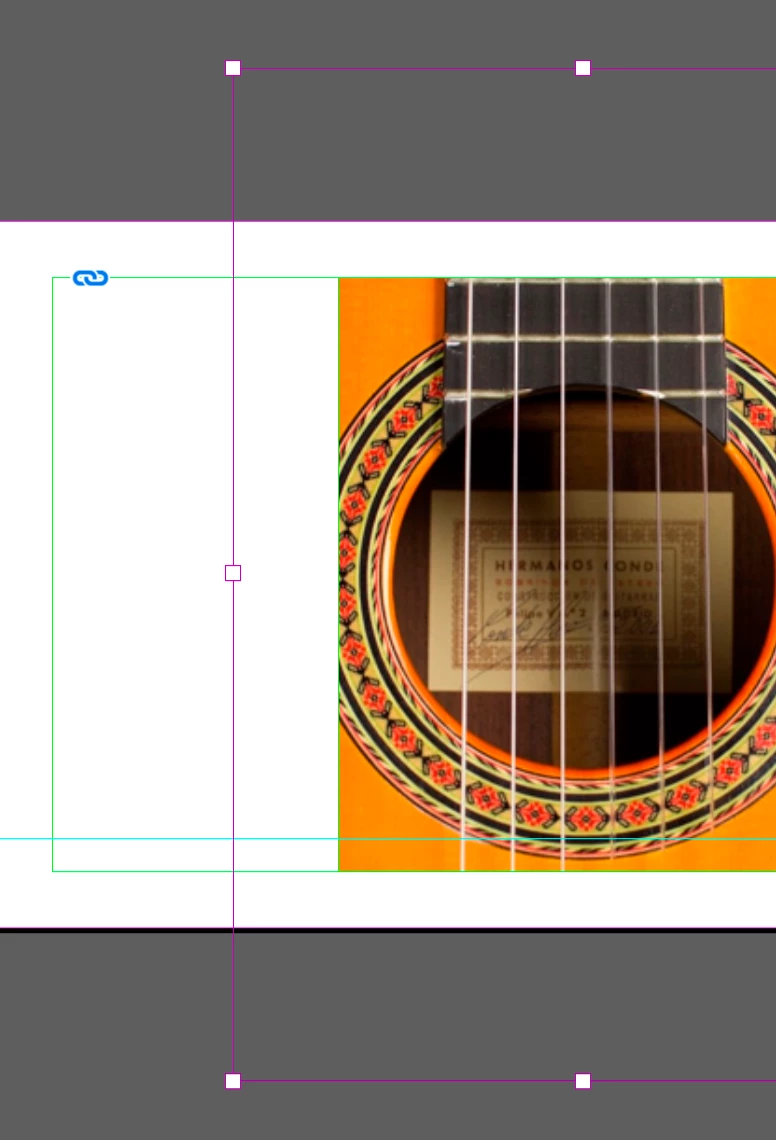
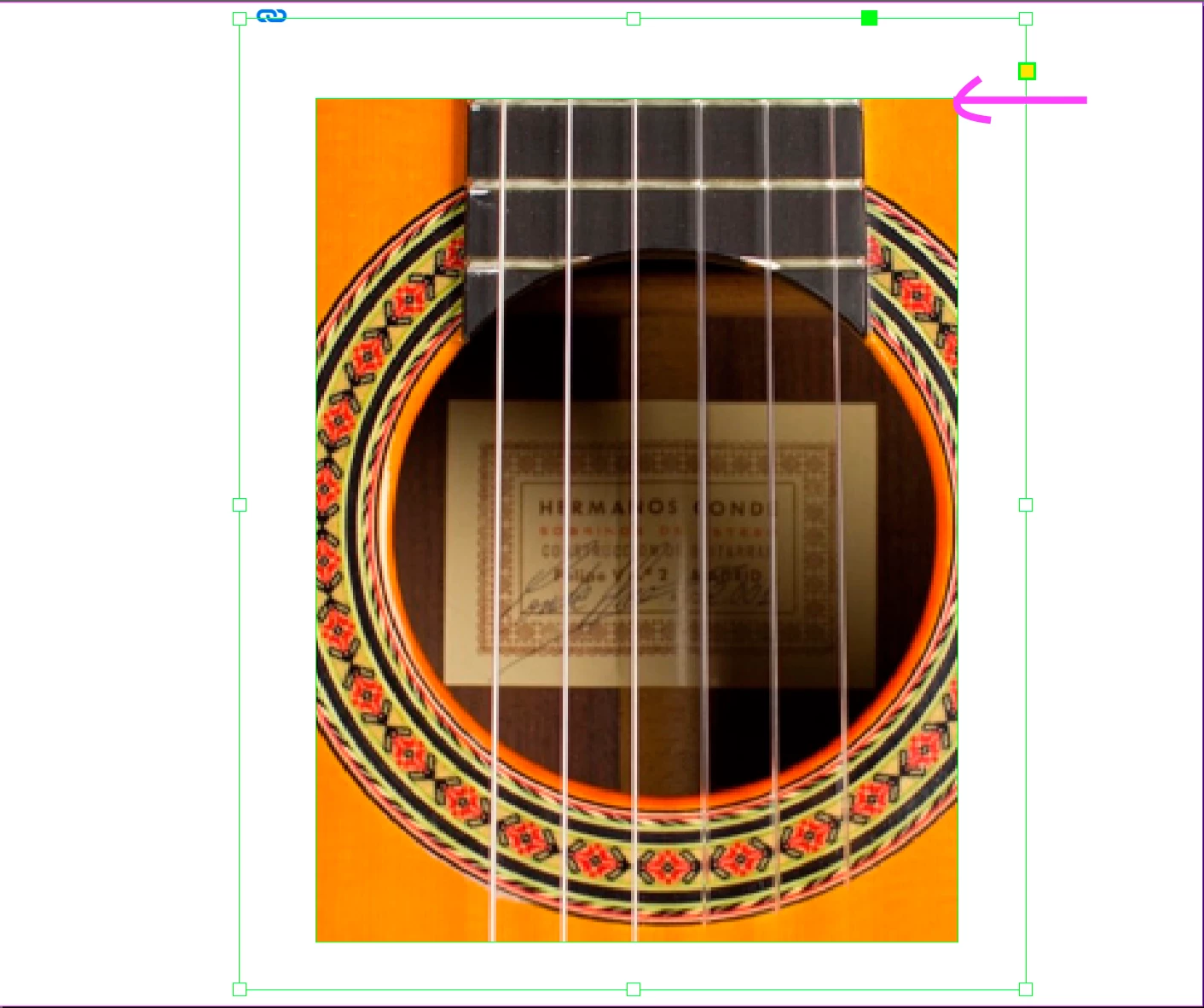
I have been given an artwork that someone else has made. When I pull out the picture box to change the crop the picture box seems to have some sort of path that is cropping the image, how can I release this clipping so the picture box returns to a standard picture box. Fit frame to content does not work. Bellow you can see the green keyline is my picture box with another green keyline cropping the image, The purple keyline is the full image that I want to expose.


This topic is closed to new replies. Start a new post to keep the conversation going.
HacksjueyhCorrect answer
Participant
September 5, 2022

Thank you for your help. I have fixed the picture box by using direct selection tool and command C then selection tool option + command V. 

3 replies

HacksjueyhAuthorCorrect answer
Participant
September 5, 2022

Thank you for your help. I have fixed the picture box by using direct selection tool and command C then selection tool option + command V. 

Translate
Community Expert
September 5, 2022

Hi @Hacksjueyh ,

when you open the image in PhotoShop could you see more of the motif?

Also check in PhotoShop in the Path panel if there is a rectangular clipping path defined.

Disable it, save the image with a new name and place it again in your InDesign layout.


Regards,
Uwe Laubender
( Adobe Community Professional )

Translate
jmlevy
Community Expert
Community Expert
September 5, 2022

It seems that the largest (horizontal) image frame is pasted into a smaller (vertical) frame.

Use these icons to select the horizontal frame, cut it and paste it outside the vertical frame.

Translate