Participant
November 18, 2023
Question

Picture quality indesign

  • November 18, 2023
  • 4 replies
  • 262 views

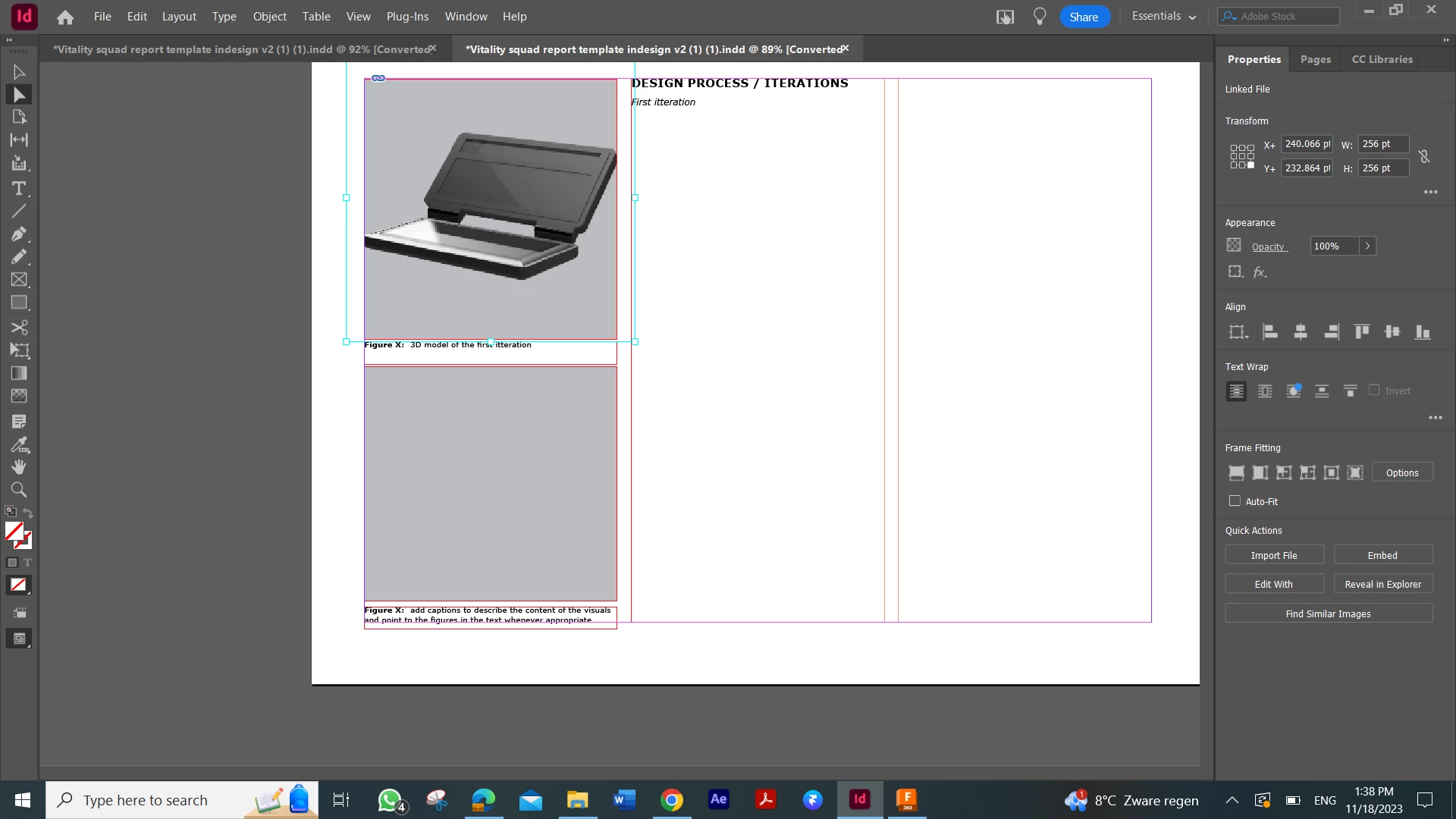
Hi i just started using in design, however everytime i try to add a picture the quality turns out terrible. How can i fix this

 

This topic has been closed for replies.

4 replies

Bill Silbert
Community Expert
Community Expert
November 19, 2023

To add to Derek's comment, make sure that your 300 ppi image are placed in InDesign at 100% size (which is the actual definition of Effective Resolution). The quality of an image will always degrade and become pixelated as it is enlarged even if it was high resolution originally.

Frans v.d. Geest
Community Expert
Community Expert
November 18, 2023

Is it a TIFF maybe? Turn on high quality display. Check the effective resolution in the Links panel. If both these things are not familiar to you: follow some training first, like a (online) course InDesign Basics.

Derek Cross
Community Expert
Community Expert
November 18, 2023

In addition to Steve's useful reply, use the Place command to include the image into the document and use the Links panel to check the Effective PPI resolution of the image is suitable for its use, for example around 300PPI for good quality printing.

Steve Werner
Community Expert
Community Expert
November 18, 2023

Make sure you've chosen the proper Display Perfomance setting: View > Display Performance > High Quality Display