Inspiring
February 28, 2019
Answered

Pixelated Object Effect (drop shadow, etc.)

  • February 28, 2019
  • 2 replies
  • 9679 views

Hi all,

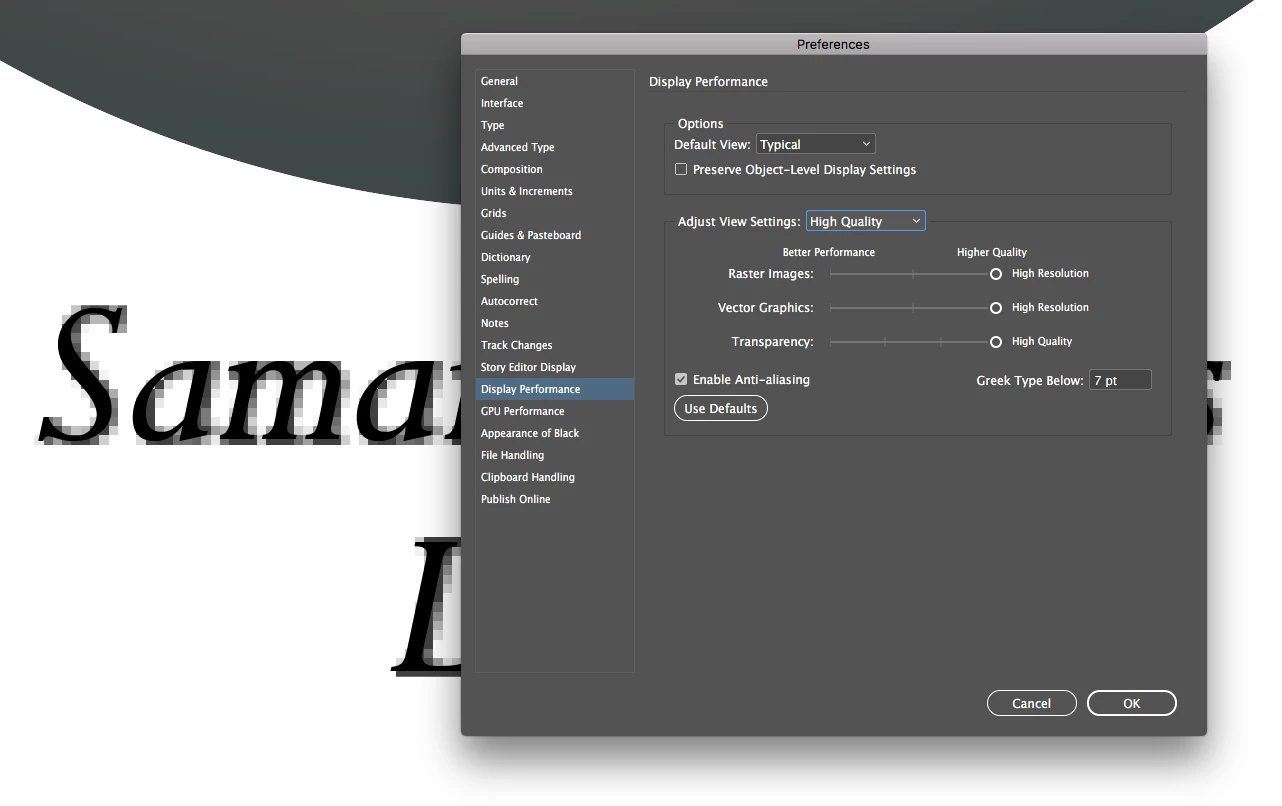
I notice that the object style -> effects are really LQ in my working document. Can anyone tell me how to fix this issue?

Here's how it looks in the .indd file at 1600%
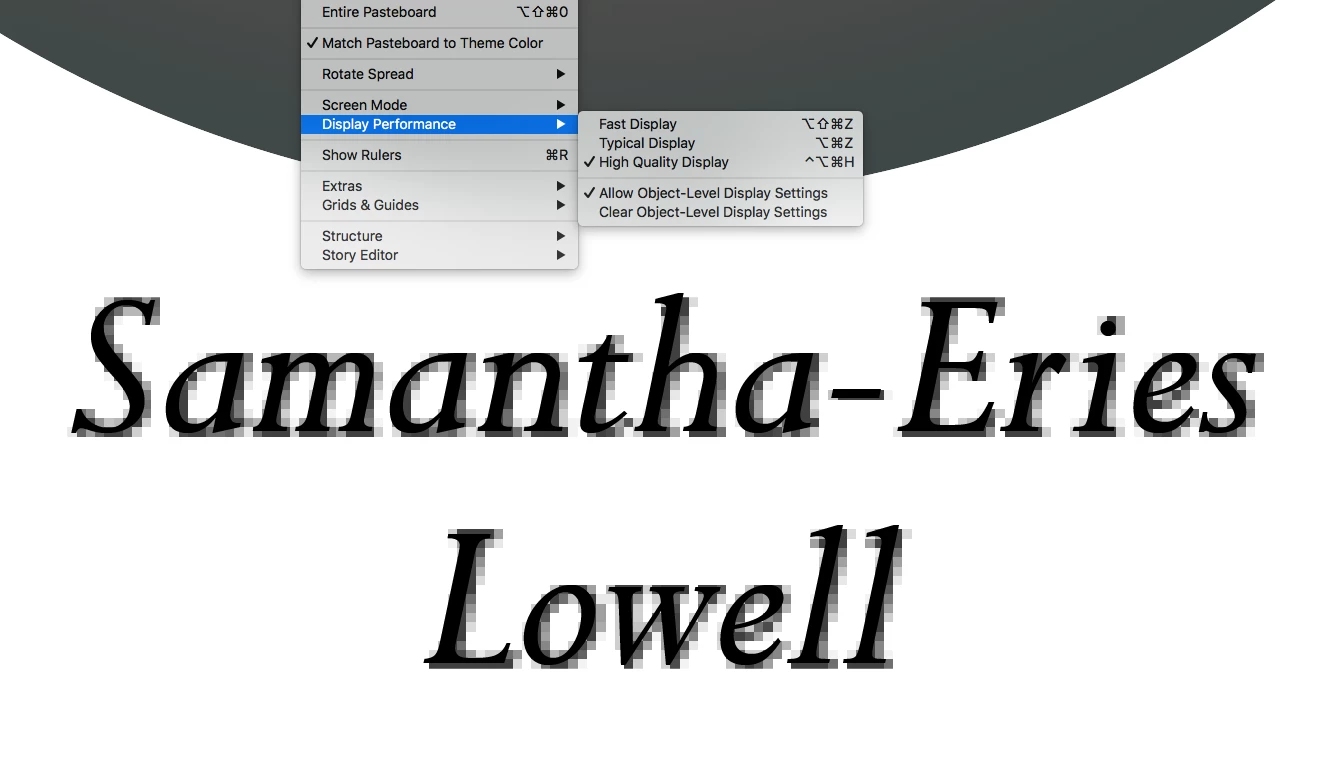
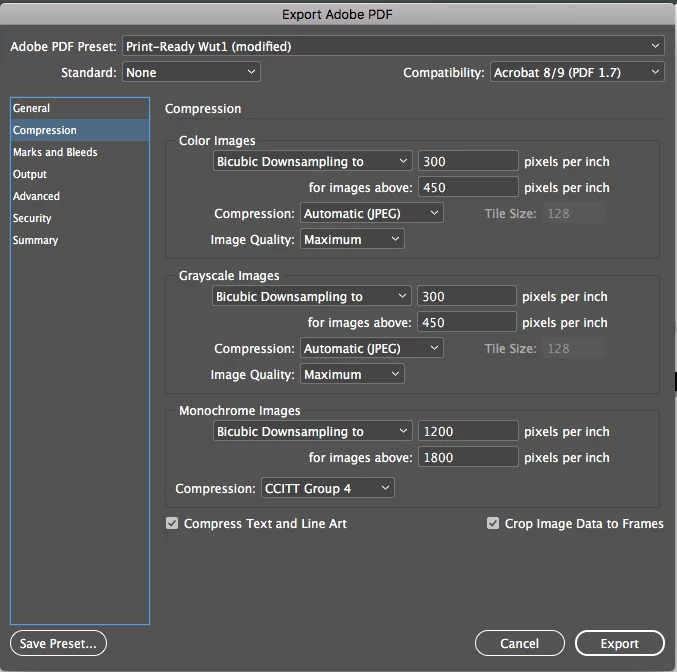
And here's my pdf export setting:
And here's how it looks at 1600% as an exported pdf:

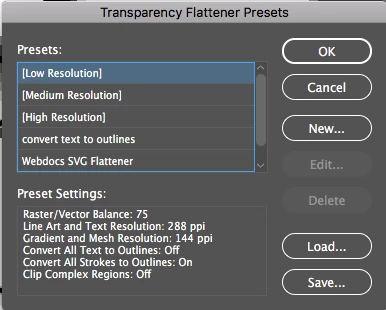
Where did it go wrong? Is it possible to make these effects look really smooth while I'm working from InDesign? I've searched around is it about Transparency Flattener Presets? If so, I can't seem to select High Resolution. Every time I try to select HR and click ok:
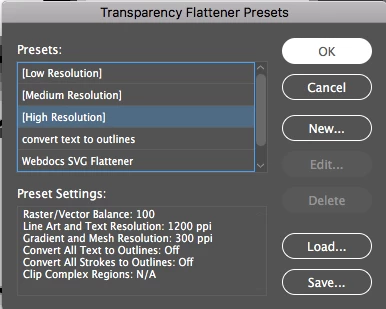
It automatically reverts back to Low Resolution:

    This topic has been closed for replies.
    Correct answer rob day

    Where did it go wrong? Is it possible to make these effects look really smooth while I'm working from InDesign?

    If this is for print, I think you have to keep the magnification level in perspective. For better performance, InDesign uses lower resolution proxies for images and bitmap effects like drop shadows, which will look coarser at high magnifications.

    But the pixels don’t actually get printed, they have to get converted into a screen (halftone or stochastic), which creates the illusion of the gradient. The screen is quite coarse relative to the image pixels, so viewing at 1600% would be the equivalent of magnifying the printed page with a powerful loupe.

    Here is a halftone screen simulation of 12 point text with a drop shadow, "RIP’d" into Photoshop at 2400ppi, and converted to a 1-bit, 175LPI, halftone screen. The image on the right is what actually gets printed.

    2 replies

    rob day
    Community Expert
    rob dayCommunity ExpertCorrect answer
    Community Expert
    March 1, 2019

    Where did it go wrong? Is it possible to make these effects look really smooth while I'm working from InDesign?

    If this is for print, I think you have to keep the magnification level in perspective. For better performance, InDesign uses lower resolution proxies for images and bitmap effects like drop shadows, which will look coarser at high magnifications.

    But the pixels don’t actually get printed, they have to get converted into a screen (halftone or stochastic), which creates the illusion of the gradient. The screen is quite coarse relative to the image pixels, so viewing at 1600% would be the equivalent of magnifying the printed page with a powerful loupe.

    Here is a halftone screen simulation of 12 point text with a drop shadow, "RIP’d" into Photoshop at 2400ppi, and converted to a 1-bit, 175LPI, halftone screen. The image on the right is what actually gets printed.

    Community Expert
    February 28, 2019

    Hi wuts23143389 ,

    I don't think you can fix this.

    Transparency Flattener Presets cannot help here.

    Regards,
    Uwe

    Inspiring
    March 1, 2019

    Thank you very much for your reply Uwe!