

Answered
Placed Illustrator Files Missing Layers or Displaying Incorrectly in InDesign 2026
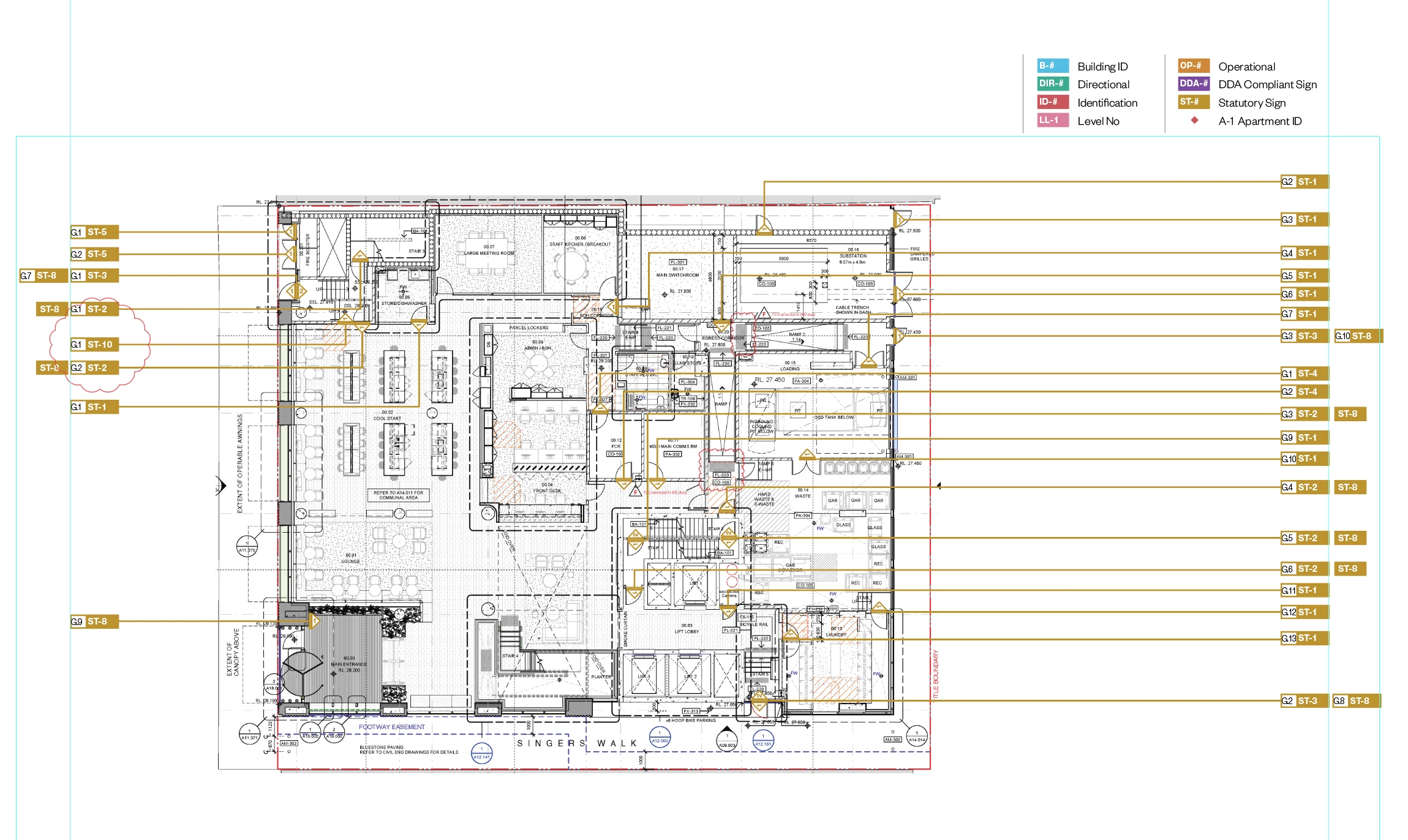
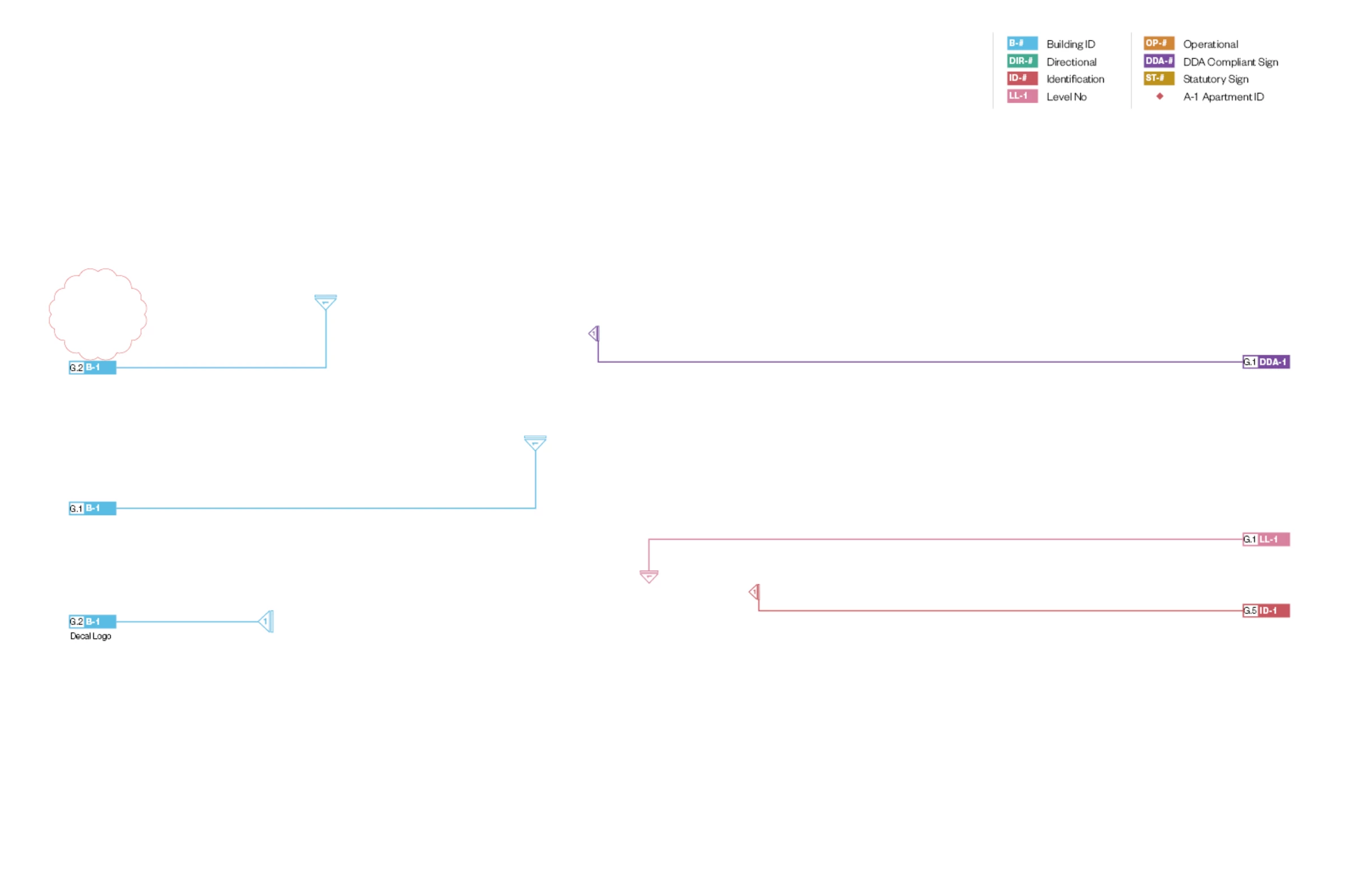
Ever since I updated to Indesign 2026, anytime I place an illustrator file, there is a fairly high chance that one or more of the layers refuses to display or the file will be in a rolled back state. Its not just a visual glitch, when I export to PDF, the placed file will still not show what its supposed to.
It seems to happen more frequently when the illustrator file is larger, but I’ve also had it happen on tiny files. The ONLY fix I’ve found so far is to save the illustrator file as a PDF and import that.


 AdChoices