
Question
Placed images are cut off within box
Hello, I am having an issue in InDesign with placing an image.
This is the image in photoshop:
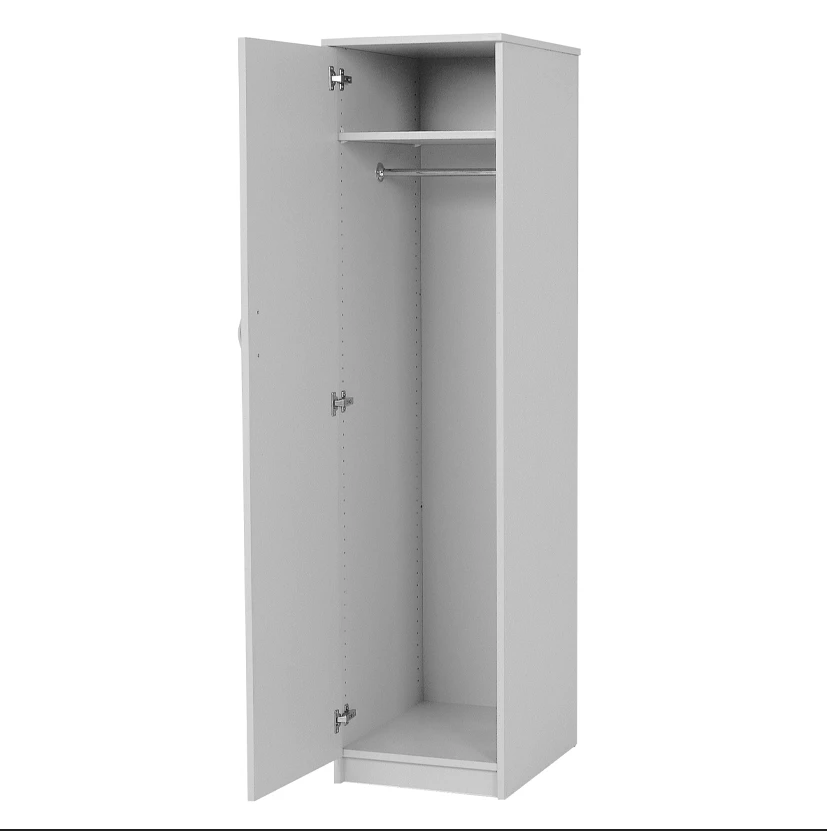
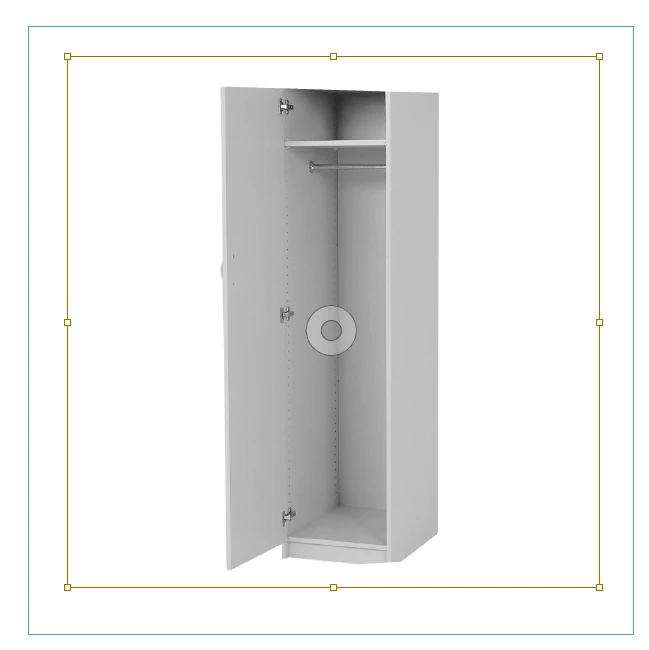
But, when I place in InDesign, it is being distorted/cropped. This has nothing to do with the bounding box as you can see below. I have tried to update the program, try on a different document, restart my computer, try with other images but it is still having the same effect of not showing the full image.
This is the image in InDesign: (notice the top and bottom corner is not showing)
Any Suggestions?
 AdChoices