neonmamacita
Inspiring
April 11, 2018
Answered

Placed images from CC Libraries appear pixelated

  • April 11, 2018
  • 1 reply
  • 14965 views

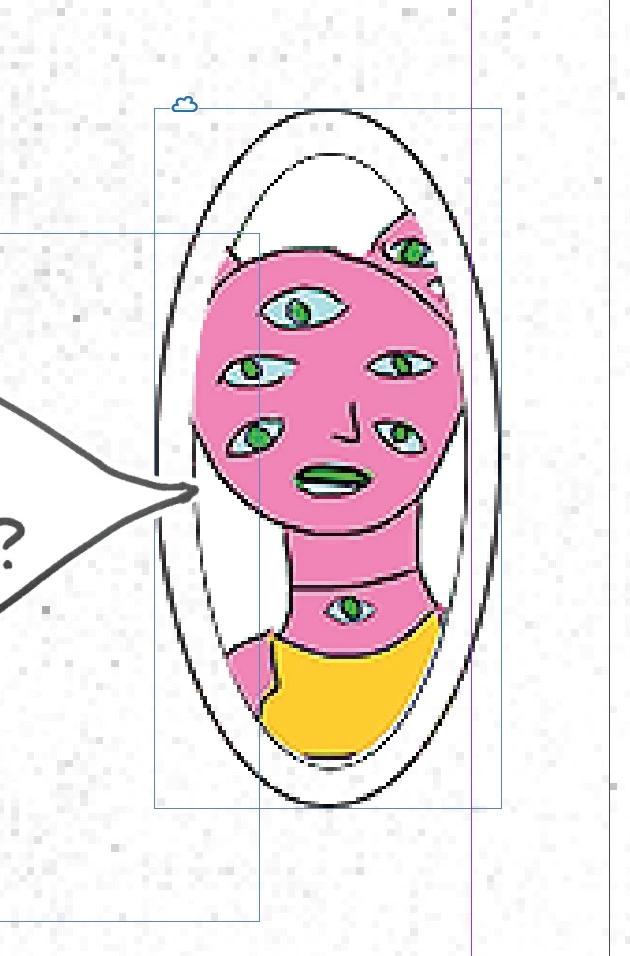
When I drag graphics from my CC library into In-design they display pixelated and also print pixelated. Any ideas?

Thanks!
    This topic has been closed for replies.
    Correct answer Michael Riordan

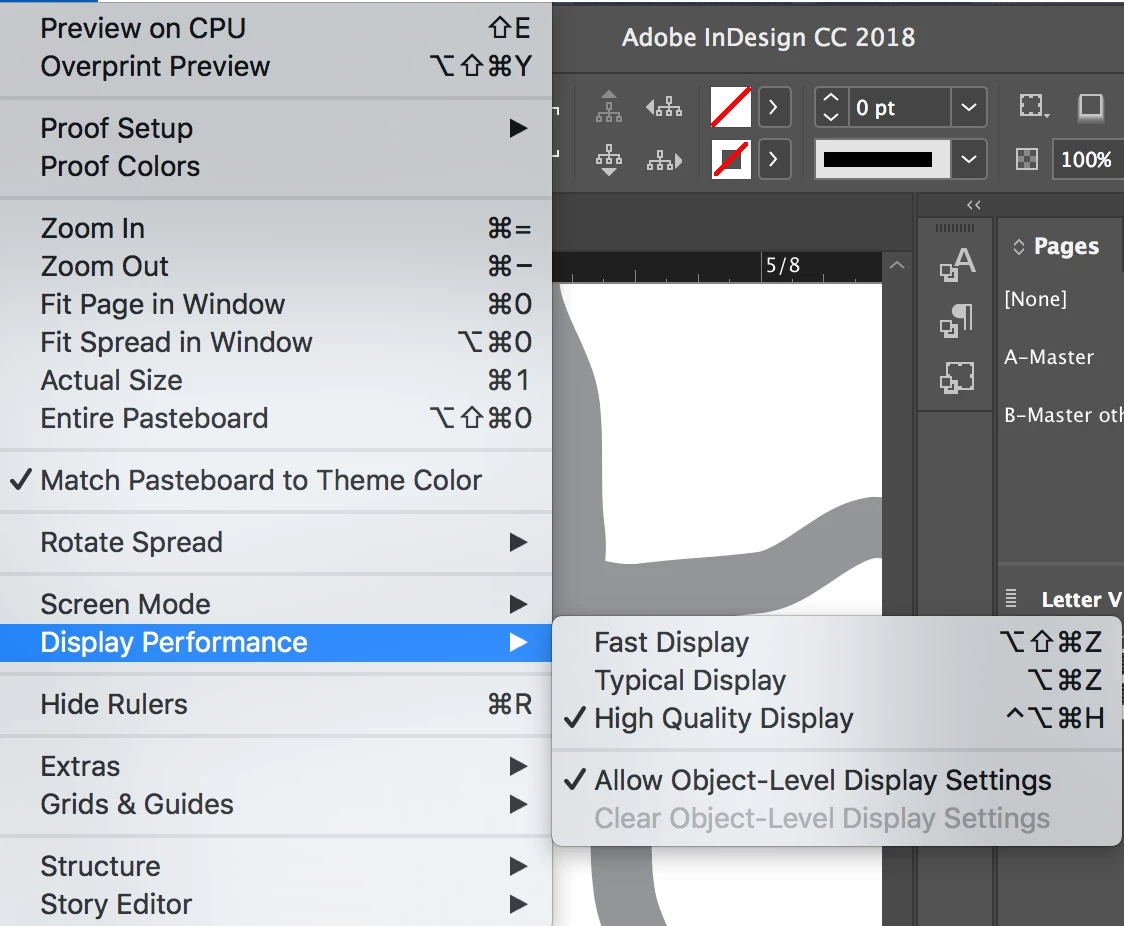
    Is your display performance set to High Quality? (look under the View Menu) If you're printing to a desktop laser of inkjet printer it can often use just the screen resolution rather than the actual image data so if it looks bad on screen it may also look bad in print.
    1 reply

    Michael Riordan
    Michael RiordanCorrect answer
    Inspiring
    April 11, 2018

    Is your display performance set to High Quality? (look under the View Menu) If you're printing to a desktop laser of inkjet printer it can often use just the screen resolution rather than the actual image data so if it looks bad on screen it may also look bad in print.

    neonmamacita
    Inspiring
    April 11, 2018

    Yup, it's on high quality display and still appearing pixelated. I have the same issue with all assets from cc libraries. Is that just a big with the libraries?

    Steve Werner
    Community Expert
    Community Expert
    April 11, 2018

    What kind of graphics are they (from Illustrator or images from Photoshop?) If images, what is their resolution (view with the Info panel to see)? If Illustrator, what happens if you use File > Place instead, turning on Show Import Options to turn on a transparent background.
