



Answered
Placed images showing up as white when exporting to PDF in InDesign
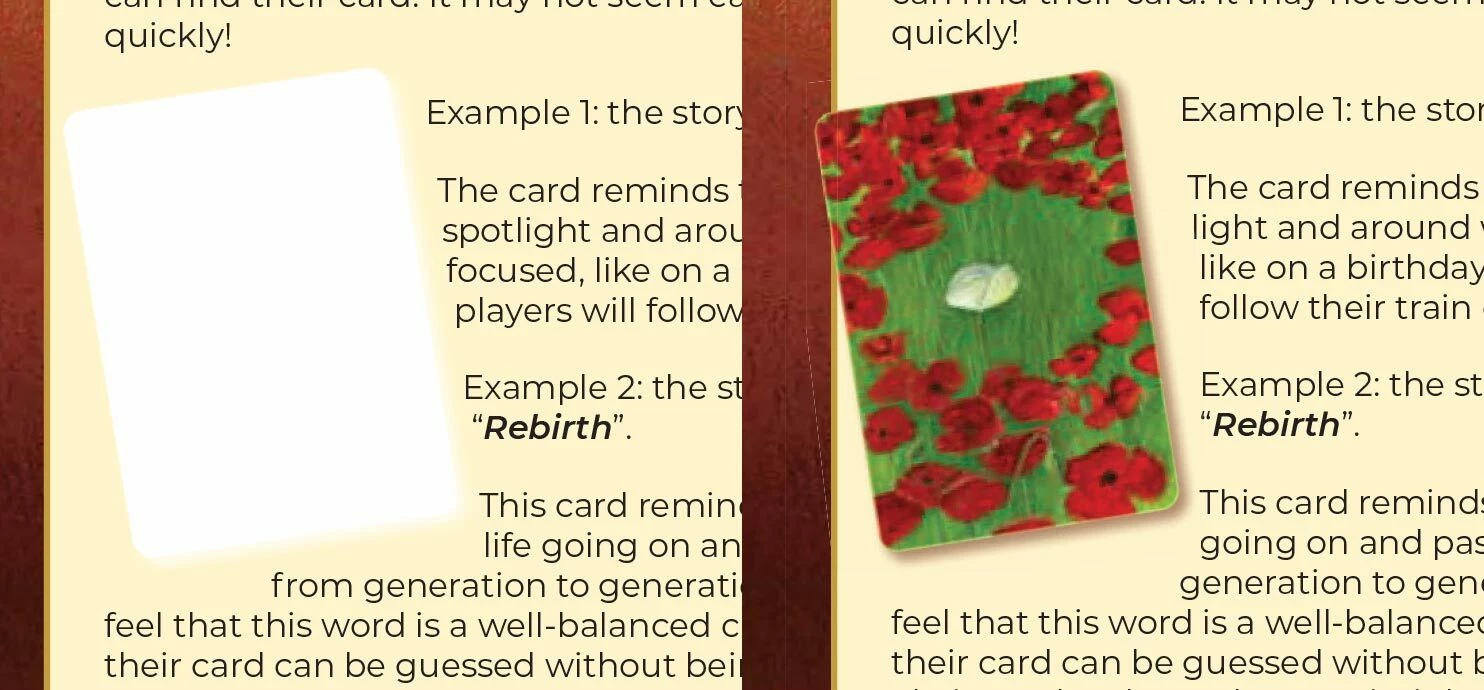
I ran into a problem yesterday with placed images in my document not showing up properly when I exported the file to PDF. It was only some of the pictures, not all of them. At first I thought that there was something wrong with the original image files, so I re-saved them and even went so far as to delete the placed images and place them again. I reset the preferences. Nothing worked.
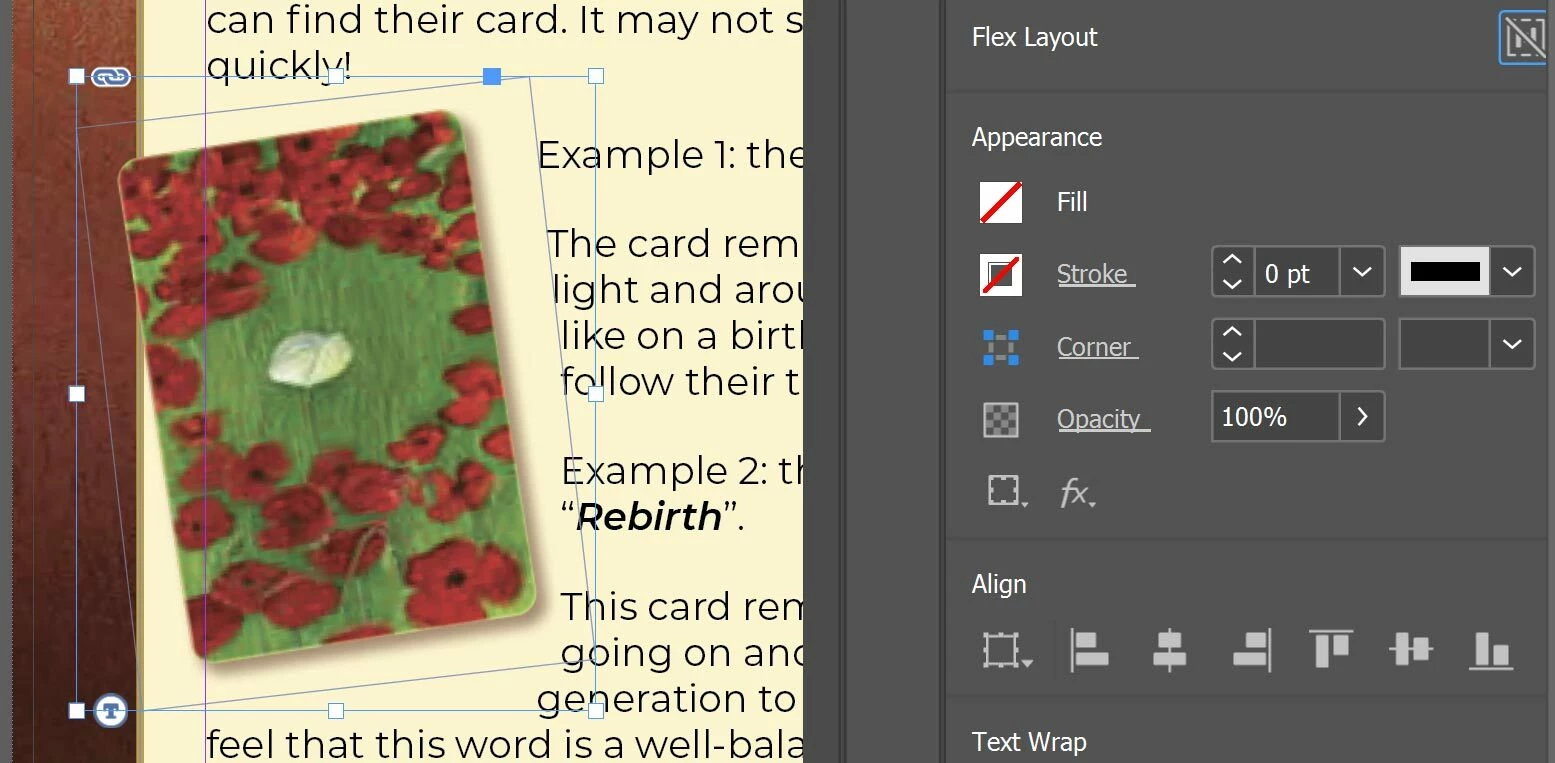
Until now. I’m posting this in case anyone else runs into this problem. It turns out that the fill color of the rectangle behind the placed images had been accidentally set to spot color. Deleting that swatch and replacing it with a regular color swatch fixed everything. Hope this helps.


 AdChoices