
Mike_Gondek10189183
Community Expert
Community Expert
February 12, 2020
Question

Placing 2020 .ai files are blank and bounding box is much larger

  • February 12, 2020
  • 2 replies
  • 2315 views

Mac 10.13.6 with latest updates InDesign and Illustrator

Placing old logo in ,ai format in fine. But when I place a 2020 with pdf compatible on I get a larger blank box. Below is a .pdf version of logo which places fine, but the .ai version which  is selected is larger and blank
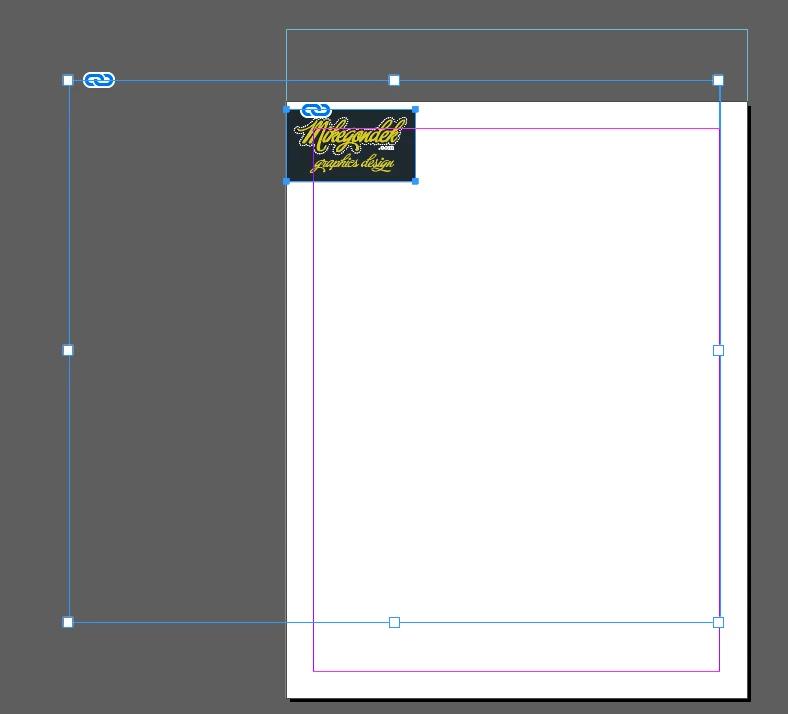
 

I even tried saving down to legacy cc .ai in both RGB and CMYK format and did not fix.
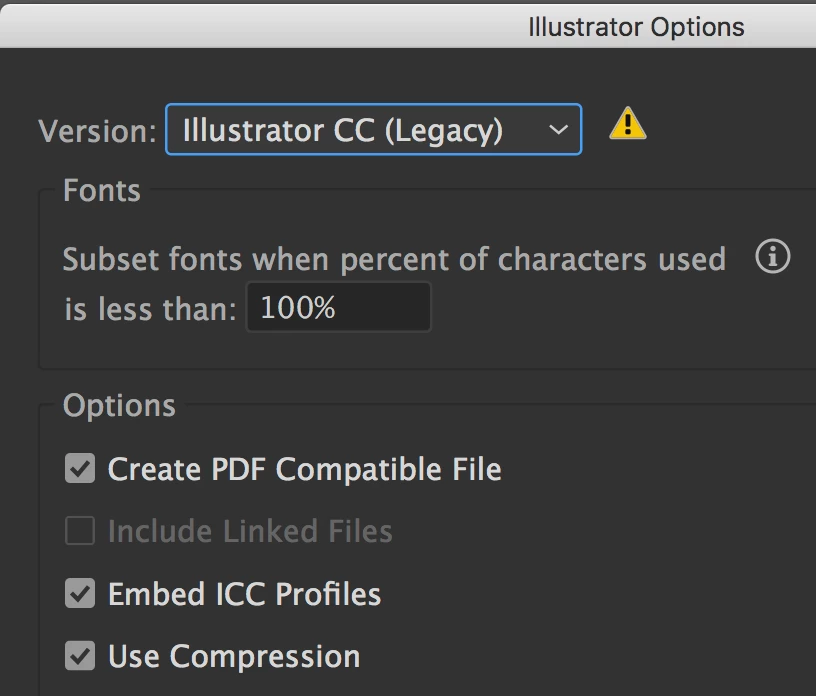
 

Old logos done in CC2019 .ai are fine.


I don't have any extensions or plugins.


This topic has been closed for replies.

2 replies

Community Expert
February 18, 2020

Hi Mike,

can you make a sample ai file available through Dropbox or a similar service so that we can test this?

Currently I see no issue with placing AI files saved with option Create PDF Compatible File on my machine.


I'm on Windows 10.


Regards,
Uwe Laubender

( ACP )

Community Expert
February 12, 2020

Hi Mike,

did you check your import options in InDesign?

Sample import options with "Crop to Bounding Box ( visible layers )" from my German InDesign 2020:


Also try: Crop to: "Art" with your InDesign import options.


Are the dimensions of that large blank frame in your screenshot related to the artboard size of your Illustrator file?

FWIW: I cannot see this behavior with InDesign 2020, Illustrator 2020 on Windows 10.


Regards,
Uwe Laubender

( ACP )

Mike_Gondek10189183
Community Expert
Community Expert
February 18, 2020

Thankyou I have tried that, preview shows blank confirms there is an issue.

If I open in CC 2019 an save all is working. If I save as .svg or .pdf form 2020 fixes the issues.

I would like to work in cc 2020 .ai format.


This soudns liek a problem everyone woudl have, btu do tno see anyone else posting on forums. I have no plugins for Illustrator. I am staying in High Sierra to avoid issues others are having in other Adobe apps.


Mike_Gondek10189183
Community Expert
Community Expert
February 20, 2020

Can anyone on High Sierra mac please reply if even to confirm you are not experienceing this.