Placing CC Library Assets into text frame
Hi, I think that this currently isn't in the functionality but do think it could be useful...
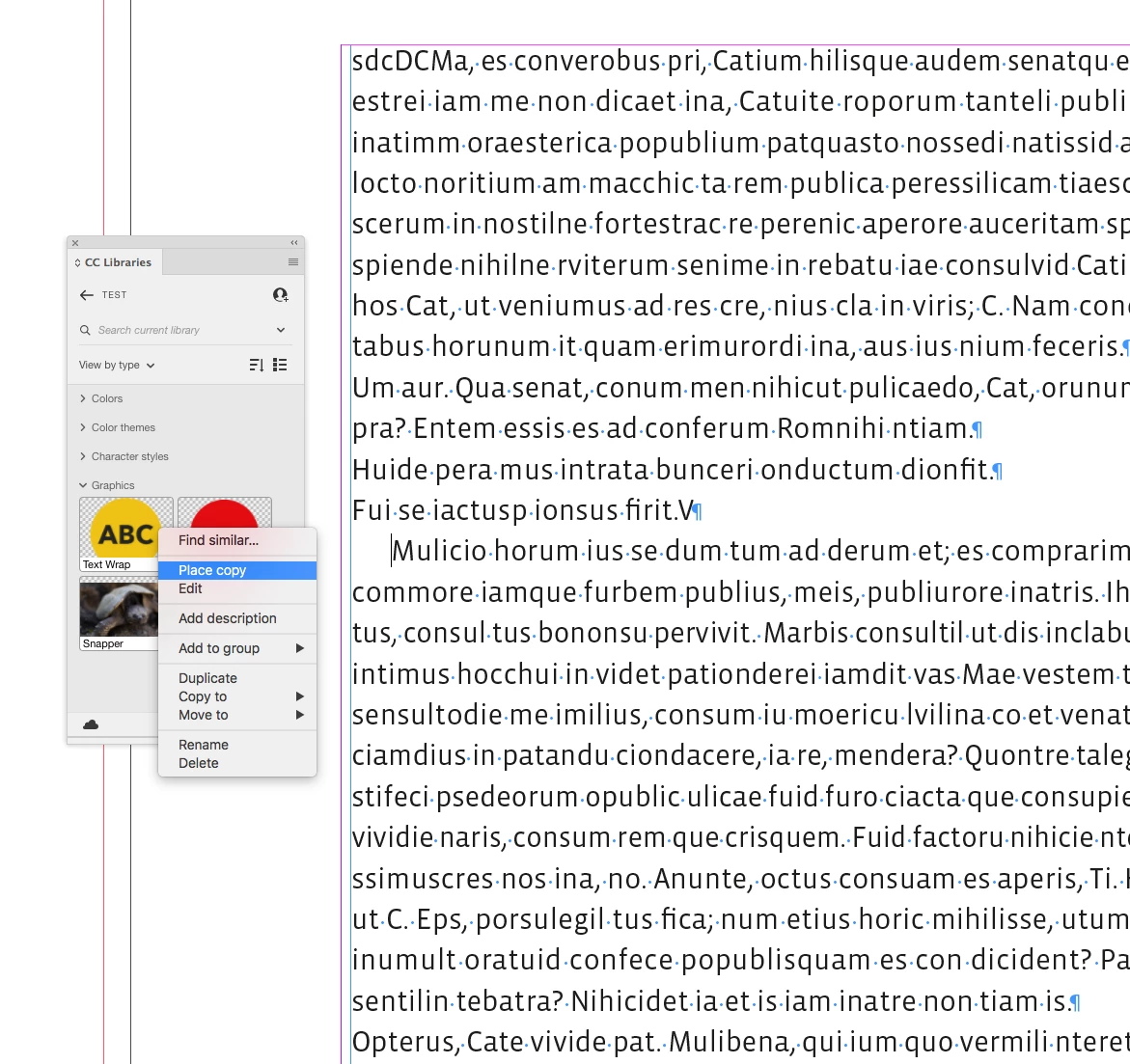
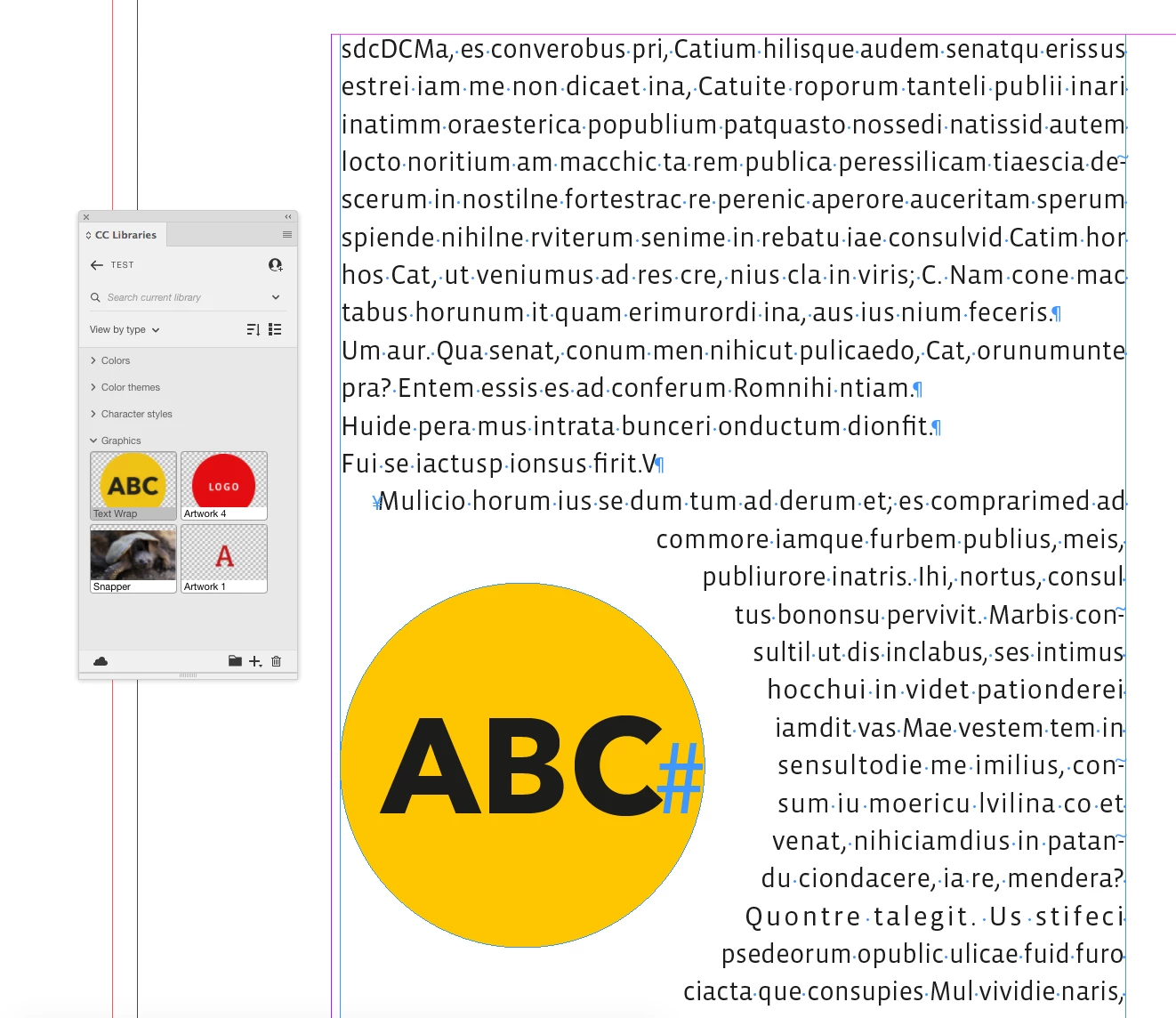
Is there a way when pulling in an asset from the CC library to place it within a text frame? For instance i'm trying to anchor an object within a piece of text, the object i'm placing has object styles set up for placement with in the text.
Currently I have to place the object onto the page, then copy and paste into the text box, I then have to go and clear the overrides as placing it onto the page causes that. So to get something into place takes three steps when it seems I should be able to key press + click it into place. Currently the alt + place causes the element to place where it would have been on the x + y coordinate where it originally came from.
Hopefully that makes sense?
 AdChoices