



Answered
Placing vector files not respecting artboard constraints
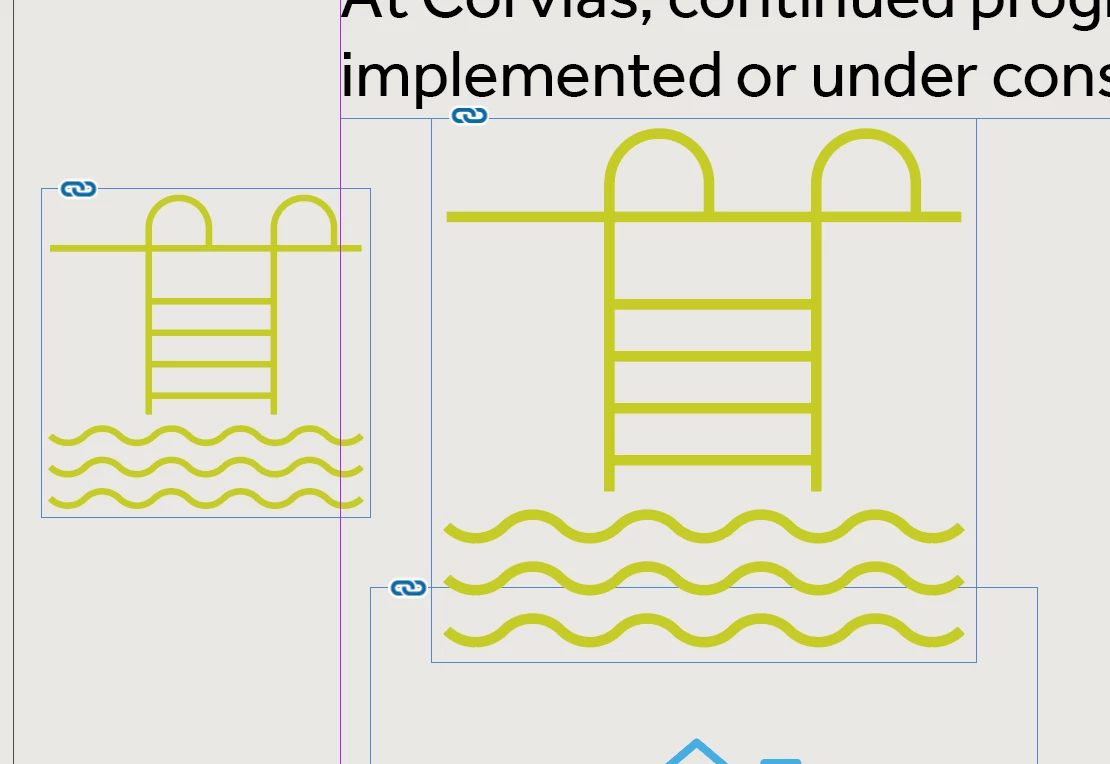
Hi; this is probably a user error. When placing vector files into InDesign, the placed image now ignores the bounds of the artboard, and the artwork expands to the edges.
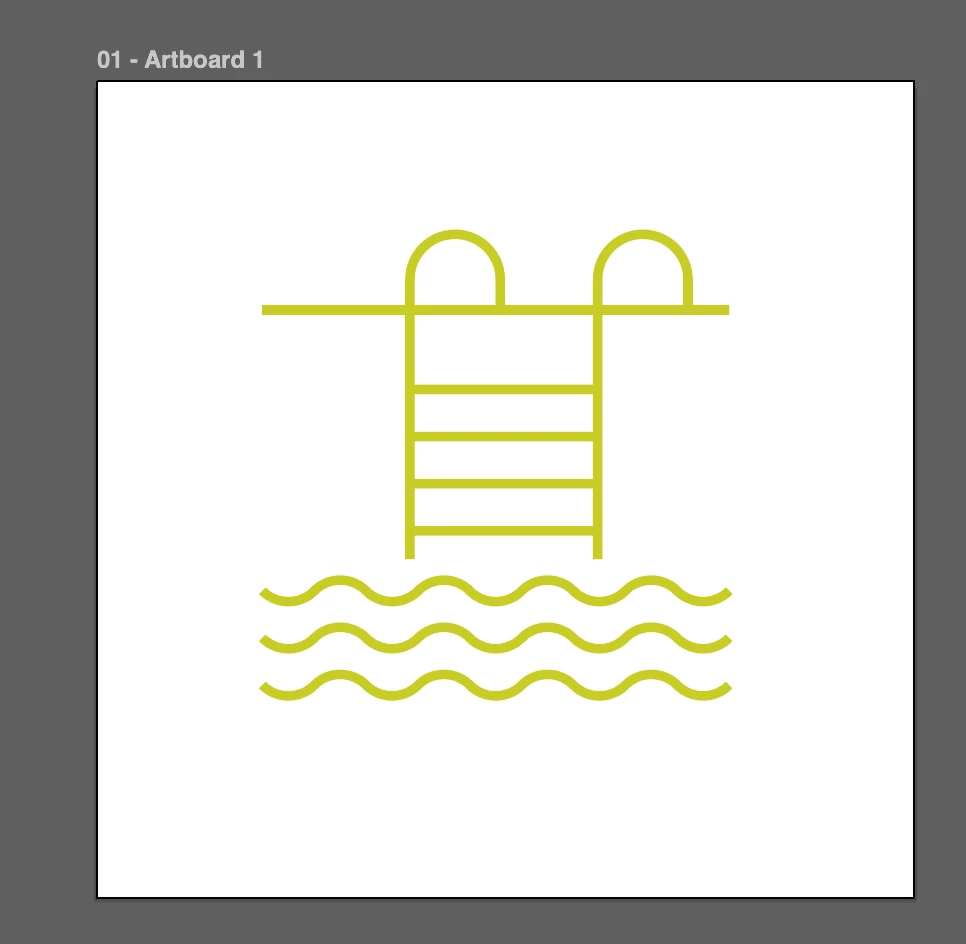
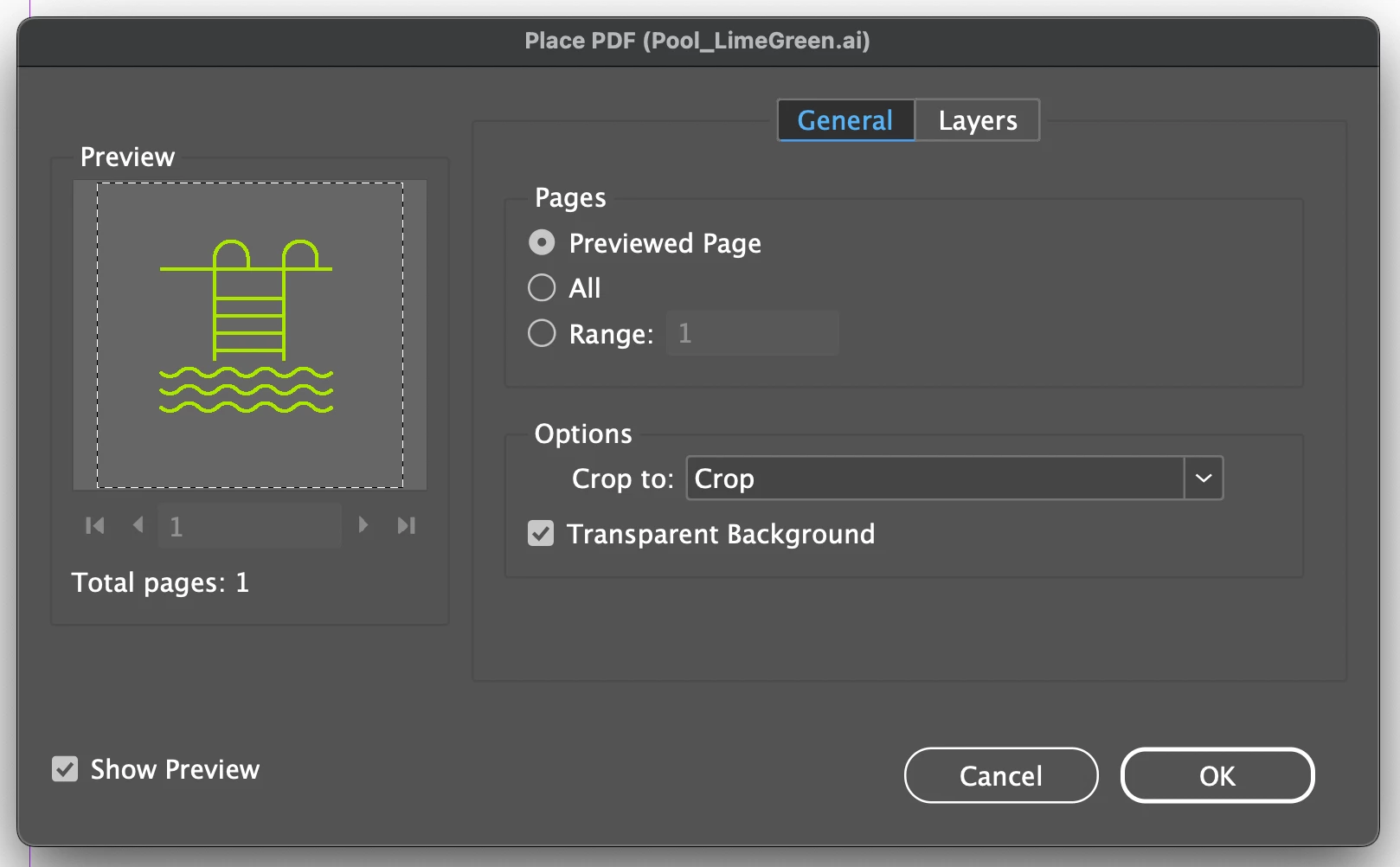
In the video you see how I had an icon inside a box. The extra room around the icon is the Illustrator artboard. I changed the color of the icon in Illustrator and when I place it, now the icon expands to fit the whole box. I also tried placing just the icon on the document and it also fills out to the edges ignoring the Illustrator artboard boundaries.
Is this a setting in my preferences that was reset when updating? I don't recall this ever happening.
 AdChoices