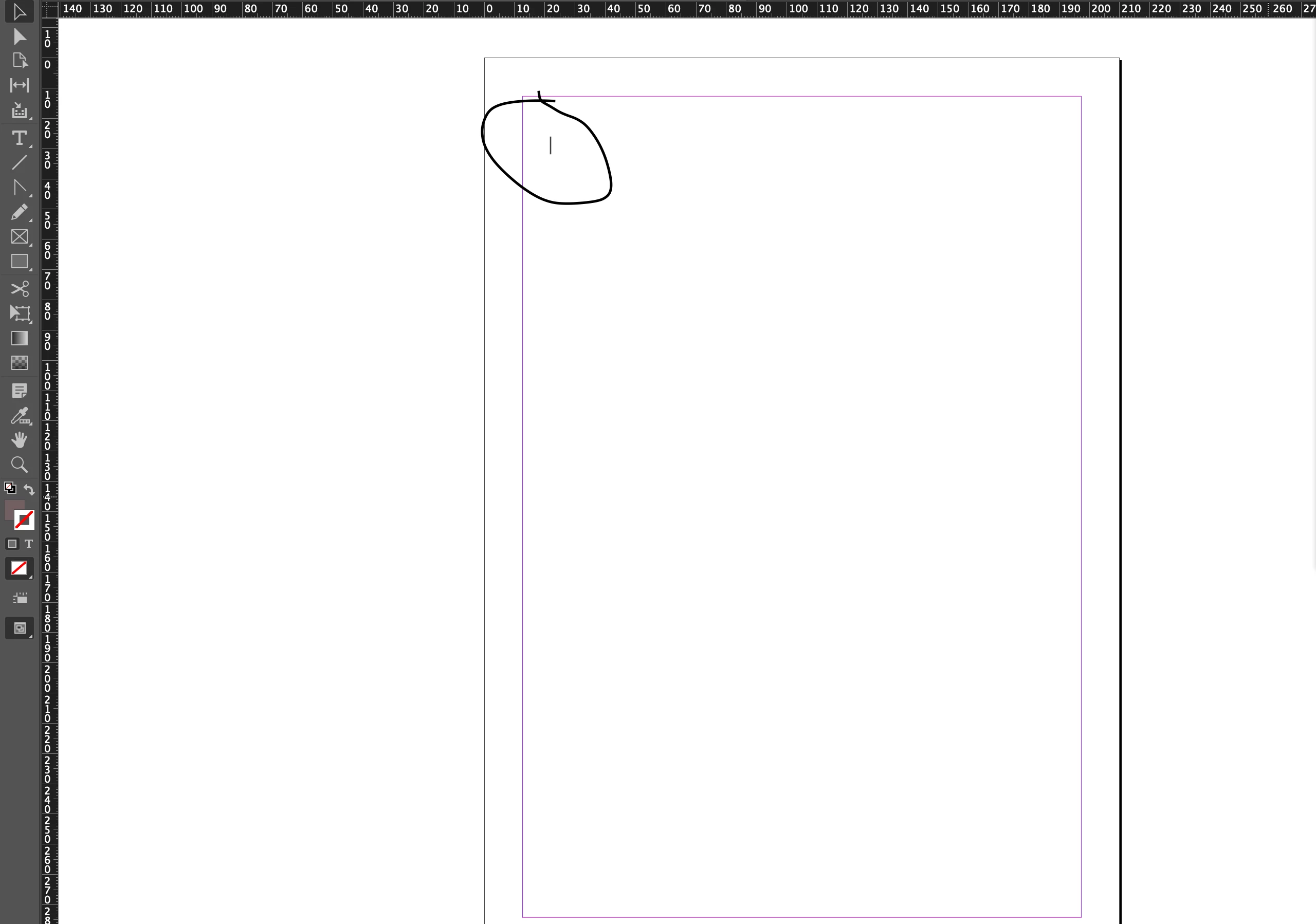
Can you show us your Pagespanel? Is it an element placed on the parent page associated with your document page?
Try these two steps to (hopefully) eliminate the errant line:
1. Go to the parent page associated with your document page. If it's an element placed on the parent page, deleting it there will make it disappear on every document page associated with it.
2. Go to the Objectpull-down menu and select the Unlock All on Spread menu command. Then try to click on it with your Black Arrow/Selection tool and delete it.
There are other possibilities, but these are the most common reasons why you find something on an InDesign document page and can't delete it. Please try these two possibilities, and let us know if they worked for you.
Thanks Randy. It wasn't on the parent page. It seems to be a few cms above my cursor but stayed put when scrolling it wasn't on any of the pages, parent or otherwise.



 AdChoices