

Answered
Png files change color when copying from one InDesign doc to another.
I'm working with an RGB png file, trying to copy it from one InDesign file to another. Both InD docs are in RGB.
When I copy the image to the desired document, the color in the document changes from a neon green to a muddy dark green.
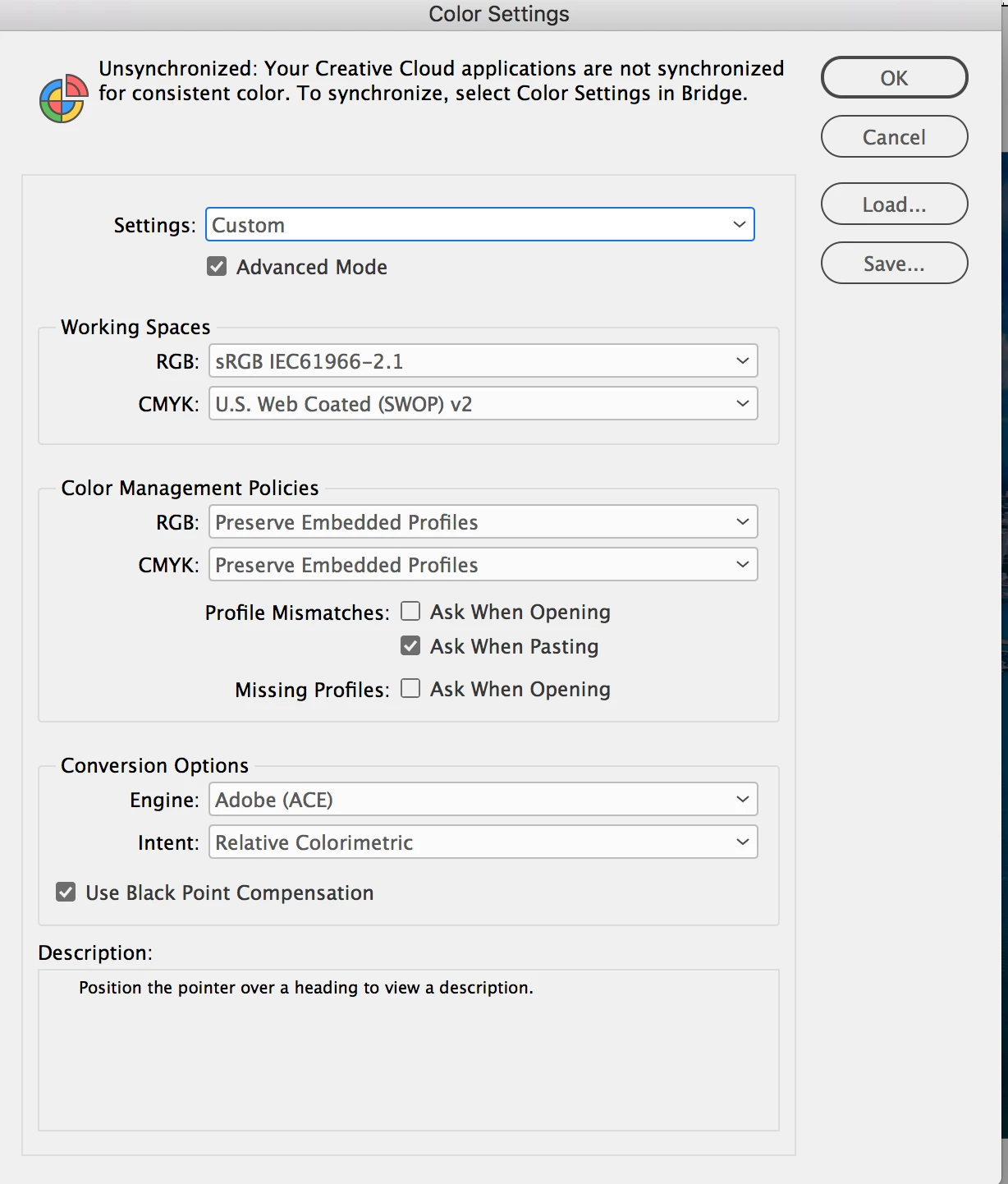
Here's a photo of the doc before and after pasting and a screenshot of my color settings for both files.







 AdChoices