Hosun
Inspiring
November 27, 2023
Answered

PNG on Pasteboard and EPUB

  • November 27, 2023
  • 1 reply
  • 537 views

Hi,


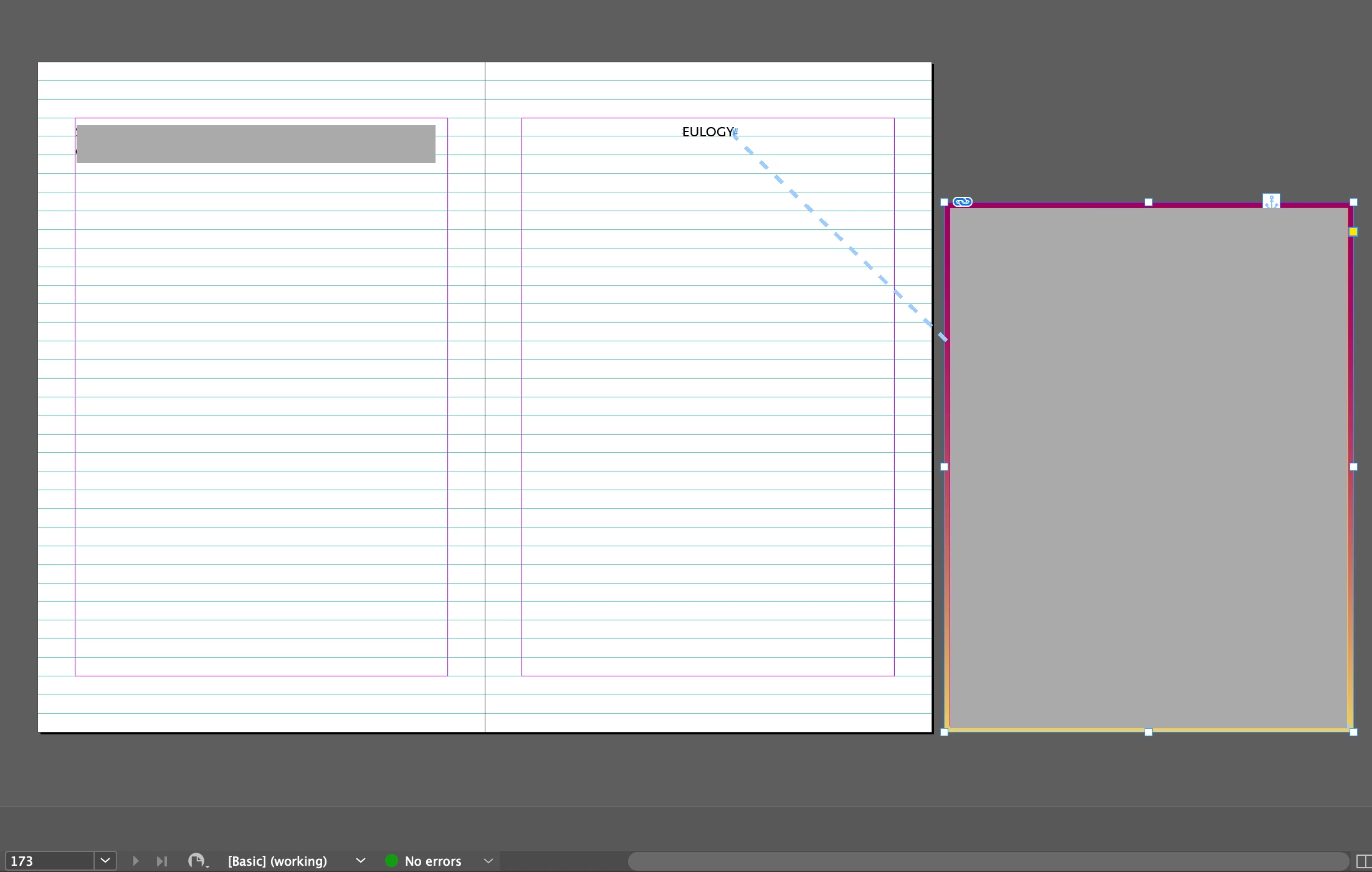
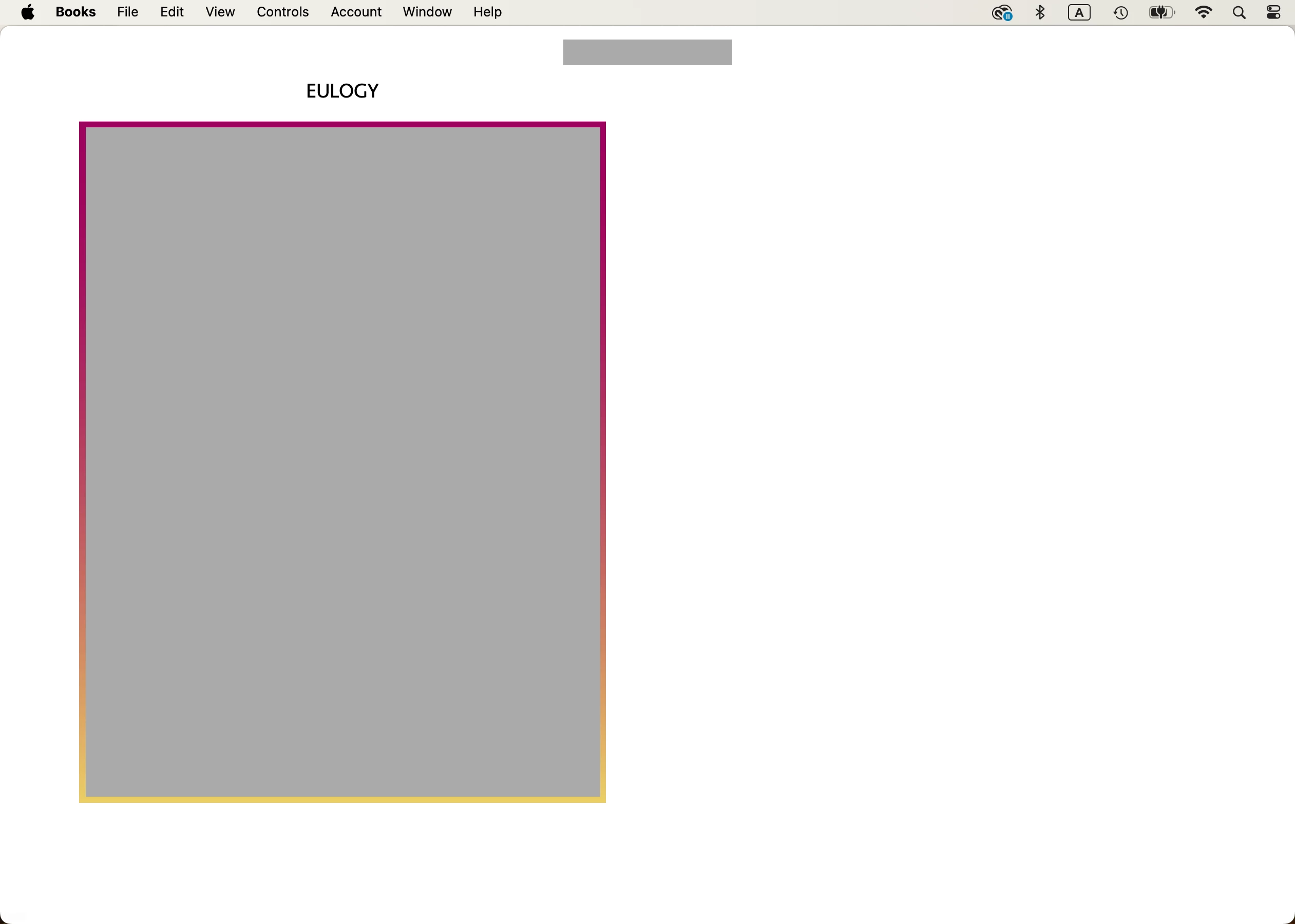
I placed a png on pasteboard for EPUB (Screenshots 1 and 2).

Is my way OK for EPUB?


I place png on pasteboard, because I found out; the larger the png on Id, the better resolution on EPUB. 


Hosun


Screenshot 1


Screenshot 2 (Books app on Mac)

This topic has been closed for replies.
Correct answer James Gifford—NitroPress

Default simply uses whatever setting is defined in the global export menu, mostly that under Object. You can selectively override default settings with the remainder of the Export Options menu. It gets pretty complex, as you have to guess, or carefully examine, how the local image settings might be overriding the global ones, and then you can block the local settings and use only global ones with one checkbox.


All of this is another good reason to NEVER use any "default" setting except for quick projects. Define your styles and settings and modes fully, so you know what they are doing. Continue your experiments without relying on any of the 'default' options in any of the relevant menus, so you will know exactly what mode is doing what.


But yes, I believe baseline "default" is "relative to text flow," which is more or less set by the text width in between margins.


1 reply

James Gifford—NitroPress
Legend
November 28, 2023

A source file for EPUB can be a complete visual mess, and often is, to work around limitations and faults in InDesign's export. There's nothing wrong with putting the image off the page as long as it's correctly anchored, although it could just as well be "mostly" on the page without affecting any results. That would make it more accessible during editing, etc.


However, everything about image export in EPUB is really controlled by the image export settings, especially the individual ones accessed by right-clicking on the image, which are much more extensive and granular than the global ones offered by the EPUB export menu. With those — especially the "None" setting, which applies no size info to the exported image and allows the reader to size it to a page maximum — I am not sure anything is gained by putting a larger image off the page.


But it's an interesting idea, and I will get back to this thread when I've had some time to experiment. I have always allowed image size to be limited to source page margins, and that may not be a necessary thing.

Hosun
HosunAuthor
Inspiring
November 28, 2023

Thank you for your reply. 

I apply css:

#_idContainer135 {width: 70%;}


[Screenshot 1]

My original option was Default and tried None


[Screenshot 2]

There is no difference on EPUB (Apple Books on Mac).


As seen in Screenshot 2, I want some indent to png on EPUB. And big png leaves unnecessary space on EPUB. It looks better to me. Then, can I go with Default?


I consider Apple Books only as a EPUB reader.


Hosun


Screenshot 1


Screenshot 2

James Gifford—NitroPress
Legend
November 28, 2023

Okay, I ran some test interations on this. The basic document was:

  • 6x9-in single pages
  • 3pc margins
  • 5-inch text width


I placed a large, sharp JPEG image with many details in four ways:

  • One-half margin width (3-in width)
  • Margin width (5-in width)
  • Page width (6-in width)
  • Double width (12-in width, extending well on to pasteboard)


I then exported this in four iterations, using identical Object Export Settings for each image:

  • None, Use Original Image
  • None, Rasterize Image
  • Relative to Text Size, Use Original Image
  • Relative to Text Flow, Use Original Image
  • Fixed, Use Original Image


I then viewed the export, using 300ppi, in three readers:

  • Kindle Previewer
  • Calibre reader
  • EPUBreader browser plug in (identical to Thorium in nearly all comparisons)


(I don't have an Apple viewer, so.)


To sum up too many iterations:

  • Most examples behaved much as I would have expected, given the settings and reader.
  • It made no difference in size or apparent final resolution between "use original image" and "rasterize image."
  • Kindle Reader tended to show the image half-size on the first page and full-margin for full page and oversize, with varying results for the margin-width placement.
  • Calibre was somewhat erratic but similar to EPUBreader.
  • EPUBreader tended to show the images in about placement scale, with the oversized image frequently larger than the virtual page.


But, overall, there is still no way to get a full-screen (width) image in EPUB or Kindle (even the last example had top and left margins), and there was no discernible quality difference between any of these iterations.


So laying the oversize image off the page, partially or wholly, can allow a larger image, but it will bleed off the left side with the remainder either lost, viewable by scrolling or (apparently) on a next page of its own.


All interesting behavior but I can't see any good reason to go past a full margin width source image, set to None, to get a useful maximum image size and resolution for the majority of situations and readers.