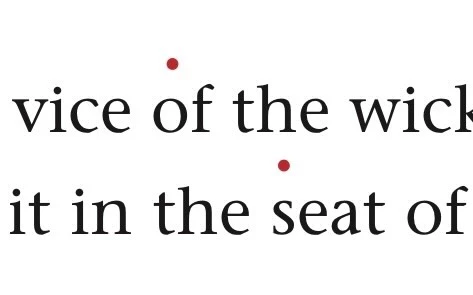
Thank you for sharing the image! I understand you're looking to place punctuation above letters in InDesign, as shown.
To achieve this, you can: 1. Select the punctuation, and apply 'Superscript' by navigating to 'Type > Character' (or use the "Ctrl + Shift + =" shortcut on Windows or "Cmd + Shift + =" on macOS).
2. Adjust the position more precisely by using the 'Baseline Shift' feature in the 'Character Panel' (increase the value to move the punctuation higher).
This should give you the exact result you're aiming for! Let me know if you need further assistance.





 AdChoices