
Participant
September 15, 2019
Answered

poor photo quality in editing mood

  • September 15, 2019
  • 3 replies
  • 574 views

Hi support,

Recently I've been editing a style lookbook for a school project and I've been having issues with my photo quality. The photos that I am importing are high quality and not at all resemble a "pixley" kind of look. But when I import them into my document they look extremely pixelated and it makes it difficult for me to edit my document as I can't see how it would actually look. However, after putting the document into presentation mood the pixels go away! Is there a way to improve this? Please help!!


(I have attached an image so you can see what I mean)
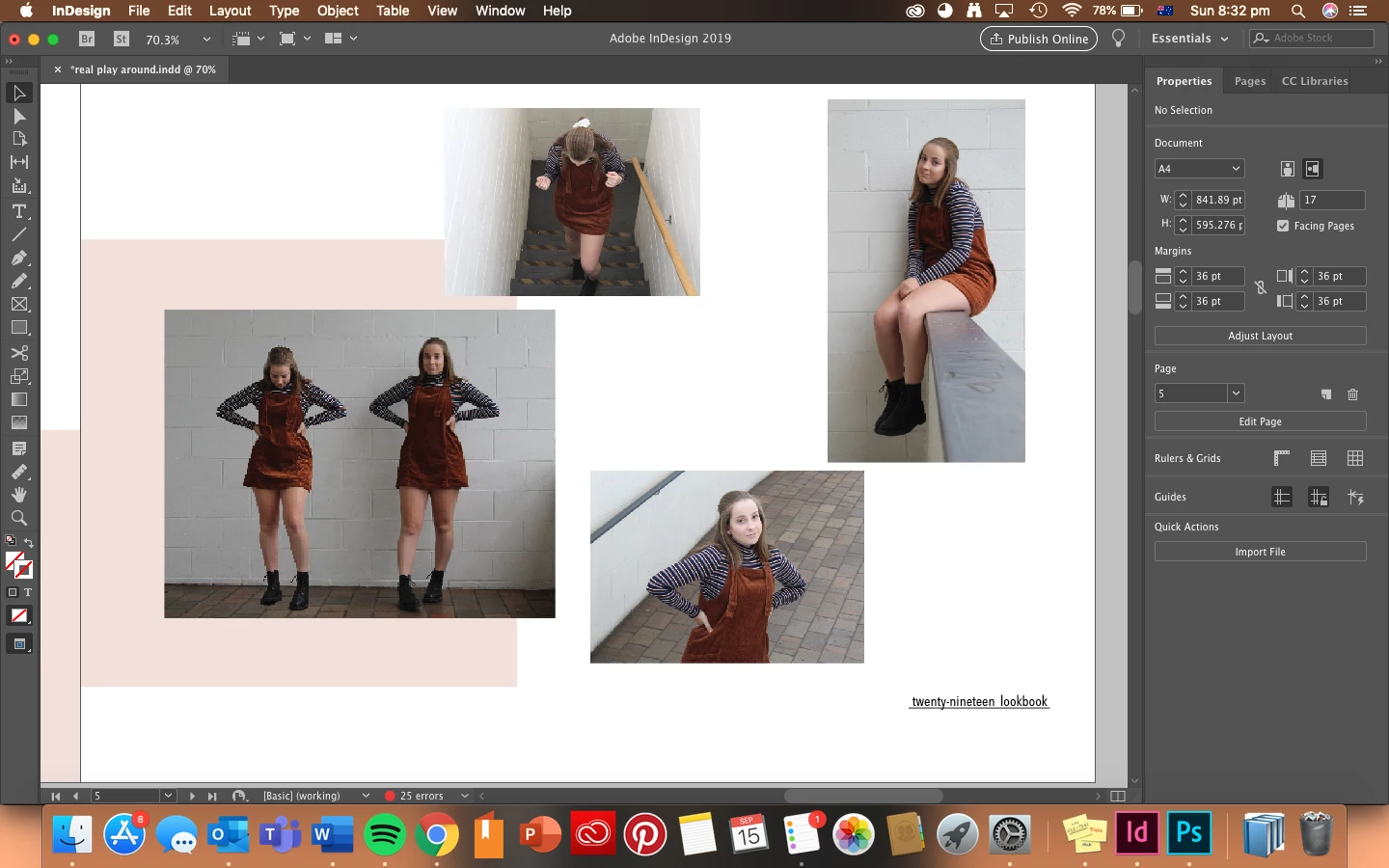
    This topic has been closed for replies.

    3 replies

    Barb Binder
    Community Expert
    Community Expert
    September 16, 2019

    Great news. Glad we could help. 😊


    ~Barb

    ~Barb at Rocky Mountain Training
    Barb Binder
    Community Expert
    Barb BinderCommunity ExpertCorrect answer
    Community Expert
    September 15, 2019
    Steve Werner
    Community Expert
    Community Expert
    September 15, 2019

    A couple suggestions: By default, the image previews in InDesign may not be set at highest resolution. Choose View > Display Performance > High Quality Display.


    If that doesn't solve it, check what your image resolution is: You can do this with the Info panel (Window > Info). Select a picture and in the Info panel, view the picture's Effective Resoluton. This is the most important factor: If the Effective Resolution is too low, maybe because you enlarged a small picture, this would mean there are not enough pixels in the image for good quality.


    catmacfarAuthor
    Participant
    September 16, 2019
    thank you very much this solved the issue!