Participant
January 9, 2023
Answered

Possible Bug? Opening inDesign File on Mac

  • January 9, 2023
  • 2 replies
  • 584 views

Happy Monday!

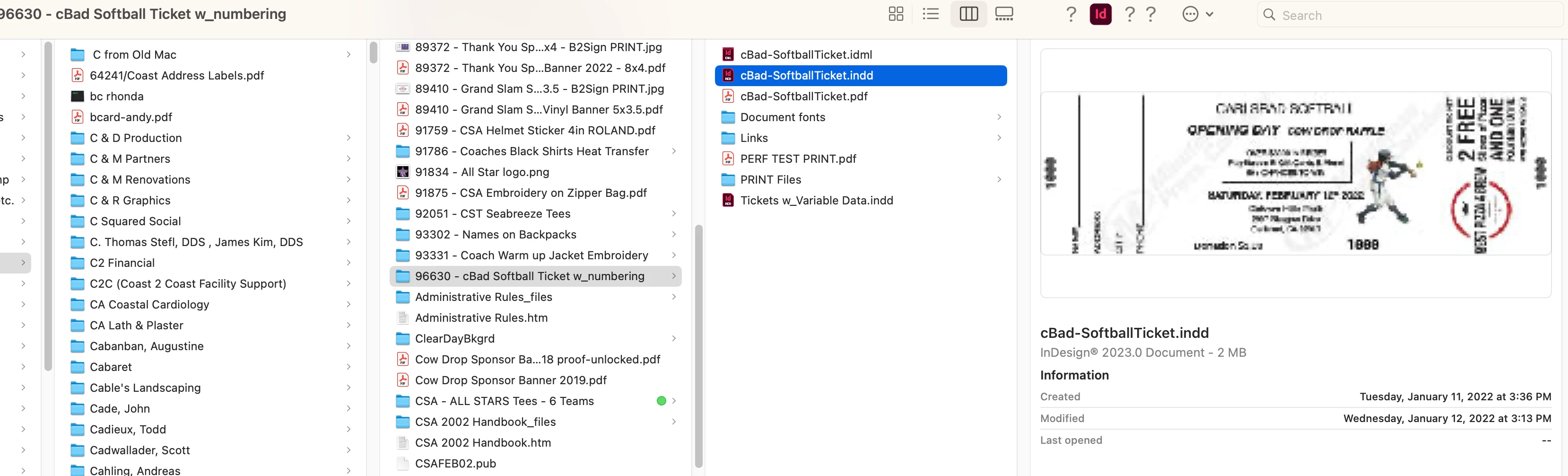
I recenlty updated inDesing to the newest 2023 version, and I'm having issues opening inDesign files. It doesn't happen all the time but it has happened twice and it's scary because it says that the "file can not be found" eventhough it's clearly in the folder and this has only started happeing since the latest update. I am attaching screenshots for you to see. Please help!! 😞

 

This topic has been closed for replies.
Correct answer davecourtemanche

Are you just double clicking to open? Can you navigate to the file and open it without issues? Can you drag the file onto the app icon & open it? Is the file on a server? Could be server lag...

2 replies

Jeremy AB
Known Participant
January 10, 2023

Hi. Are you running Ventura? I've seen this with Ventura and InDesign 2022 files, along with ZIP, PDF, PSD and DOCX. It only seems to happen with files I download from Safari, not with files I create myself and if I try opening the file a second time the error is gone.

MMPCbadAuthor
Participant
January 10, 2023

Hi Jeremy!

Thank you for responding, it looks like it was a problem with the server. It opened when I dragged it onto the icon 🙂

davecourtemanche
davecourtemancheCorrect answer
Inspiring
January 10, 2023

Are you just double clicking to open? Can you navigate to the file and open it without issues? Can you drag the file onto the app icon & open it? Is the file on a server? Could be server lag...

MMPCbadAuthor
Participant
January 10, 2023

Good morning Dave!

I tried dragging it onto the app icon as you said and it worked 🙂

Thank you so much, I didn't even think about trying that at all. So does this mean is a server issue correct? Nothing to worry about?


Thank you again!