Inspiring
December 11, 2022
Answered

Potential overprint problems

  • December 11, 2022
  • 2 replies
  • 424 views

I have a PDF document with grayscale content. I was thinking about converting it to CMYK (to K only, to be more precise) by using the option Promote Gray to CMYK Black and Preserve Black Objects in Acrobat (Tools > Print Production > Convert Color).


The conversion works fine, but afterwards, the preflight warns me that I have black objects set to knockout. This preflight check is called Potential Overprint Problems. I think that this happens because the objects were previously grey, so they were not set to overprint.


I don't know if this is a big problem, cause visually everything looks fine. Note that Acrobat is set to Overprint Preview while I'm viewing the document (Edit > Preferences > Page Display > Use Overprint Preview).


The black objects where the preflight locates the problem are vectors (fills and strokes). They were exported as PDFs from Illustrator (in grey) and they were placed in Indesign on a white (paper) background.


After the conversion to CMYK, I tried the Pitstop plugin (global change: Change Overprint) to solve the problem and it seems that it works. It automatically sets all the black objects (>97%) to overprint.


But I want to be sure that I'm doing everything right and I don't want to mess up something, so thank you in advance for your opinions.
This topic has been closed for replies.
Correct answer rob day

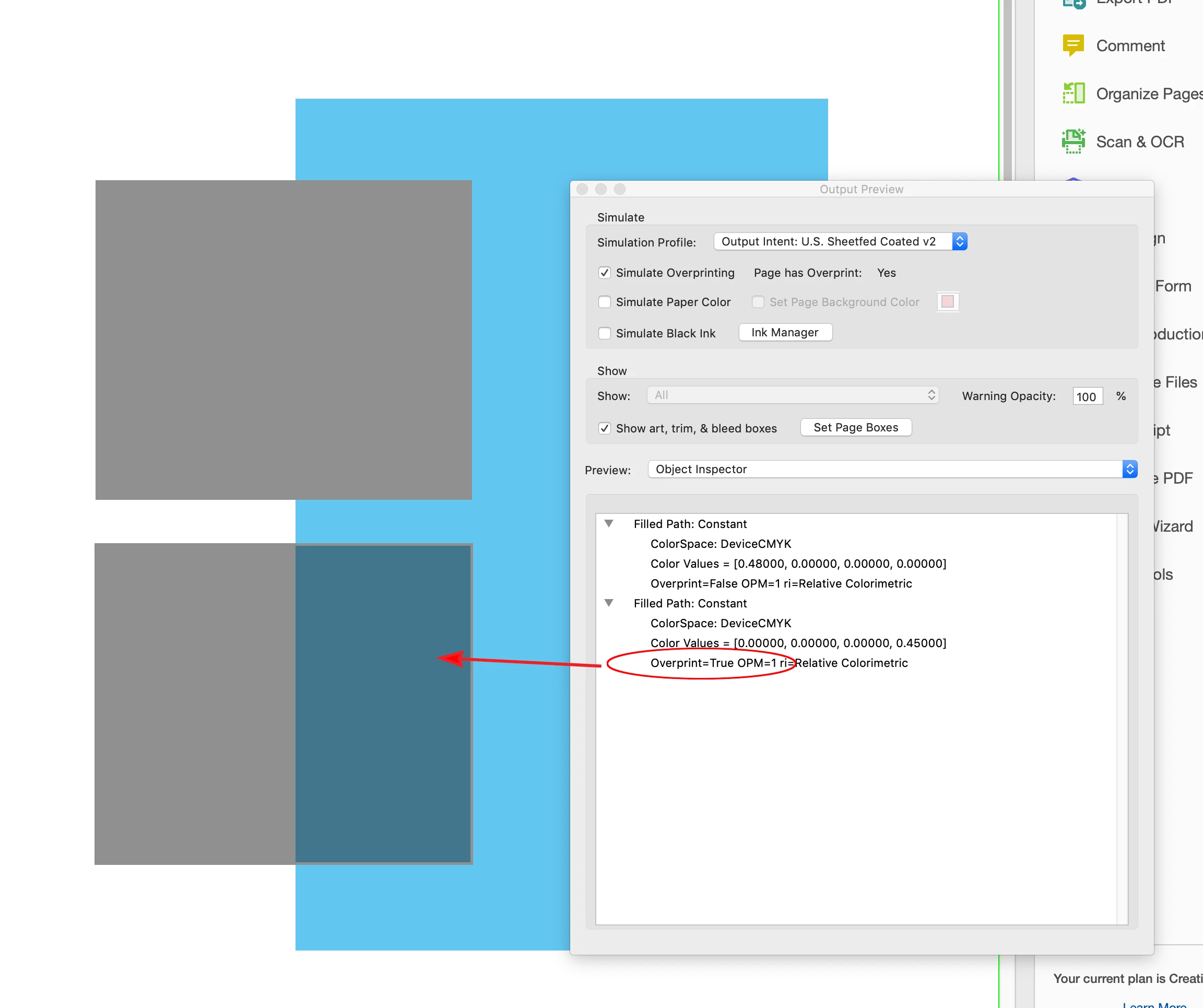
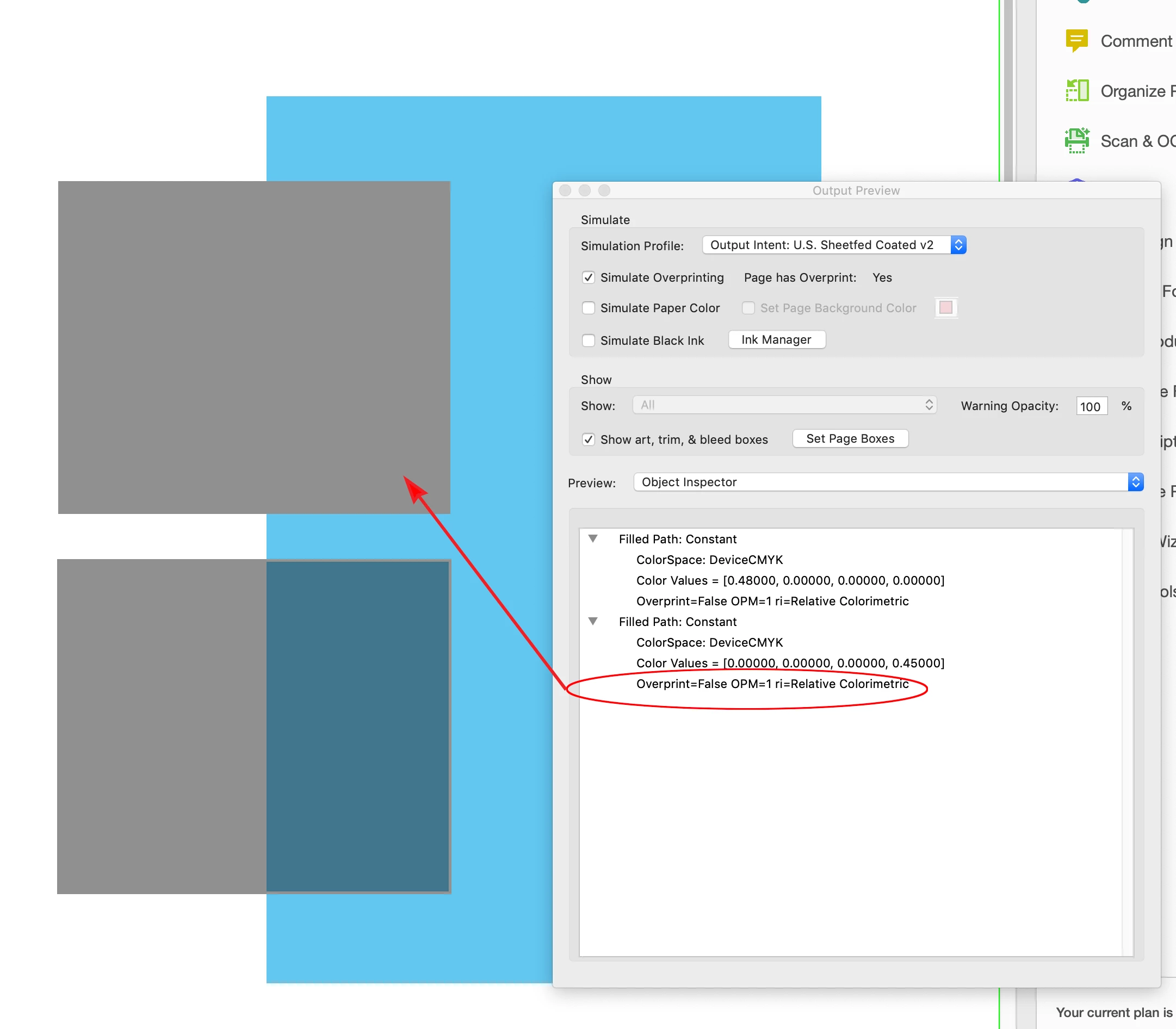
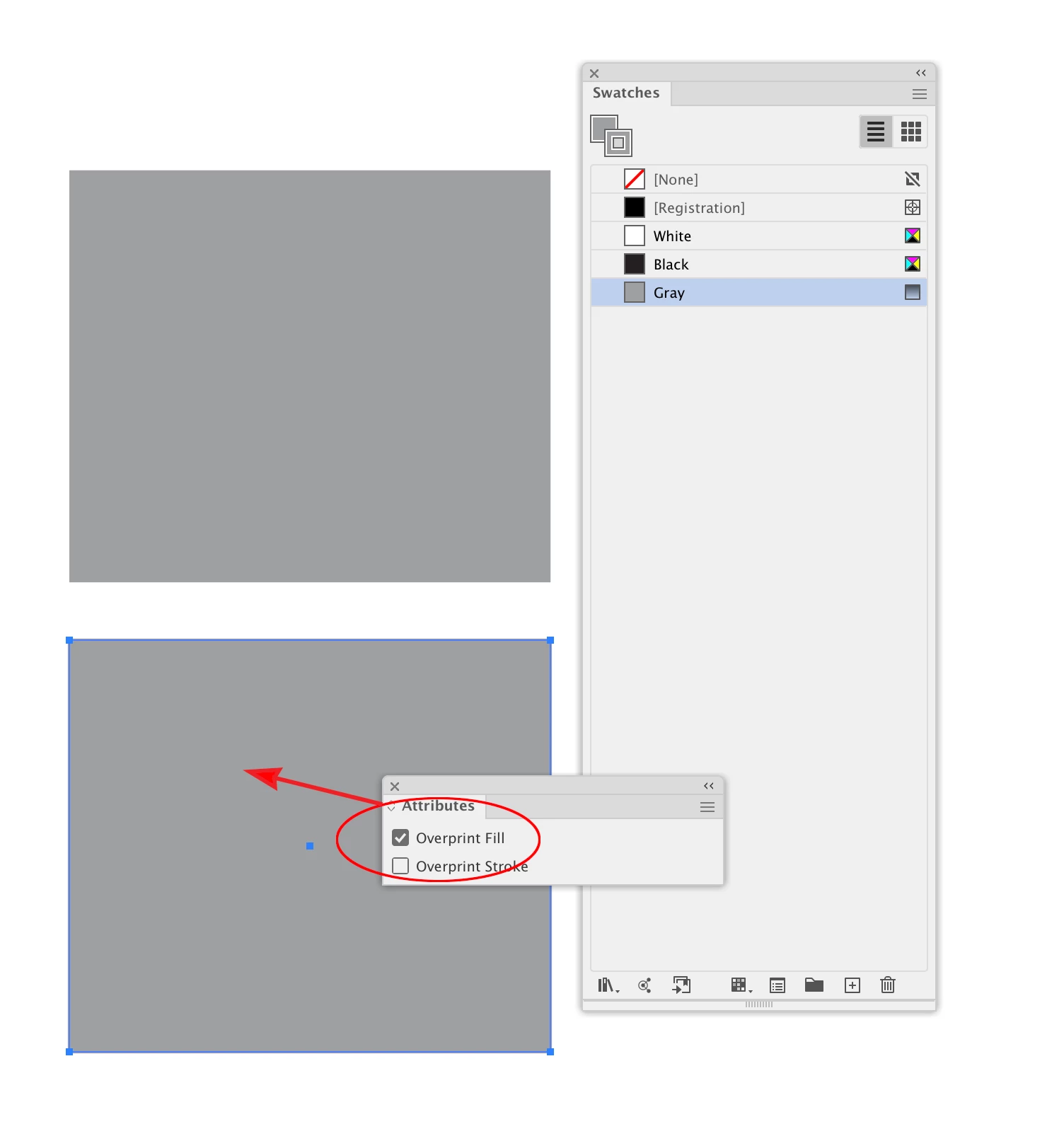
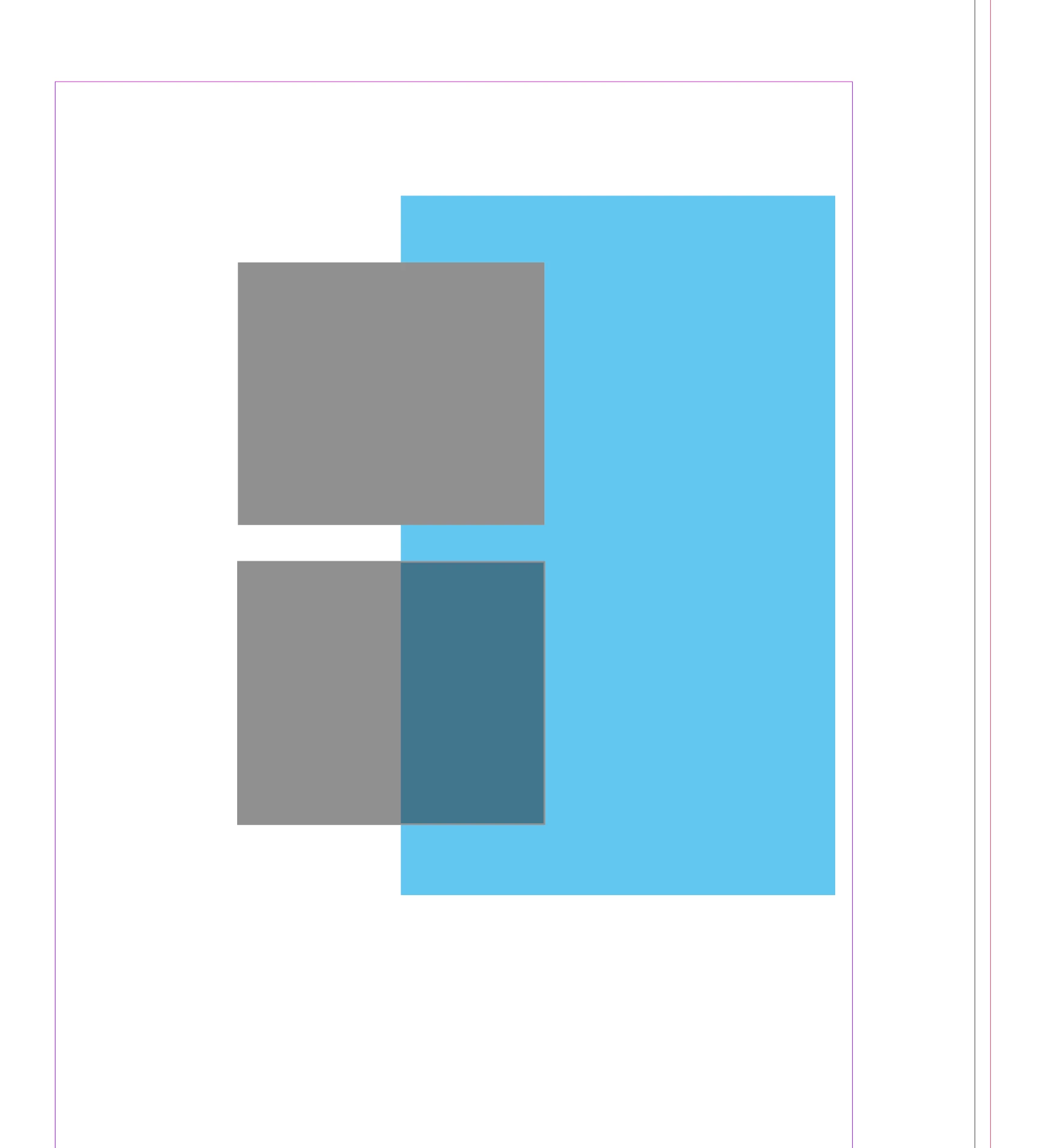
Also, check your Illustrator file. If you set the Overprint to on in Illustrator, InDesign and Acrobat will honor the OP:


2 replies

rob day
Community Expert
rob dayCommunity ExpertCorrect answer
Community Expert
December 12, 2022

Also, check your Illustrator file. If you set the Overprint to on in Illustrator, InDesign and Acrobat will honor the OP:


Brad @ Roaring Mouse
Community Expert
Community Expert
December 11, 2022

Since you are in one colour, I would say you can safely ignore the issue. By default, objects in the Postscript/PDF world render from the ground up, with any value for any colour channel of the next object above winning (knocking out), as if you are working with Opaque paint. e.g. if you have a "Black" object coloured 0C 0M 0Y 100K overtop of a coloured object. eg. 20C 40M 50Y 70K.  The result by would be 0C 0M 0Y 100K. What the Overprint operator does is change how any channel with a value of "0" reacts to the object below, So with Overprint on, the result would be 20C 40M 50Y 100K.

Howver, if the object above was instead a grey 0C 0M 0Y 50K, the results would be as follows:

By default (without Overprint) the result would be 0C 0M 0Y 50K.

With Overprint ON it would be 20C 40M 50Y 50K. ... Why 50K and not 70K? Only one value can exist at at time, so the one on top wins, ergo 50K, whether Overprint is on or not.

So, in your case, since all your objects are values of K, the one on top wins out whether Overprint is on or not, unless it's White (0K)

Of course, in PDF code, colours can exist in Transparency, and different rules apply when you use the Multiply operator, but this is not in play here, by your description.