



Preflight Not Working?
Working in InDesign 2024, version 19.5.2 (MAC) - unable to upgrade to 2025 as I would need to get the new M series. I literally just downloaded an image from the web, which is RGB and 72ppi. In the links it does show up as RGB and 72 actual PPI and a higher effective PPI.
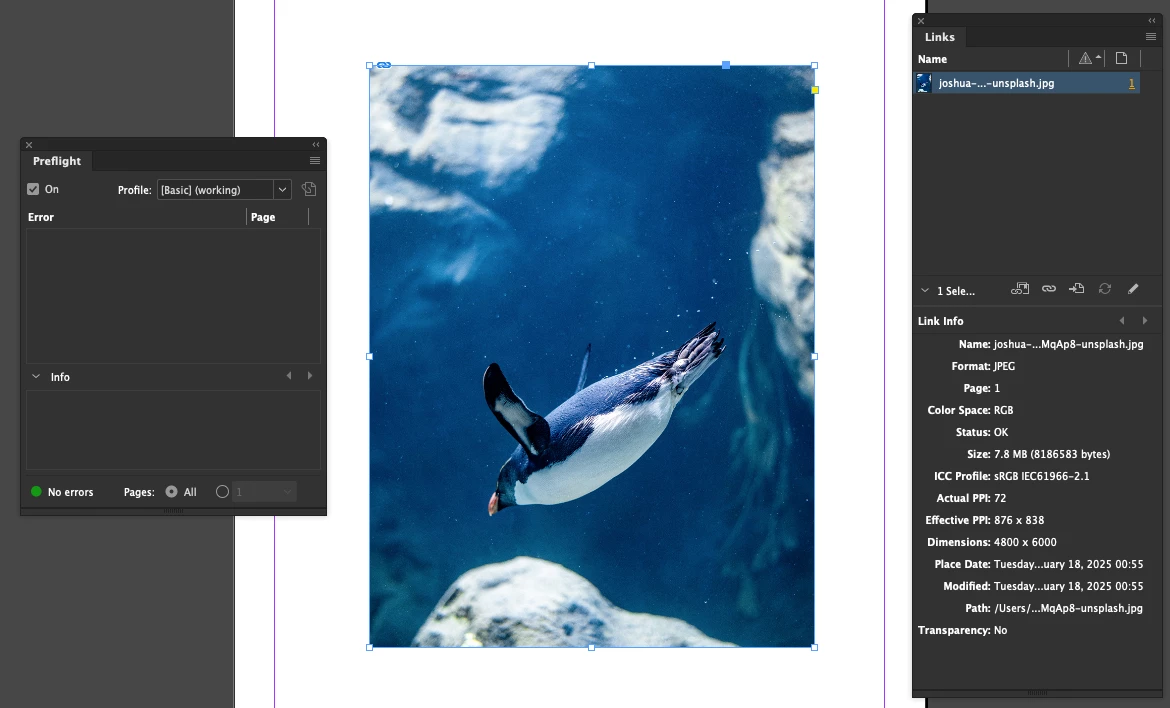
If I was saving this for the web, sure it's marginally ok... but if I wanted to save this for a commercial printers, I should be saving the images at CMYK and 300 ppi... and it would get flagged if I attempted to 'package' this file
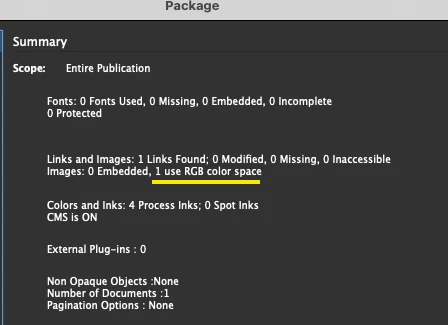
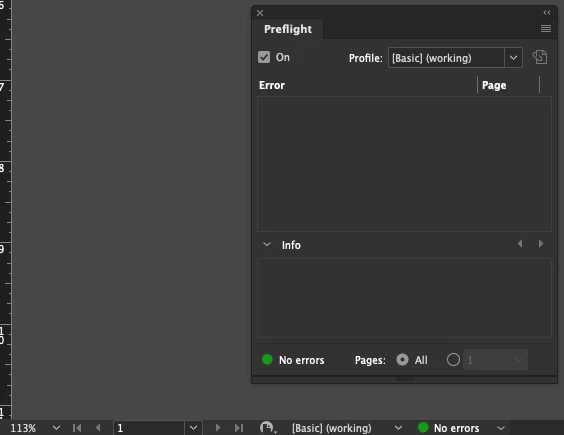
But, I was wondering why my 'Preflight Panel' isn't showing up as errors. I have other files where overset text is there, and even the Preflight Panel' or the 'bottom here' gets flagged.
Questions:
1. Why isn't my preflight panel working or at the bottom of my app frame not showing the errors,e ven though my document is set for 'Print' presets.


 AdChoices