
Participant
July 23, 2023
Answered

Preflight Panel Error: No Text Frame is Selected/Highlighted

  • July 23, 2023
  • 4 replies
  • 1226 views

Hello, community! I have an issue after changing the CHARACTER STYLE/FONT; from a sans to a sans serif font; which causes the changes of the text frames. Usually, when there is overwritten text, it will be highlighted, with a "+" symbol. However, it is not happening this time.
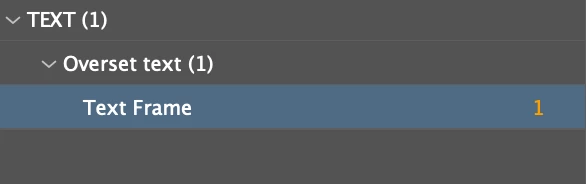
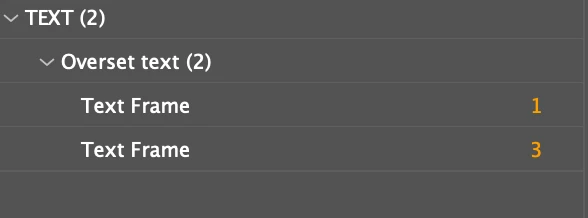


On the Preflight Panel, it shows 1 error, and I click the #1 nothing is selected/happened; after I duplicated the page(because I have two background colors on my page setting for the design), it changes to 2 errors with a #3; click on them and nothing happens again. Is it weird? If I duplicate ONE error, then it should be 2 x One error, right?


What I've tried so far:

1. I have backup my old document and I try to find out where are the error. The error appears after I edit that character style, so I believe it's the text issue. That's why I try to find it out in my "txt" layer. So I have tried deleting the whole text frame. Unfortunately, the error is still there even if it is just a blank page(see image below)
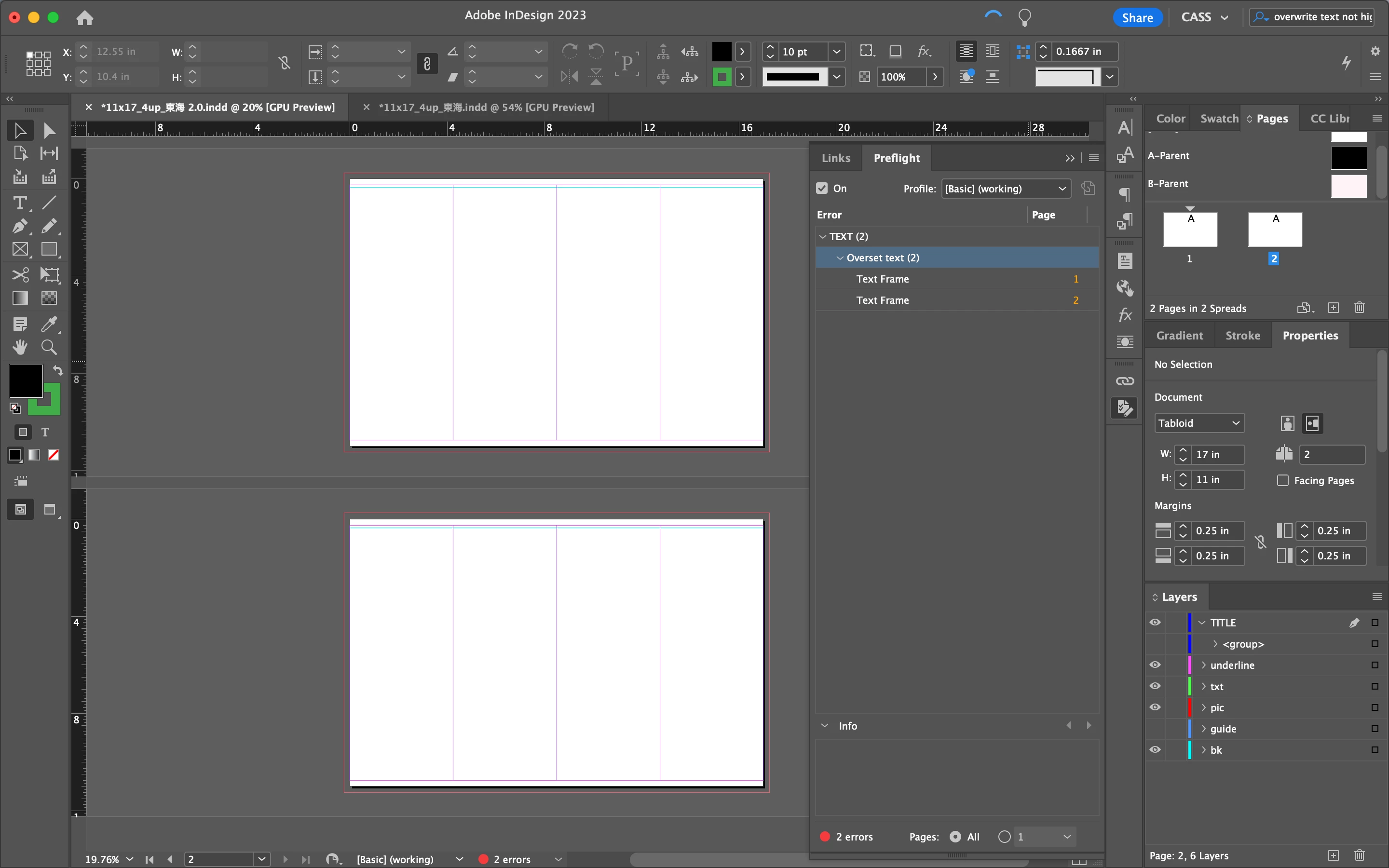
2. I have restarted my MacBook Pro and InDesign, same issue there. The only way the error will be disappeared is when I "Disvisable/👀" the "txt" layer. But it is a blank page already since I've single-clicked each text frame to be invisible; trying to find which one is the "Overset Text"... After all, nothing can be selected and the error is still there.


Here, may anyone let me know what is going on? And how can I fix it? Or is it just a BUG? The content and design in it take me a whole week, so it won't be a good idea to retype them again. Please help:)

    Correct answer Thunder-Lightning

    Hi,

    from your screenshot, there is a grouped object on your 'TITLE' layer that is not showing. Un-hide it and check.

    Also check the hidden 'guide' layer.

    4 replies

    Thunder-LightningCorrect answer
    Inspiring
    July 24, 2023

    Hi,

    from your screenshot, there is a grouped object on your 'TITLE' layer that is not showing. Un-hide it and check.

    Also check the hidden 'guide' layer.

    c4cassAuthor
    Participant
    July 27, 2023

    Hi hi Thunder, the issue is fixed. Thanks for your hint!!!! It is in one of my hidden text groups under the "txt" layer since my other layer is images and lines. In my question, I stated that when I hid the whole "txt" layer, the error is gone; however, no wonder why the group of text was hidden as well but it is still preflight as errors. Also, it is confusing the number change from 1 to 3 and they were the same kind of error as a duplicated page. 

    Community Expert
    July 23, 2023

    Click on the text frame and go to the Story Editor

    Edit > Edit In Story Editor

    Does the overset text show up there?


    Looks like the entire text is overset, check for massive amounts of left or right indents etc.


    Hard to tell from the screengrabs.

    Community Expert
    July 23, 2023

    Hi @Eugene Tyson,

    Even in such a case shouldn't the preflight panel atleast select the frame with the overset? I suppose the OP is bothered with the panel not selecting the textframe as he/she/they are not able to figure out where exactly lies the overset,

    -Manan

    -Manan
    Community Expert
    July 23, 2023

    Possibly I can't remember off the top of my head. I'd have to see the doc to see what's going on.


    Some odd things being reported lately in the 18.4 update. 


    Community Expert
    July 23, 2023

    Try trashing the InDesign preferences and see if it helps.

    https://www.rockymountaintraining.com/adobe-indesign-rebuilding-preferences-cache/

    Try exporting the document to IDML and then resave back to INDD, this could also help

    -Manan

    -Manan
    kglad
    Community Expert
    Community Expert
    July 23, 2023

    in the future, to find the best place to post your message, use the list here, https://community.adobe.com/

    p.s. i don't think the adobe website, and forums in particular, are easy to navigate, so don't spend a lot of time searching that forum list. do your best and we'll move the post if it helps you get responses.


    <"moved from using the community">