donaldp70110706
Participant
August 15, 2017
Question

Print booklet creating the wrong size .ps file

  • August 15, 2017
  • 3 replies
  • 3786 views

Hi there,

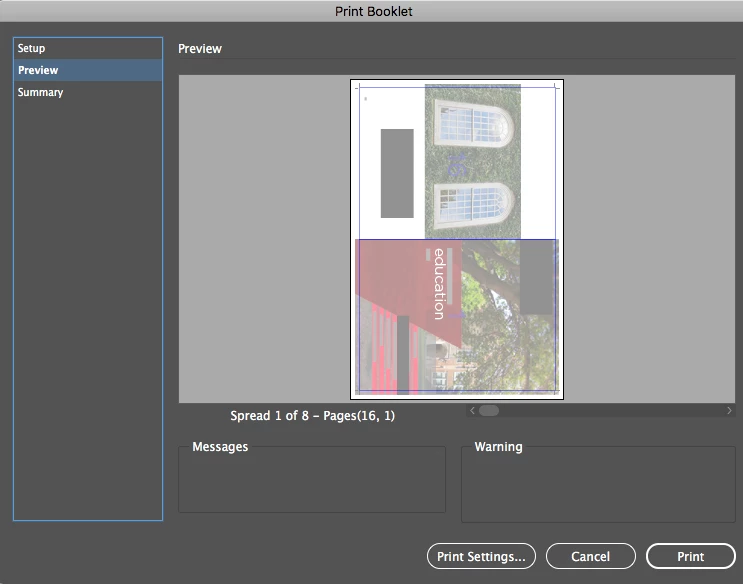
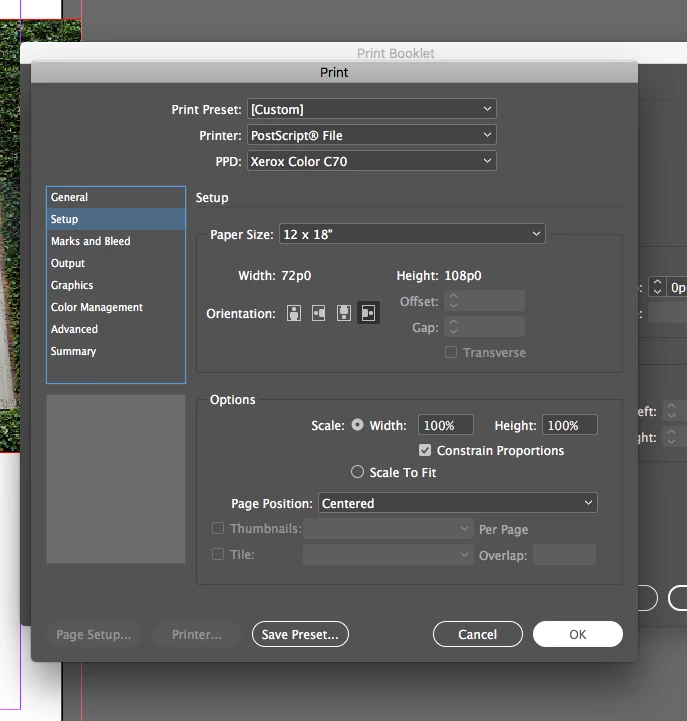
I created an 16 page 8.5 x 11" document with full bleeds and crops. I want to print on 12 x 18 paper so that I can later cut down to the final size

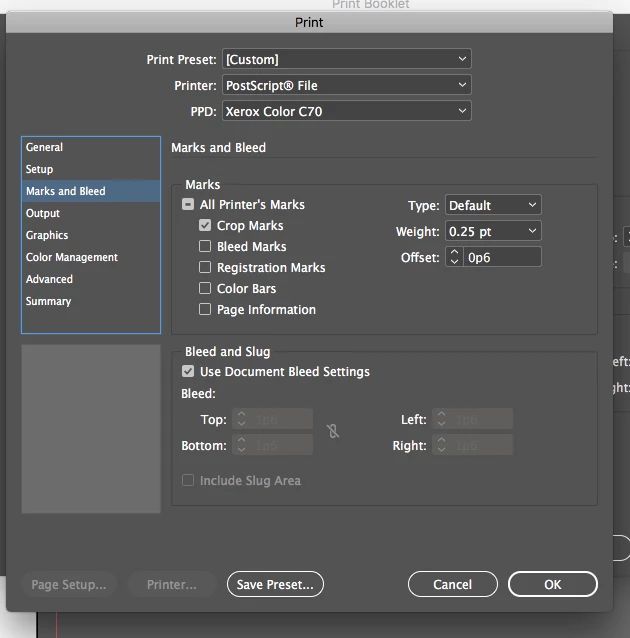
Using Print booklet is creating the following issue (screenshots attached)
And here is where the issue shows up when I open the PS file in acrobat:
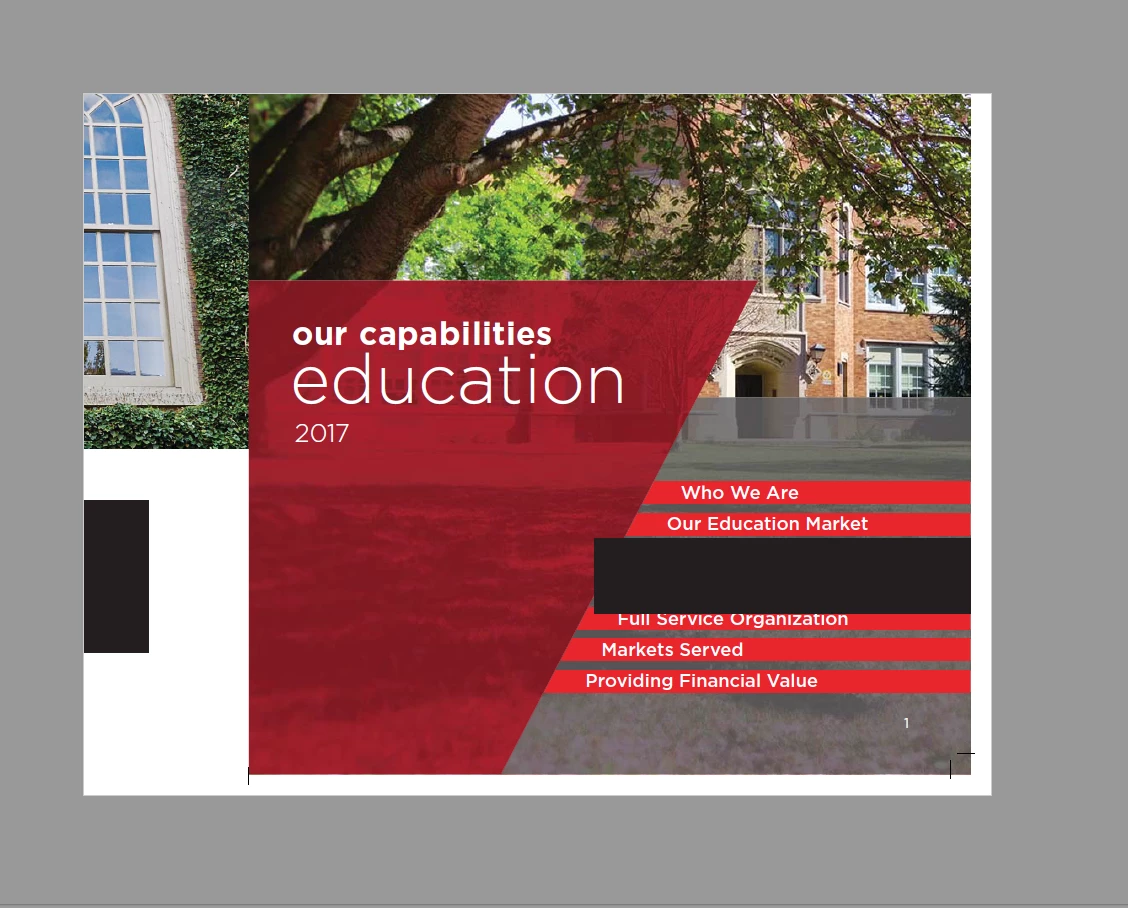
It is not 12x18 it is an 8.5 x 11 document that is for some reason cropped to the lower right. Could someone please help me out?

Thanks in advance

    This topic has been closed for replies.

    3 replies

    rob day
    Community Expert
    Community Expert
    August 15, 2017

    Print Booklet to a .ps file works best with the Adobe PDF 9.0 PPD where you can spec any custom width and height. Third party printer PPDs often don't work. My link has a link to download the PPD.

    Legend
    August 15, 2017

    It's important to use the right PPD. If you are sending it direct to the Xerox C70 that's the right PPD. But you aren't. Your "device" is Distiller, so use the Distiller PPD. There may be other issues, but it's entirely possible that the Xerox PPD sets page size in a way that is private to Xerox and Distiller doesn't see.

    It doesn't matter a bean if you're making a PDF for later printing to the C70; the immediate device would be Distiller and no other device dependent stuff (except possibly halftone info) can survive distilling.

    Derek Cross
    Community Expert
    Community Expert
    August 15, 2017

    Try printing from a PDF selecting High Quality Print from the presets.

    pentagramwookie
    Inspiring
    May 3, 2021

    What do you mean? The OP is asking about collated PDF, your solution only works for individual pages, not if you need COLLATED PAGES.,

    rob day
    Community Expert
    Community Expert
    August 15, 2017