Known Participant
February 14, 2022
Answered

Print booklet has wrong page orientation

  • February 14, 2022
  • 2 replies
  • 10283 views

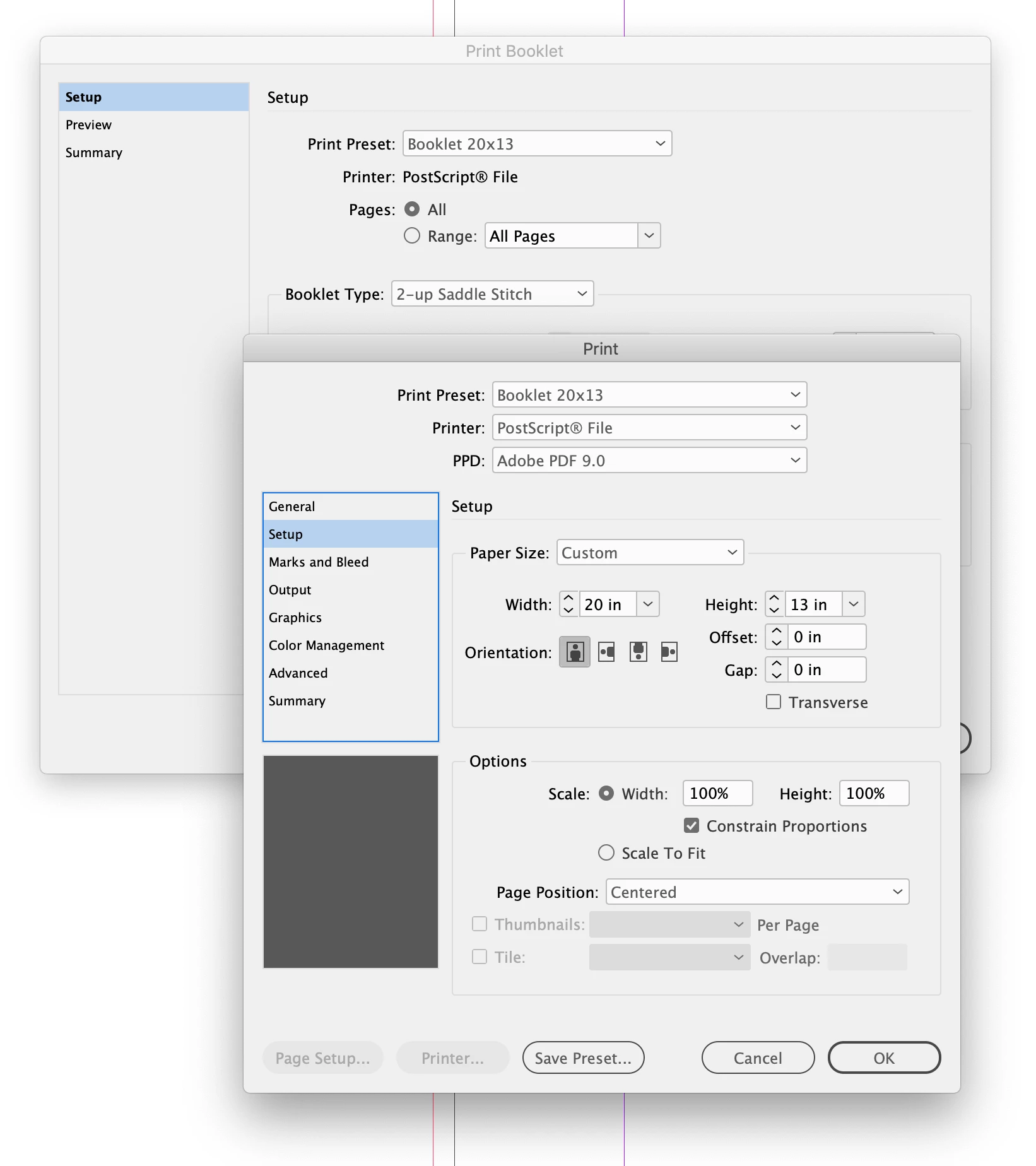
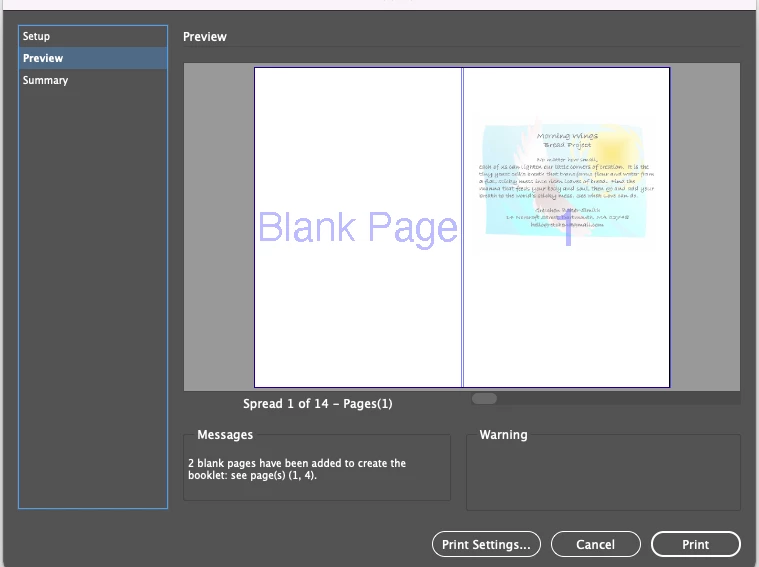
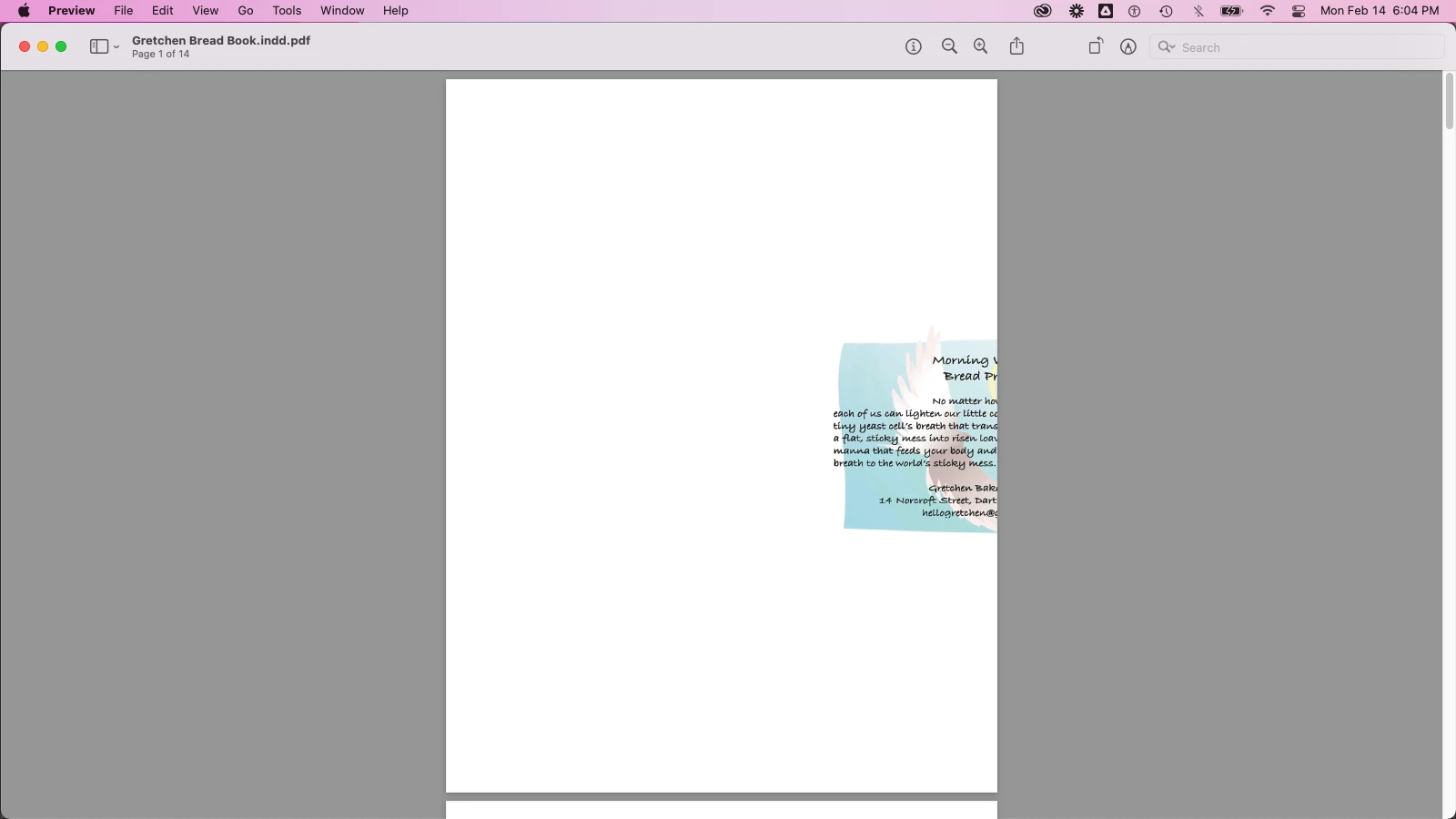
I have a document set up to print as a booklet with 5.5x8.5 pages on a spread. It looks fine in preview but the .ps file has the wrong page orientation. I've attached the Summary txt from Print Booklet.
Correct answer rob day

Thank you. Maybe I have the wrong printer driver, but InDesign won't let me set up Portrait as 11x8.5: "The value must be between 3 in and 8.5 in."


Maybe I have the wrong printer driver


You need to install the Adobe PDF 9.0 PPD:


2 replies

BobLevine
Community Expert
Community Expert
February 15, 2022

Export a proper PDF and then use Acrobat's booklet feature to print it.

Gidget5Author
Known Participant
February 15, 2022

I left out important details! I want the PDF already set up as a booklet so the public can print it. I'm printing the booklet to PostScript so I can convert it to PDF. I've done it before, so I know it's possible.

BobLevine
Community Expert
Community Expert
February 15, 2022
What makes you so sure they want it that way? Most people will just read it on screen and providing that way will make that quite difficult.
Jumpenjax
Community Expert
Community Expert
February 15, 2022

our printer does not allow me to print booklet from inDesign. (we do not have a fiery for spooling) but I founda solution if you just hit print. Then in the settings on the printer side choose booklet and saddle stitch. See if that helps.

Lee- Graphic Designer, Print Specialist, Photographer