
Answered
Print/Export book as spreads
It is possible to make a InDesign book print or pdf as spreads. But the last page of an document/chapter and the first page of the next document/chapter are always single pages! Therefore many dtp-ers choose not to use the InDesign book option, but make the complete book in one document.
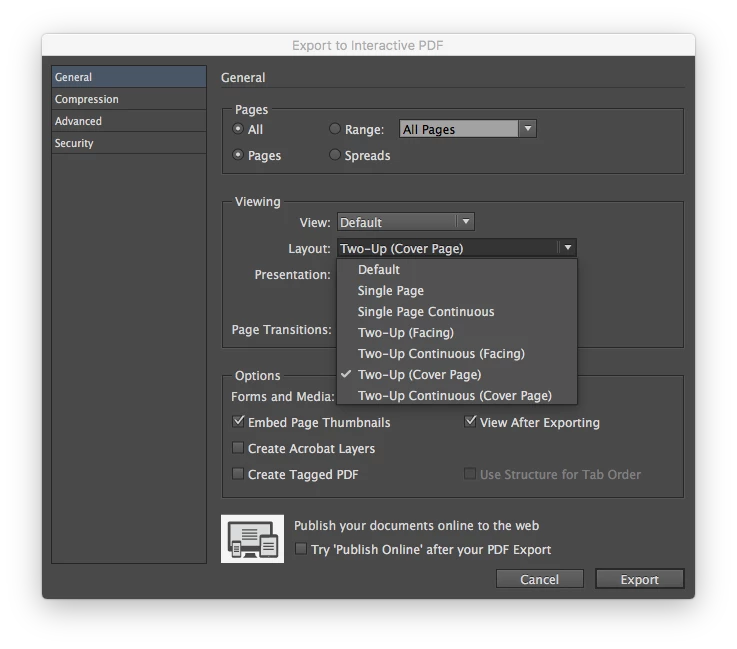
I would love to send my complete InDesign book as pdf in spreads for email review. Please let the first and last page of the book documents be exported as spreads, as if it was made in one document.
I would love to send my complete InDesign book as pdf in spreads for email review. Please let the first and last page of the book documents be exported as spreads, as if it was made in one document.


 AdChoices