Participant
August 4, 2017
Question

Print Issues around Text

  • August 4, 2017
  • 2 replies
  • 669 views

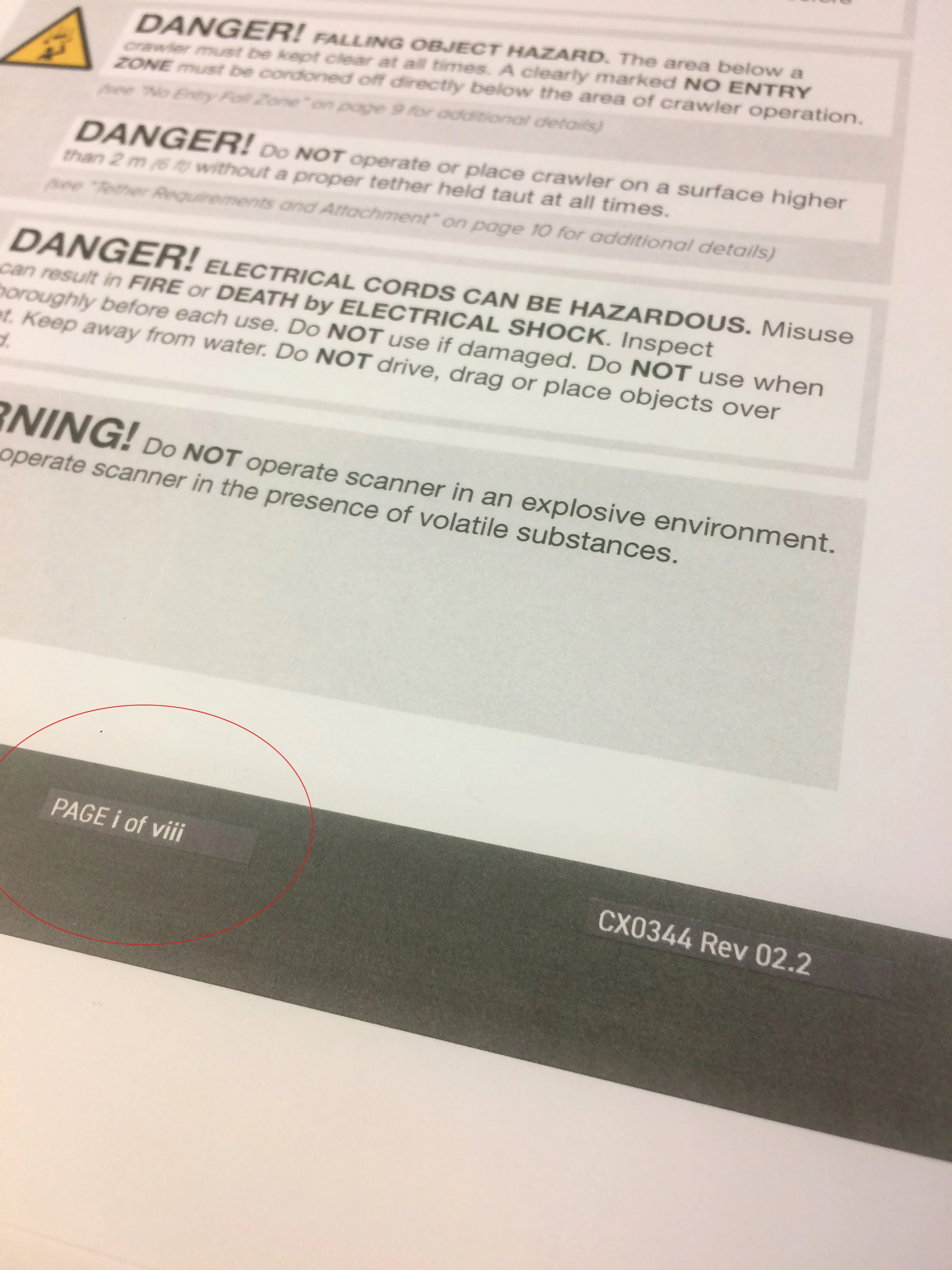
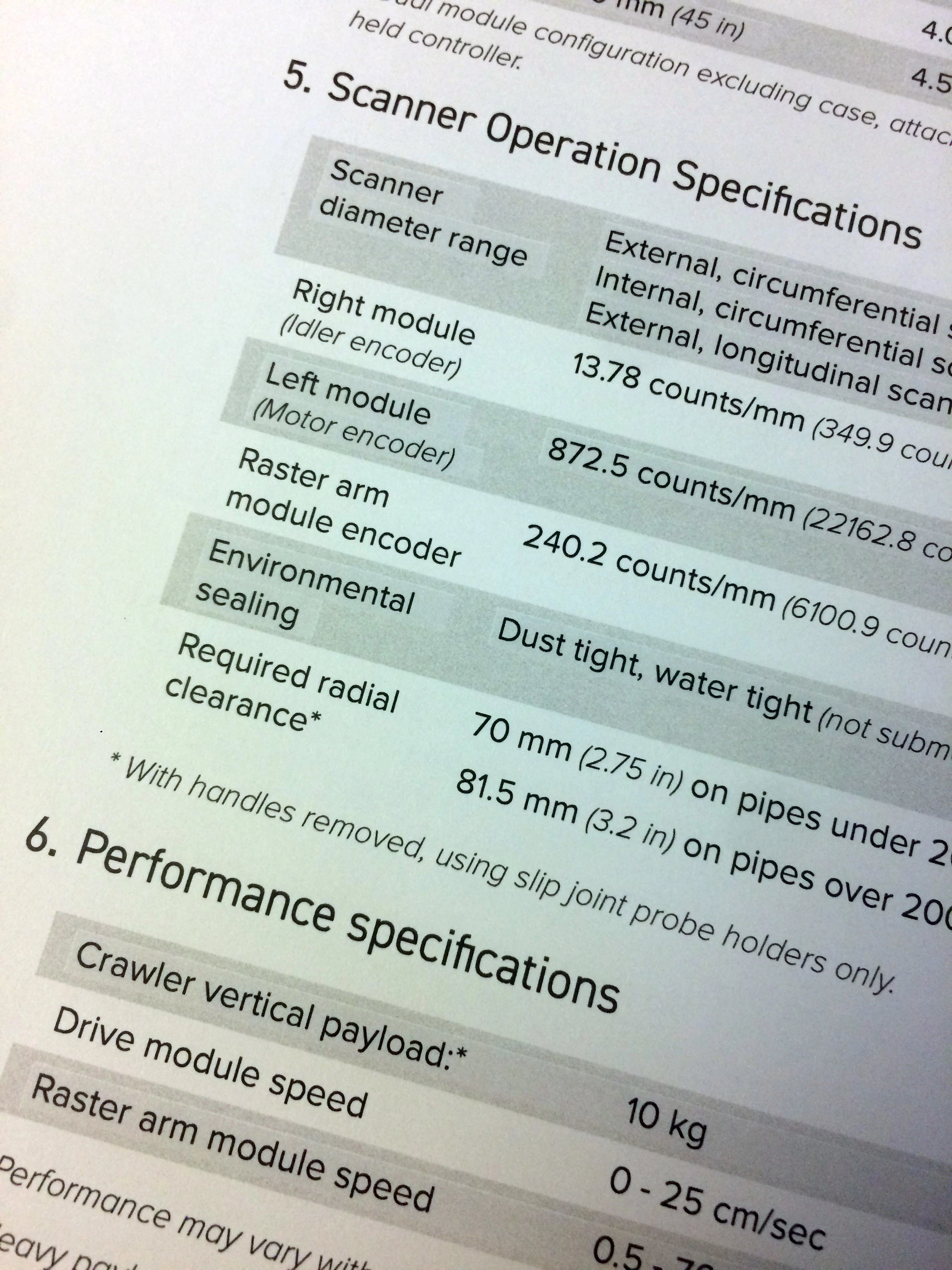
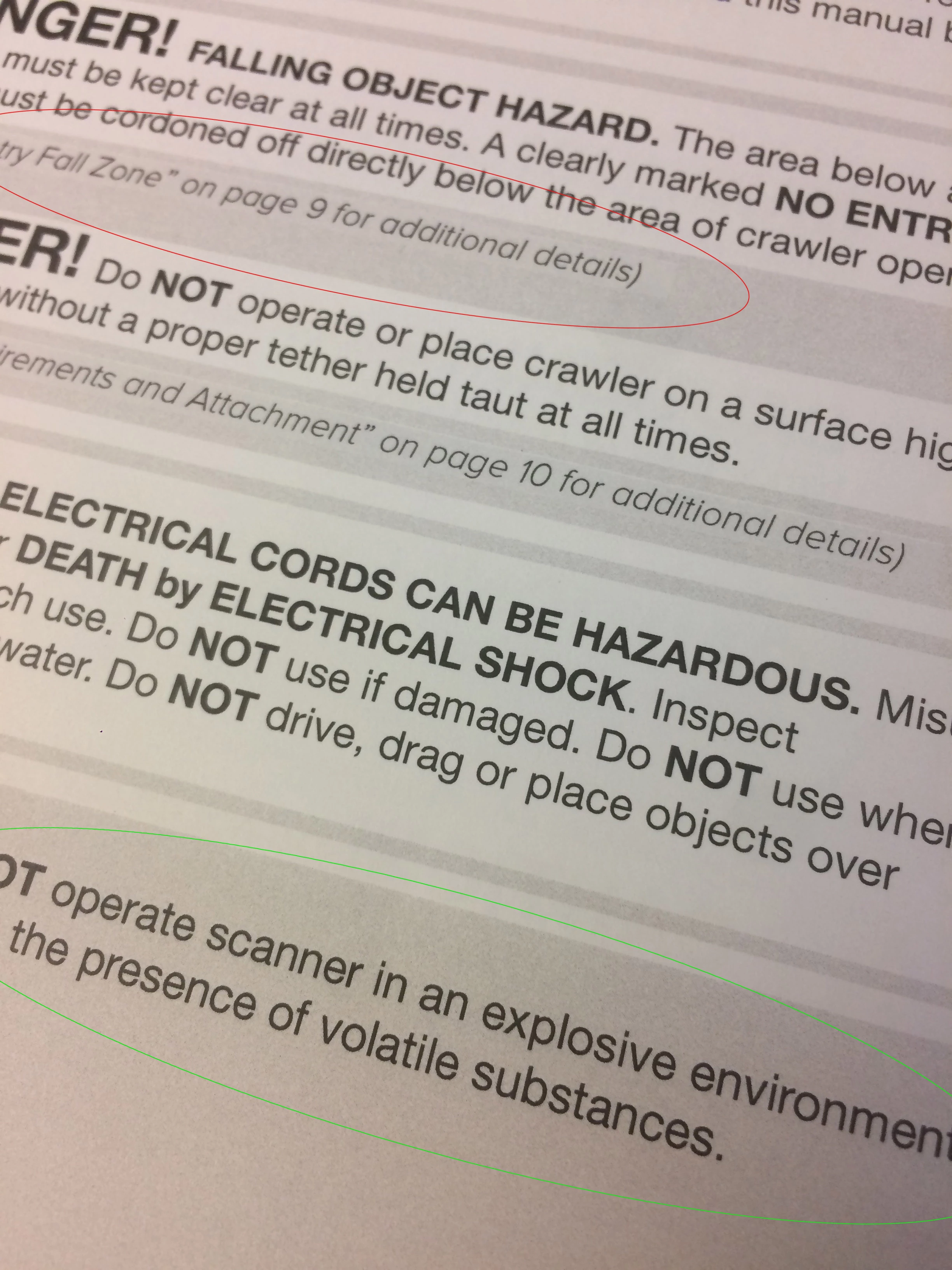
When I send an InDesign project to print, I am seeing 'boxes' around my text when the text is over top of other colors. (See highlighted in Red)

Yet, Some text appears just fine (Highlighted in Green).

It's not an issue with bounding boxes because (in the 3rd photo) the text in in a table. I've checked the paragraph and character styles, there is no background colors selected.

Any ideas why this is occurring?

Windows 7 Professional

Service Pack 1

Intel Core i7 3.4 GHz

16 GB

Adobe InDesign CC

12.1.0.56
This topic has been closed for replies.

2 replies

Barb Binder
Community Expert
Community Expert
August 4, 2017

Take a look at this article. It's old, but still valid:

https://indesignsecrets.com/eliminating-ydb-yucky-discolored-box-syndrome.php

~Barb at Rocky Mountain Training
Participant
August 9, 2017

Thanks @BarbBinder,

That lead me to this page:

http://indesignsecrets.com/ink-manager-forget-step-exporting-pdf.php

which was the solution. Turning off spot colors.

Thanks,

Barb Binder
Community Expert
Community Expert
August 9, 2017

Excellent! Glad you are back on track.

~Barb

~Barb at Rocky Mountain Training
Jeff Witchel, ACI
Community Expert
Community Expert
August 4, 2017

Is this happening in just this one document or with multiple documents?